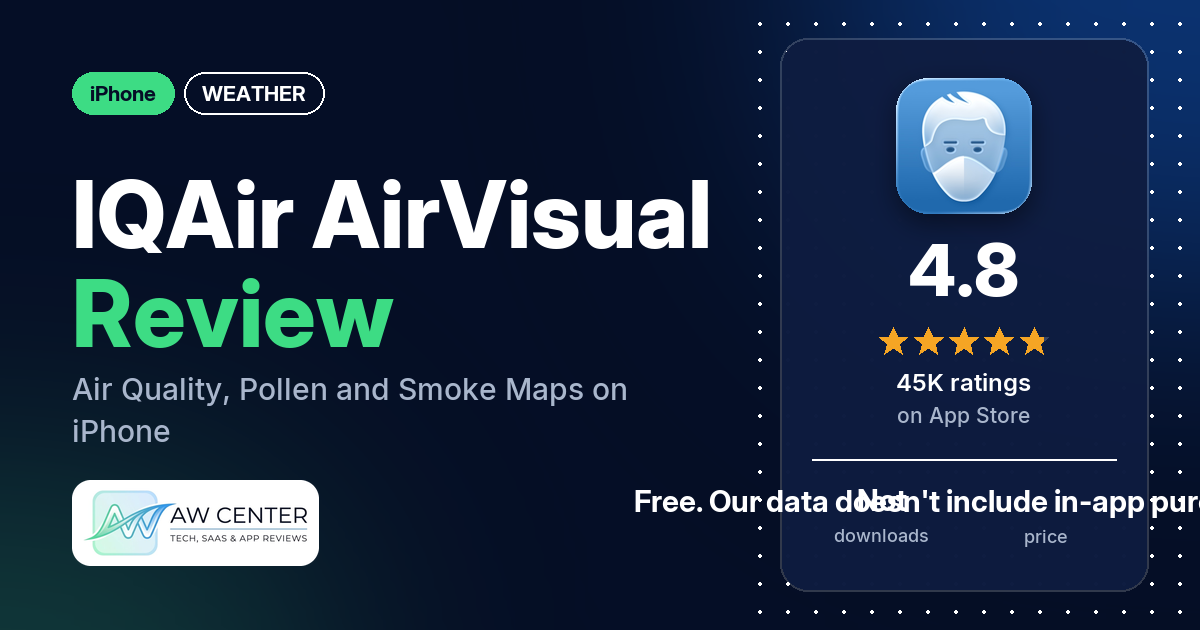
IQAir AirVisual | Air Quality is a free iPhone app from IQAir AG that shows air quality readings, forecasts and pollution maps for places around the world. It holds 4.8 stars from about 44,994 App Store ratings, and many reviewers in our sample call it helpful, useful or handy.
Quick verdict
If you check the air before going outside, especially in fire season or with allergies or a lung condition, IQAir AirVisual is worth installing. Many reviewers call it helpful, useful or handy, and several say they used it during smoke, wildfires or fire season. A few find it easy to use; a few others say the readings are accurate or reliable. Two reviewers disagree on that last point and say the readings were off during wildfire smoke, while one says the app wouldn’t let them use it unless they selected a device. The listing doesn’t mention radar, rain chances or widgets.
IQAir AirVisual at a glance
| Developer | IQAir AG |
|---|---|
| Store listing | IQAir AirVisual | Air Quality on the App Store |
| Price | Free. Our data doesn’t include in-app purchase information. |
| Ads | Not stated in the listing. No reviewer in our sample mentions ads. |
| App Store rating | 4.8 stars from about 44,994 ratings |
| Downloads | Not in our data |
| Version / last updated | 7.5.0 / November 4, 2026 |
| Requires | iOS 16.0 or later |
| First released | October 24, 2015 |
| Data checked | November 10, 2026 |
What is IQAir AirVisual?
IQAir AirVisual is an air quality app with some weather information added. The listing says it covers 500,000+ locations in 100+ countries, using government monitoring stations and IQAir’s own validated sensors. It calls itself “the most trusted and reliable air quality information from the world’s leading air pollution data provider.” The same app controls IQAir air purifiers and syncs with IQAir’s indoor and outdoor air monitors.
Key features
- Readings and history: AQI and pollutant figures for each location, with live and historical tracking of six pollutants: PM2.5, PM10, ozone, nitrogen dioxide, sulphur dioxide and carbon monoxide. History covers the past 48 hours or daily averages over the past month.
- Forecasts: 48-hour forecasts and a 7-day air pollution and weather forecast, with wind direction and speed.
- Maps: 2D and 3D world pollution maps, including the AirVisual Earth 3D heatmap.
- Wildfires and air quality events: alerts and an interactive map of wildfires, smoke and air quality events, with real-time and historical data, forecasts and news updates.
- Pollen: tree, weed and grass pollen counts for your favorite places, with 3-day forecasts.
- Health recommendations: advice for lowering exposure, with information and forecasts for sensitive groups such as people with asthma.
- Weather: temperature, humidity, wind, current conditions and forecast.
- City ranking: a live ranking of the best and worst cities for air quality, based on PM2.5, across 100+ locations.
- IQAir devices: remote control and monitoring of Atem X and HealthPro series air purifiers (filter replacement alerts, scheduled on/off), and sync with AirVisual Pro and AirVisual Outdoor monitors.
- News and learning: air pollution news and educational material on PM2.5 and other pollutants.
IQAir AirVisual vs. what a weather app should have
We filed this app under weather, so it’s scored against our weather checklist, though it’s built around air quality. “Listed” means the App Store listing names the feature, “Partial” means it covers part of it, and “Not listed” means the listing doesn’t mention it. Weather staples such as radar and rain chances aren’t part of what the listing describes.
Must have
| Feature | Status | Notes |
|---|---|---|
| Current conditions and feels-like | Partial | Current conditions are listed; feels-like isn’t |
| Hourly forecast | Partial | 48-hour forecasts are listed; two reviewers mention hourly information |
| Daily forecast of 7+ days | Listed | 7-day air pollution and weather forecast |
| Chance of precipitation | Not listed | |
| Wind, humidity, UV index | Partial | Wind and humidity are listed; UV index isn’t |
| Severe weather alerts | Partial | The listing names wildfire, smoke and air quality event alerts; it doesn’t name weather alerts |
| Radar map | Not listed | The maps listed are pollution maps |
| Home-screen widgets | Not listed | |
| Current location and search | Partial | The listing mentions “favorite locations” and events “in your area”; it doesn’t mention search. One reviewer says readings are specific to their location |
| Unit options (°F/°C) | Not listed |
Should have
| Feature | Status | Notes |
|---|---|---|
| Notification or lock-screen weather | Not listed | |
| Air quality | Listed | The app’s main purpose |
| Multiple saved locations | Listed | Favorite locations |
| Choice of data source | Not listed | The listing says data comes from government stations and IQAir’s sensors |
| Layout customization | Not listed | |
| Light and dark themes | Not listed | |
| Sunrise, sunset, moon phase | Not listed | |
| Multiple languages | Not listed |
Nice to have
| Feature | Status | Notes |
|---|---|---|
| Animated wind or global map | Partial | 2D and 3D world pollution maps and wind forecasts; no animated wind map is listed |
| Side-by-side provider comparison | Not listed | |
| Photography times (golden/blue hour) | Not listed | |
| Weather photos | Not listed | |
| Pollen | Listed | Tree, weed and grass, with 3-day forecasts |
| Lightning strike information | Not listed | |
| Custom temperature alerts | Not listed | |
| Rain-incoming notifications | Not listed | |
| Written forecast summary | Not listed |
It covers air quality, pollen and smoke, but the listing names no radar, rain chances or widgets.
Common problems reviewers report
The data we collected doesn’t include developer replies, so this table lists the problem, what reviewers say, and when they said it. Newer versions may behave differently.
| Problem | What reviewers report | When |
|---|---|---|
| Readings don’t match conditions during smoke | One reviewer says the app called the air great while they were in “horrendous wildfire smoke.” Another says the “Your Air” summary for Kings County (Brooklyn) showed “87 Moderate” while the individual stations they zoomed in on read around 200. | July 2026 |
| App asks you to pick a device | One reviewer says the app wouldn’t let them use it unless they chose to use it with a device. | July 2026 |
Don’t rely on a single app for severe weather or air quality warnings. Check official alerts from your local authorities too.
Pros (from user reviews)
- Helpful: many reviewers call the app helpful, useful or handy. That’s the most common praise in our sample.
- Wildfire smoke: several reviewers say they used it during smoke, wildfires or fire season, a few of them with smoke from Canada. One reviewer downloads it every year around fire season. Two others say the readings were off during smoke (see Cons).
- Planning time outside: several reviewers use it to decide whether to go out, how long to stay outside or how to plan the day. One, on a hiking trip in the California mountains, says the smoke justified canceling it.
- Health and allergies: several reviewers mention allergies, COPD, a lung condition or other health concerns and say the app helps or is worth having. One calls it useful for pollen.
- Accurate and reliable: a few reviewers call the readings accurate or reliable. One says it was very accurate when the AQI “got up to 1003.” Two other reviewers disagree (see Cons).
- Easy to use: a few reviewers say it’s easy to use, and one calls the interface intuitive.
- Local detail: a few reviewers like how local the readings are, and one says the app shows differences between neighborhoods in the same city. Another credits contributors who set up their own monitors, and a third says the app shows both home and official monitoring stations.
- Other cities and travel: a few reviewers follow air quality in other cities, while traveling or where family lives.
- Maps and forecasts: a few reviewers praise the maps, and a few mention the forecasts or the hour-by-hour information.
- Free: two reviewers point out that it’s free, and one expected less from a free app.
- IQAir purifier owners: two reviewers who own an IQAir air purifier say the app is easy or simple to use.
Cons (from user reviews)
- Readings that don’t match the air outside: two reviewers say the numbers were off during wildfire smoke. One, in the middle of “horrendous wildfire smoke,” says the app reported great air. The other downgraded the app to two stars because the city summary kept showing much lower numbers than the individual stations on the map, and says they “cannot trust the summary numbers at all.”
- Device prompt: one reviewer says the app wouldn’t let them use it unless they selected to use it with a device, and that it “appears scammy with the links to Google.”
The data we collected doesn’t include a star breakdown of the 44,994 ratings. Most reviews in our sample are 5-star, and the newest review in our data is from July 2026, so it can’t tell you how common these complaints are today.
Pricing
IQAir AirVisual is free on the App Store. The listing doesn’t mention a subscription or paid features, and our data doesn’t include in-app purchase information. The air purifier controls only matter if you own an Atem X or HealthPro series purifier.
Privacy and permissions
We couldn’t read the App Store privacy label for IQAir AirVisual, and our data doesn’t include its permissions list, so we make no claim about what data it collects. The listing says the app syncs with IQAir’s AirVisual Pro and AirVisual Outdoor monitors and controls IQAir purifiers remotely. One reviewer was put off by a prompt to choose a device and by links to Google.
Who it’s for
IQAir AirVisual suits you if air quality changes your plans: you live where wildfire smoke drifts in, you have allergies, asthma or a lung condition, or you work or exercise outdoors. It’s also useful if you follow the air in several cities or own an IQAir purifier or monitor. The listing doesn’t mention radar, rain chances or widgets, so if you need those in the same app, check the listing first. In an older part of their review, one reviewer suggests saving a specific location close to you as a favorite rather than a whole city or region.
FAQ
Is IQAir AirVisual free?
Yes, the App Store lists it as free. The listing doesn’t mention a subscription, and our data doesn’t include in-app purchase information. No reviewer in our sample mentions ads.
Does IQAir AirVisual show pollen counts?
Yes. The listing says it shows tree, weed and grass pollen counts for your favorite places, with 3-day forecasts. One reviewer says it’s useful for pollen.
Is IQAir AirVisual accurate during wildfires?
Reviewers disagree. A few call the readings accurate or reliable, and one says it was very accurate when the AQI reached 1003 near forest fires. Two others say the readings were off: one says the app reported great air in heavy smoke, and the other found the city summary far below the individual stations on the map.
Can I control an IQAir air purifier with the app?
The listing says you can remotely control and monitor Atem X and HealthPro series air purifiers, with filter replacement alerts and scheduled on/off. It also syncs with AirVisual Pro and AirVisual Outdoor monitors. Two reviewers who own an IQAir purifier say the app is easy or simple to use.
How this review was put together
We haven’t tested IQAir AirVisual. This review is based on public information from official sources: the app’s Google Play or App Store listing and rating breakdown, the developer’s website when there is one, and recent user reviews on the store with the developer’s replies. Features and claims are the developer’s own descriptions; what users like and dislike comes from the store reviews. Everything was checked on November 10, 2026. Apps change with every update, so check the store listing before you install.