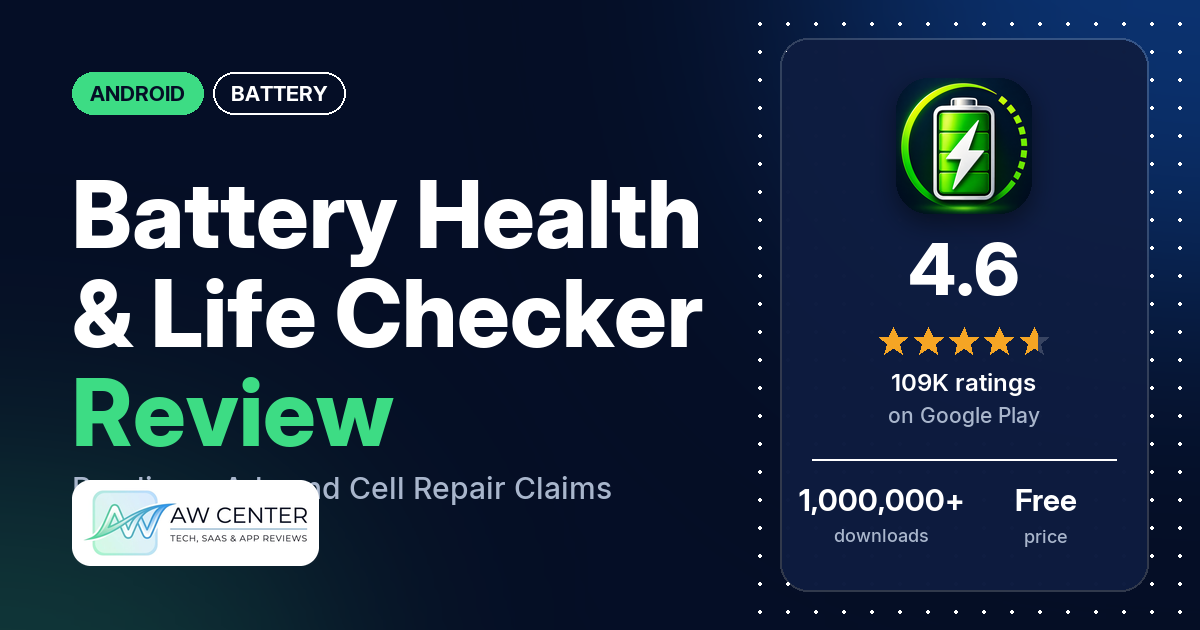
Battery Health & Life Checker is a free Android app that shows your battery’s reported health and status, voltage, battery technology and temperature. It has ads and in-app purchases, and it holds 4.6 stars from 109,209 ratings on Google Play. The listing also says, in plain words, that it does not repair the battery.
Quick verdict
If you only want to glance at your battery’s voltage, temperature and reported condition, the app does that, and a few reviewers say the readings help. Several reviewers complain about the ads, and a few say ads kept them from reaching or trying the app at all. Several more say its battery cell scan and “repair” are fake. The listing itself says the app does not repair the battery. Of the ratings in the store’s rating breakdown, 9.0% are 1 or 2 stars and 86.6% are 5 stars.
Battery Health & Life Checker at a glance
| Developer | DictionaryAndTranslator |
|---|---|
| Store listing | Battery Health & Life Checker on Google Play |
| Price | Free, in-app purchases $0.99 to $99.99 per item |
| Ads | Yes |
| Play Store rating | 4.6 stars from 109,209 ratings (86.6% of the ratings in the store’s rating breakdown are 5-star) |
| Downloads | 1,000,000+ |
| Version / last updated | 2.1.0 / October 30, 2026 |
| Requires | Not stated |
| First released | April 1, 2024 |
| Data checked | November 5, 2026 |
What is Battery Health & Life Checker?
It is a battery information app. The listing says you open it, start a battery check, and then look through the status and readings it shows. It is clear about its limits: the listing says the app “does not repair, calibrate or restore the battery, increase its capacity, or extend battery life.” DictionaryAndTranslator released it in April 2024.
Key features
- Battery health and status: the condition reported for your device.
- Voltage: shown alongside the other battery details.
- Battery technology: information about the battery type.
- Temperature: the reported reading, as part of the battery information.
- Battery check: you start a check, then review the status it shows.
Battery Health & Life Checker vs. what a battery app should have
“Listed” means the Google Play listing names the feature, “Partial” means it covers part of it, and “Reviews and developer replies” means we found it outside the listing. The listing names no alerts of any kind, so none of the alert rows in Must have are listed.
Must have
| Feature | Status | Notes |
|---|---|---|
| Full-charge alert at a level you choose | Not listed | |
| Low-battery alert at a level you choose | Not listed | |
| Alerts that fire reliably in the background | Not listed | |
| Sound and vibration options | Not listed | |
| Easy to dismiss an alert | Not listed | |
| Low battery use by the app itself | Not listed |
Should have
| Feature | Status | Notes |
|---|---|---|
| Custom alert sound and volume | Not listed | |
| Quiet hours or a schedule | Not listed | |
| Battery details | Partial | Voltage, temperature and battery technology; the listing names no charging current |
| Charge history or usage chart | Not listed | |
| Help or a support contact | Reviews and developer replies | The developer’s replies ask users to email the Support Team |
| Clear pricing | Partial | The listing says it has ads and in-app purchases but gives no prices |
Nice to have
| Feature | Status | Notes |
|---|---|---|
| Battery health or capacity estimates | Partial | Health and status as reported for your device; no capacity reading is named |
| Time-left or time-to-full estimates | Not listed | |
| Home screen widget or status bar readout | Not listed | |
| Tablet support | Not listed | |
| No ads or an ad-free option | Reviews and developer replies | The developer’s replies say the Premium version has no ads |
| No account required | Not listed |
Common problems and fixes
Reports are dated. Older ones may describe earlier versions.
| Problem | What reviewers report | When | What the developer’s replies say |
|---|---|---|---|
| Ads block the app | A few reviewers say ads kept them from reaching or trying the app; two describe a playable ad they could not skip | August 2026 to October 2026 | Ads usually show on the free version and Premium has no ads; Premium users who still see ads should email support (November 2026) |
| Cell scan and repair look fake | Several reviewers call the scan and “repair” fake or doubt that software can fix a battery; a few say clearing the app’s data or reinstalling shows different bad cells | August 2025 to October 2026 | “There is absolutely no scam involved”; send concerns by email (October 2026) |
| Asked to pay or subscribe early | Several reviewers complain about being asked to pay or subscribe; two report charges they didn’t expect | March 2026 to October 2026 | When you sign up for a free trial you are told its end date, after which the subscription becomes Premium; contact support about a refund (October 2026) |
| Scan won’t run or the app freezes | A few reviewers, without details | January 2026 to September 2026 | Email support with a video or screenshot and a detailed explanation (September 2026) |
Pros (from user reviews)
- Easy to use: a few reviewers say so. One in August 2026 calls it “easy to use, fairly fast”. One reviewer in March 2026 calls it slow to use.
- Useful readings: a few reviewers say the battery information helps. One in November 2025 found it useful “insofar as it tells you battery voltage”, and one in May 2026 says “the battery monitoring works” while dismissing the cell repair.
- Cell repair, as some see it: several reviewers say the app fixed their battery cells. The listing says the app does not repair or restore the battery, and several other reviewers call that feature fake (see Cons).
Cons (from user reviews)
- Ads: this draws complaints from several reviewers. A few say ads kept them from reaching or trying the app, one in May 2026 names TikTok ads with no easy exit, and one in September 2026 says they saw ads on a paid subscription.
- Fake cell scan and repair: several reviewers call the cell scan and “repair” fake, or doubt that software can fix a battery. A few say clearing the app’s data or reinstalling brings back a different set of bad cells. One in October 2026 says a brand-new Samsung Galaxy S26 Ultra showed damaged cells, and one in September 2026 says the phone still showed the battery as weakened after the app reported a 100% repair.
- Pressure to pay: being asked to pay or subscribe bothers several reviewers. Two report charges they didn’t expect, and one in February 2026 asks why there is no one-time purchase.
- Missing readings: a few reviewers say readings they wanted aren’t there, such as a health percentage, amps, battery cycles or a current meter.
- Health result doesn’t match the phone: two reviewers say the app called the battery good when the phone, or its battery life, said otherwise. One in March 2026 says Samsung’s own diagnosis showed the battery as weak.
- Scan fails or freezes: a few reviewers say the scan didn’t work or the app froze.
- Hard to read: a few reviewers say the results are unclear. One in August 2026 wants short descriptions of what each identifier means.
Most reviews in the sample are five words or fewer, so they say little about how the app works. Of the ratings in the store’s rating breakdown, 9.0% are 1 or 2 stars.
Rating breakdown
| Stars | Ratings | Share |
|---|---|---|
| 5 | 94,446 | 86.6% |
| 4 | 4,501 | 4.1% |
| 3 | 343 | 0.3% |
| 2 | 1,487 | 1.4% |
| 1 | 8,277 | 7.6% |
Source: Google Play ratings histogram, checked November 5, 2026. The histogram adds up to 109,054 ratings, slightly fewer than the 109,209 total, and the shares are of the histogram total.
Pricing
The app is free to install. Google Play shows that it contains ads and has in-app purchases from $0.99 to $99.99 per item; the listing doesn’t say what they buy. The developer’s replies say the free version has fewer features, the Premium version has no ads, and Premium comes with a free trial. A reply from October 2026 says you are told the trial’s end date when you sign up, after which the subscription becomes Premium, so note that date if you start a trial.
Privacy and permissions
We couldn’t read the Google Play data safety section, so we make no claim about what it declares. The permissions list includes Google Play license check, control vibration, full network access, prevent device from sleeping, receive data from Internet, run at startup, update component usage statistics, view Wi-Fi connections and view network connections. The listing doesn’t explain them. To one reviewer worried about their data, the developer replied in September 2026 that the data the app collects is used to provide the service and is not shared except as stated in its Privacy Policy.
Who it’s for
Battery Health & Life Checker suits you if you want a quick look at your battery’s reported condition, voltage, temperature and type, and you don’t mind ads or a subscription prompt. Skip it if you want alarms, charging current or a charge history, none of which the listing names. Don’t install it to fix a weak battery: the listing itself says it does not repair the battery.
FAQ
Can Battery Health & Life Checker repair battery cells?
No. The listing says the app “does not repair, calibrate or restore the battery, increase its capacity, or extend battery life.” Several reviewers describe a scan that marks cells as bad and then “repairs” them, and several call that fake. A few say clearing the app’s data brings back a different set of bad cells.
Does Battery Health & Life Checker have ads?
Yes. Google Play shows that it contains ads, and several reviewers complain about them. The developer’s replies say ads usually show on the free version and the Premium version has no ads.
Is Battery Health & Life Checker free?
It is free to install, with ads and in-app purchases from $0.99 to $99.99 per item. The developer’s replies say the free version has fewer features and you can try Premium during a free trial. Several reviewers complain about being asked to pay or subscribe.
What battery readings does it show?
The listing names battery health and status, voltage, battery technology and temperature. It doesn’t list charging current, cycles or a charge history. A few reviewers say readings they wanted, such as amps or a health percentage, are missing.
How this review was put together
We haven’t tested Battery Health & Life Checker. This review is based on public information from official sources: the app’s Google Play or App Store listing and rating breakdown, the developer’s website when there is one, and recent user reviews on the store with the developer’s replies. Features and claims are the developer’s own descriptions; what users like and dislike comes from the store reviews. Everything was checked on November 5, 2026. Apps change with every update, so check the store listing before you install.