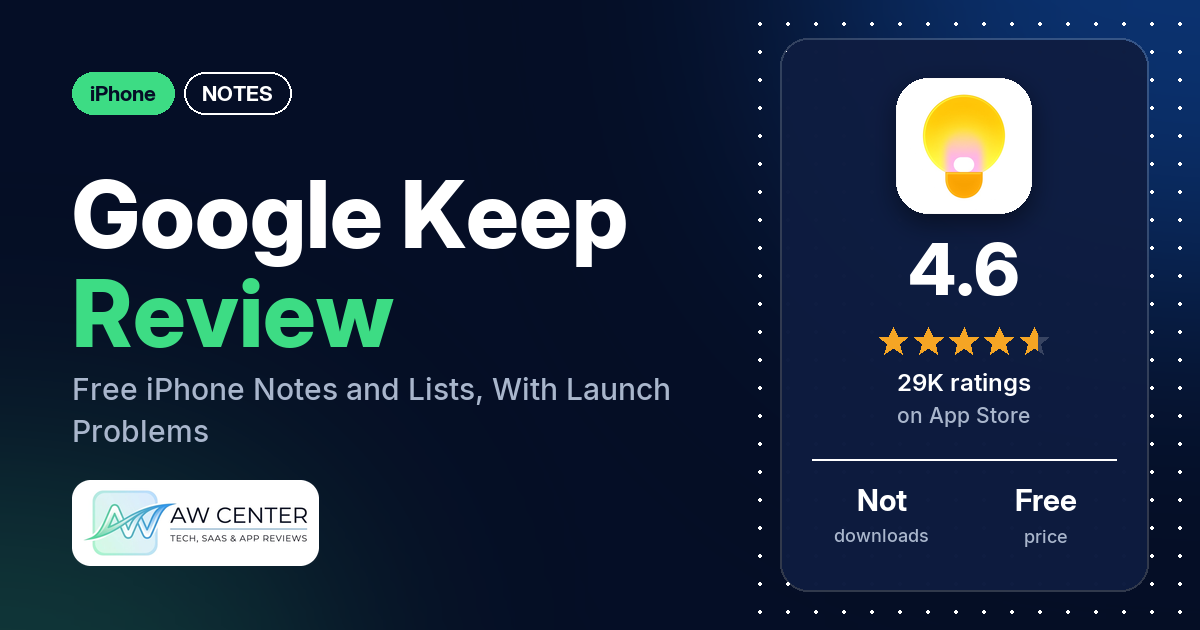
Google Keep – Notes and lists is a free iPhone app from Google LLC for notes, lists, photos and voice memos, with labels, colors and reminders, and it syncs across your phone, tablet and computer. It has a 4.6-star App Store rating, but recent reviews are rougher: the most common complaint is that the app won’t open or crashes.
Quick verdict
If you want a free place for shopping lists, to-dos and quick notes that you can also open on the web, Keep does that, and several reviewers say they like having it on all their devices. Recent reviews also report trouble. From February to May 2026, several reviewers say the app froze, crashed or wouldn’t get past the loading screen. Reminders are a second sore point: several are unhappy that they now go through Google Tasks or Google Calendar. Several others want more text formatting on iPhone, such as bold, italics or bullets. The newest review in our data is from May 2026, and the app was updated on November 9, 2026, so some of this may be fixed.
Google Keep at a glance
| Developer | Google LLC |
|---|---|
| Store listing | Google Keep – Notes and lists on the App Store |
| Price | Free |
| Ads | Not stated in the listing |
| App Store rating | 4.6 stars from 29,029 ratings |
| Downloads | Not in our data |
| Version / last updated | 2.2026.45100 / November 9, 2026 |
| Requires | iOS 18.0 or later |
| First released | September 24, 2015 |
| Data checked | November 10, 2026 |
What is Google Keep?
Google Keep is a notes app for short notes, checklists, photos and audio. The listing says you can organize notes with labels and colors, set reminders by time or place, share lists with family and friends, and find notes by search or by filters such as color. It also says everything you add syncs across your phone, tablet and computer, and that Keep runs on the web at keep.google.com and in the Chrome Web Store.
Key features
- Notes and lists: add notes, lists, photos and audio; capture, edit, share and collaborate on notes on any device.
- Labels and colors: organize notes with labels and colors.
- Reminders: time-based reminders, and location-based reminders that the listing says can pull up your grocery list when you get to the store.
- Voice memos: record a voice memo and have it transcribed automatically.
- Text from images: Keep grabs the text from an image so you can find that note later through search.
- Shared lists: share a list and watch items get checked off in real time.
- Search and filters: search, or filter by color and attributes such as lists with a “To-dos” label, audio notes with reminders, or shared notes.
- Sync and web: works on phone, tablet and computer, with a web version at keep.google.com and a Chrome Web Store version.
Google Keep vs. what a notes app should have
“Listed” means the App Store listing names the feature, “Partial” means it covers part of it, “Reviews only” means reviewers describe it but the listing doesn’t, and “Not listed” means the listing doesn’t mention it. This checklist is a first version for notes apps and will change as we review more of them.
Must have
| Feature | Status | Notes |
|---|---|---|
| Fast note creation | Partial | The listing says you can capture notes on any device; it doesn’t describe how fast. A few reviewers say they couldn’t create new notes in early 2026 |
| Organization (tags, folders or flags) | Listed | Labels and colors; two reviewers ask for folders |
| Search or filtering | Listed | Search plus filters by color and other attributes |
| Sync across devices | Listed | Phone, tablet and computer |
| Sharing or exporting text to other apps | Partial | Sharing and collaboration are listed; export to other apps isn’t mentioned |
| Home-screen widget | Not listed | A few reviewers ask for one |
| A way to back up or recover notes | Not listed |
Should have
| Feature | Status | Notes |
|---|---|---|
| Markdown or plain-text formatting | Not listed | Several reviewers want more text formatting on iPhone, such as bold, italics or bullets |
| Dictation or voice capture | Listed | Voice memos with automatic transcription |
| Themes and dark mode | Reviews only | One reviewer says the muted note colors look ugly in dark mode |
| Font and layout customization | Not listed | One reviewer likes the choice of layout; one says you can’t make the font bigger |
| Share-extension capture | Not listed | |
| Siri or Shortcuts support | Not listed | |
| Smartwatch capture | Not listed |
Nice to have
| Feature | Status | Notes |
|---|---|---|
| Automation or scripting | Not listed | |
| AI/LLM integration | Reviews only | Two reviewers say they use it with Gemini |
| Images or attachments in notes | Listed | Photos and audio |
| Collaboration on a note | Listed | Shared lists that update in real time |
| Web or Windows access | Listed | keep.google.com and the Chrome Web Store |
| Note lock or encryption | Not listed | Two reviewers ask for a note lock |
| Accessibility features called out by users | Not listed | One reviewer asks for better screen reader support |
Keep covers capture, labels, reminders and sharing. On iPhone, the missing pieces reviewers ask for include text formatting and a home-screen widget.
Common problems reviewers report
The data we collected doesn’t include developer replies, so there are no fixes here, only each problem and when reviewers reported it. Keep has been updated since, and newer versions may behave differently.
| Problem | What reviewers report | When |
|---|---|---|
| App won’t open or crashes | Several reviewers say it freezes, crashes or never gets past the loading screen; a few tie it to an update, and one says reinstalling got it working | February to May 2026 |
| Reminders moved to Google Tasks or Google Calendar | Several reviewers say reminders now need Google Tasks or Google Calendar; a few say reminder notifications don’t arrive or are hit or miss | January to April 2026 |
| Keyboard closes while typing | A few reviewers say the keyboard drops on its own while they write, including in checklists | February and March 2026 |
| Can’t create notes or paste text | A few reviewers say they couldn’t create new notes, and a few say pasting stopped working | January and February 2026 |
| “Can’t connect” message | Two reviewers say a “can’t connect” message keeps flashing at the bottom of the screen | April 2026 |
| Search doesn’t mark the word | Two reviewers say search doesn’t highlight or take them to the searched word inside a note | May 2026 |
Pros (from user reviews)
- Lists: several reviewers use Keep for lists, such as groceries, errands and to-dos. One in February 2026 likes the checkbox feature for ticking items off and going back to them.
- On every device: several reviewers like that they can reach their notes on all their devices. Two others report sync problems, including one in March 2026 who says new notes were lost after opening an older device.
- Easy to use: a few reviewers call it easy or simple to use.
- Colors: a few reviewers like color-coding their notes. One of them asks for a full color picker because the muted colors look bad in dark mode.
- Search: two reviewers praise the search. Two others say search doesn’t highlight or take them to the searched word inside a note.
- With Gemini: two reviewers say they use Keep together with Gemini. One says Gemini can write a note from a description.
Cons (from user reviews)
- Won’t open or crashes: the most common complaint, from February to May 2026. Several reviewers say the app freezes, crashes at launch or sits on the loading screen. A few say it started after an update. One says they can only reach their notes in a browser now, and one says deleting the app would mean losing everything in it.
- Reminders changes: several reviewers from January to April 2026 dislike that reminders now go through Google Tasks or Google Calendar, which several say means installing a second app. A few say reminder notifications don’t arrive or are hit or miss, and two say editing a reminder in Keep doesn’t update it in Tasks.
- No rich text on iPhone: several reviewers ask for bold, italics, bullets or strikethrough. A few say Android or the web version already has formatting.
- No widget: a few reviewers ask for a home-screen widget. One in January 2026 says there used to be one.
- Keyboard closes on its own: a few reviewers in February and March 2026 say the keyboard drops while they type. One says it happens after about five seconds without typing.
- New icon: a few reviewers in May 2026 dislike the new app icon, and one says it made the app hard to find on the home screen.
- Lost notes: two reviewers say they lost notes. One in May 2026 says seven months of notes were emptied except for their titles.
- Smaller requests: two reviewers want alphabetical sorting, two want folders, and two want a way to lock a note.
1 and 2 star reviews make up nearly half of our sample, while the App Store rating is 4.6 from 29,029 ratings. The data we collected doesn’t include a star breakdown, so we can’t say how common these complaints are across all ratings.
Pricing
Google Keep is free on the App Store. The listing doesn’t mention a paid tier, and our data doesn’t include in-app purchase details. Reminders are listed as part of the app, though several reviewers say setting them now needs Google Tasks or Google Calendar as well.
Privacy and permissions
We couldn’t read the App Store privacy label for Google Keep, and our data doesn’t include a permissions list, so we make no claim about what data it collects. The listing describes location-based reminders, such as pulling up your grocery list when you get to the store, and shared lists that other people can check off in real time.
Who it’s for
Keep suits you if you want a free app for shopping lists, to-dos and short notes that you can open on your phone and on the web, or share with family. It’s a weaker fit if you write longer formatted notes on iPhone, because several reviewers want more text formatting on iPhone, such as bold, italics or bullets. If you rely on reminders, read the recent reviews first, since several say reminders now go through Google Tasks or Google Calendar. The listing doesn’t mention a home-screen widget, so check the App Store if you need one.
FAQ
Is Google Keep free on iPhone?
Yes. The App Store lists Google Keep as free, and the listing doesn’t mention a paid tier. Our data doesn’t include in-app purchase details.
Does Google Keep sync between iPhone and other devices?
The listing says everything you add to Keep syncs across your phone, tablet and computer, and that Keep is on the web at keep.google.com. Several reviewers like using it on all their devices. Two report sync problems, including lost notes.
Why won’t Google Keep open on my iPhone?
Several reviewers from February to May 2026 say the app froze, crashed or stayed on the loading screen, and a few say it started after an update. One reviewer says reinstalling got it working again. The app was updated on November 9, 2026, so check whether the latest version fixes it.
Do Google Keep reminders still work on iPhone?
The listing says you can set time-based and location-based reminders. Several reviewers from January to April 2026 say reminders now need Google Tasks or Google Calendar, and a few say reminder notifications don’t arrive or are hit or miss.
How this review was put together
We haven’t tested Google Keep. This review is based on public information from official sources: the app’s Google Play or App Store listing and rating breakdown, the developer’s website when there is one, and recent user reviews on the store with the developer’s replies. Features and claims are the developer’s own descriptions; what users like and dislike comes from the store reviews. Everything was checked on November 10, 2026. Apps change with every update, so check the store listing before you install.