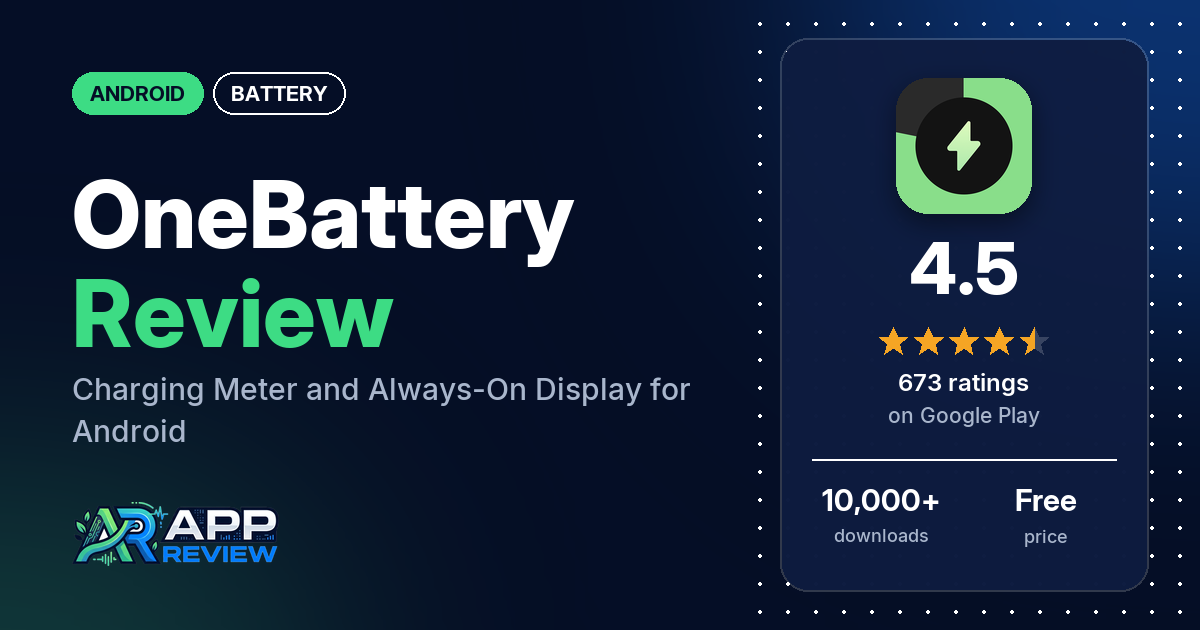
OneBattery is a free Android battery monitor that shows live charging speed in amps and watts, battery health, voltage and temperature, and can put your charging stats on the always-on display. It has ads and in-app purchases, and 4.5 stars from 673 ratings since its January 2026 release.
Quick verdict
If you want to see whether a charger or cable delivers what it promises, OneBattery does that, and a few reviewers use it for exactly that. A few also like the design and seeing charging stats on the always-on display. It is less than a year old and has rough edges: a few reviewers say capacity or charge readings were wrong for their phone, a few say it stops running or doesn’t start when they plug in, and a few complain about ads or features behind the paywall, including the widget. One reviewer saw screen burn-in after leaving the charging screen on overnight; the developer says a later update added burn-in protection. Of the ratings in the store’s rating breakdown, 7.2% are 1 or 2 stars.
OneBattery at a glance
| Developer | AppCanopy |
|---|---|
| Store listing | OneBattery: Battery Monitor on Google Play |
| Price | Free, with in-app purchases from $0.29 to $8.49 per item |
| Ads | Yes |
| Play Store rating | 4.5 stars from 673 ratings (73.0% of the ratings in the store’s rating breakdown are 5-star) |
| Downloads | 10,000+ |
| Version / last updated | 3.2.0 / August 19, 2026 |
| Requires | Not stated |
| First released | January 17, 2026 |
| Data checked | October 21, 2026 |
What is OneBattery?
OneBattery is a battery monitor and always-on display companion. The listing says it turns your screen into a charging meter with live amp and watt readings, tracks battery health, and alerts you at a charge level you set. It also keeps usage history for the last 24 hours or 10 days and tracks screen-on and screen-off time. AppCanopy released it in January 2026.
Key features
- Live charging meter: charging speed in amps and watts, with a speedometer you can customize.
- Fast charging detection: a notification when the phone is fast charging.
- Battery level alerts: custom alerts at the charge level you choose.
- Health and safety readings: battery health, charging health, voltage and temperature.
- Usage history: the last 24 hours or the last 10 days, plus screen-on and screen-off time.
- Always-on display: charging stats on an AMOLED lock screen, with charging animations and black themes.
- Battery percentage: a precise percentage reading.
OneBattery vs. what a battery app should have
“Listed” means the Google Play listing names the feature, “Partial” means it covers part of it, and “Reviews only” or “Reviews and developer replies” means we found it outside the listing.
Must have
| Feature | Status | Notes |
|---|---|---|
| Full-charge alert at a level you choose | Listed | Custom battery level alerts |
| Low-battery alert at a level you choose | Partial | The listing describes level alerts without saying whether they cover low levels |
| Alerts that fire reliably in the background | Reviews and developer replies | A few reviewers say the app stops or doesn’t start on charge; the developer’s replies point to battery optimization settings |
| Sound and vibration options | Not listed | |
| Easy to dismiss an alert | Not listed | |
| Low battery use by the app itself | Not listed | One reviewer notes it runs in the background; the developer says that’s needed for the always-on display and tracking |
Should have
| Feature | Status | Notes |
|---|---|---|
| Custom alert sound and volume | Not listed | |
| Quiet hours or a schedule | Not listed | |
| Battery details | Listed | Amps, watts, voltage, temperature and health |
| Charge history or usage chart | Listed | Last 24 hours or last 10 days |
| Help or a support contact | Reviews and developer replies | The developer’s replies give [email protected] |
| Clear pricing | Partial | The listing doesn’t say which features are paid; a developer reply says the widget is |
Nice to have
| Feature | Status | Notes |
|---|---|---|
| Battery health or capacity estimates | Listed | A few reviewers say capacity or charge readings were wrong for their phone |
| Time-left or time-to-full estimates | Not listed | |
| Home screen widget or status bar readout | Partial | Always-on display is listed; a developer reply says the widget is a paid feature |
| Tablet support | Not listed | |
| No ads or an ad-free option | Reviews only | One reviewer bought the ad-free version |
| No account required | Not listed |
Common problems and fixes
All reports are from 2026. Newer versions may behave differently.
| Problem | What reviewers report | When | What the developer’s replies suggest |
|---|---|---|---|
| App stops or doesn’t start when charging | A few reviewers; one says it works on Android 13 but not Android 16 | March to October 2026 | The system may be closing the app in the background; follow the steps at dontkillmyapp.com (March and August 2026) or disable battery optimization (March 2026) |
| Wrong capacity or charge readings | A few reviewers, one on a Red Magic 11 Pro | March to May 2026 | Email [email protected] with details (March and May 2026) |
| Always-on display shows zeros | One reviewer | March 2026 | Fixed in version 1.3.0 (March 2026) |
| Screen burn-in from the charging screen | One reviewer, after a night on the charger; it went away within 24 hours | May 2026 | Burn-in protection added in version 2.3.0 (May 2026) |
| Inappropriate ad that turned on the screen | One reviewer | March 2026 | Ads come from Google AdMob, and the developer asked AdMob to block that kind of ad (March 2026) |
Pros (from user reviews)
- Testing chargers and cables: a few reviewers use the watt and amp readings to check their gear. One in September 2026 found which USB cables were slowing charging.
- Design: a few reviewers like the layout and clean look.
- Always-on display: a few reviewers like seeing charging stats on the always-on display; one likes reading the charge and a large clock from across the room.
- Detail: two reviewers call it detailed or all-in-one, and one likes the percentage to the hundredth.
Cons (from user reviews)
- Readings: a few reviewers say capacity, charge level or charge cycles were wrong.
- Reliability: a few reviewers say the app stops running or doesn’t start when they plug in.
- Ads: a few reviewers complain about ads, one about an inappropriate ad. A few others say the ads are light or worth it.
- Paywall: a few reviewers ran into paid features, including the widget. One in September 2026 paid, found it didn’t suit them and couldn’t get a refund.
- Burn-in: one reviewer in May 2026 saw temporary burn-in on an OLED screen.
Of the ratings in the store’s rating breakdown, 7.2% are 1 or 2 stars and 73.0% are 5-star.
Rating breakdown
| Stars | Ratings | Share |
|---|---|---|
| 5 | 489 | 73.0% |
| 4 | 97 | 14.5% |
| 3 | 36 | 5.4% |
| 2 | 0 | 0% |
| 1 | 48 | 7.2% |
Source: Google Play ratings histogram, checked October 21, 2026. The histogram adds up to 670 ratings, slightly fewer than the 673 total, and the shares are of the histogram total.
Pricing
OneBattery is free with ads, and in-app purchases run from $0.29 to $8.49 per item. The listing doesn’t say what they unlock. A developer reply from August 2026 says the widget is a premium feature, one reviewer bought an ad-free version, and one mentions a yearly subscription. One reviewer in September 2026 says no refund was available after paying.
Privacy and permissions
We couldn’t read the Google Play data safety section, so we make no claim about what it declares. The permissions list includes Google Play license check, control vibration, draw over other apps, full network access, prevent device from sleeping, run at startup, update component usage statistics and view network connections. The listing doesn’t explain them; a developer reply says background work is needed for the always-on display and tracking.
Who it’s for
OneBattery suits you if you want live watt and amp readings to test chargers and cables, and you like the idea of charging stats on your always-on display. Skip it if you need exact capacity readings on your specific phone, can’t stand ads, or want the widget without paying. If your phone has an OLED screen, note that one reviewer saw temporary burn-in; the developer says version 2.3.0 added burn-in protection.
FAQ
Can OneBattery alert me at a set charge level?
Yes. The listing says you can set custom battery level alerts for the charge level you want. A few reviewers say the app sometimes stops working. The developer’s replies suggest the workarounds at dontkillmyapp.com or disabling battery optimization.
Is OneBattery accurate?
Reviewers disagree. A few reviewers use its watt readings to test chargers, but a few say capacity or charge readings were wrong for their phone, including a Red Magic 11 Pro. The developer asks users with wrong readings to email [email protected].
Can OneBattery cause screen burn-in?
One reviewer in May 2026 saw temporary burn-in after leaving the charging screen on overnight, and it went away within 24 hours. The developer replied that burn-in protection was added in version 2.3.0.
How this review was put together
We haven’t tested OneBattery. This review is based on public information from official sources: the app’s Google Play or App Store listing and rating breakdown, the developer’s website when there is one, and recent user reviews on the store with the developer’s replies. Features and claims are the developer’s own descriptions; what users like and dislike comes from the store reviews. Everything was checked on October 21, 2026. Apps change with every update, so check the store listing before you install.