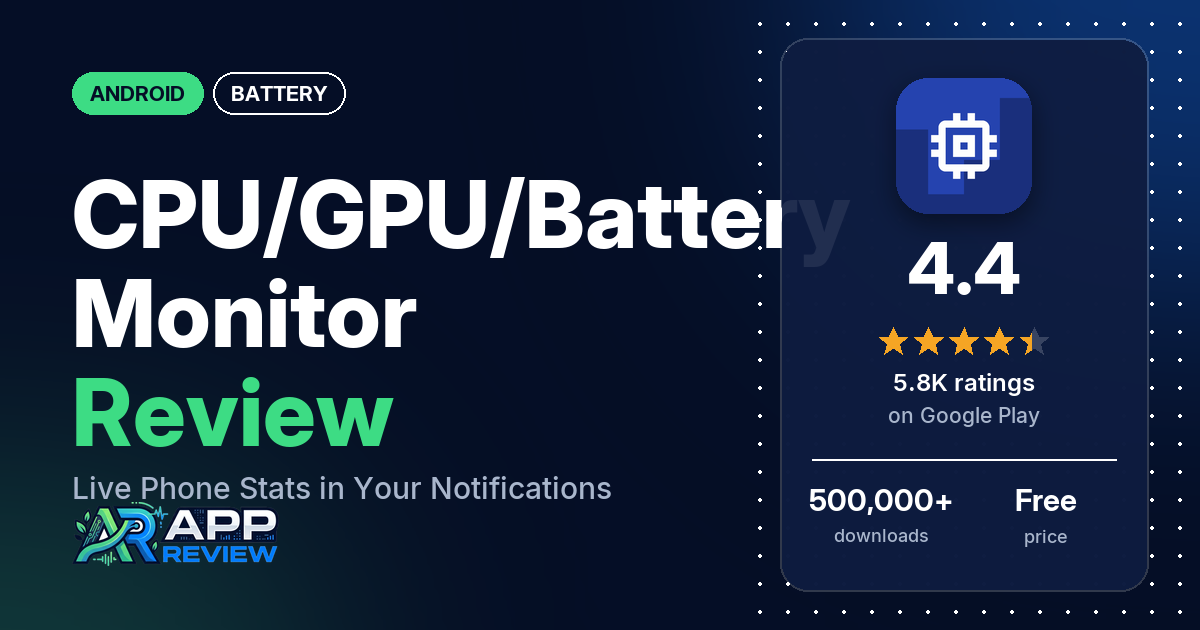
CPU/GPU/Battery Monitor & Noti (also called AndroidInsight) shows your phone’s CPU load, frequencies, temperatures, free memory and battery charge rate in a permanent notification. It’s free with in-app purchases, has 500,000+ downloads, and the listing itself warns that GPU data rarely works on recent Android versions.
Quick verdict
If you want CPU load and temperatures one swipe away, for example while gaming or charging, this app does that: several reviewers use it for exactly that, and several say it works as described. Don’t install it for GPU stats. Many reviewers found no GPU data on their phone, which matches the listing’s own disclaimer, and several wanted it to show which app uses the most CPU, which the developer’s replies say Android blocks on most devices. Several reviewers also say temperatures or load readings looked wrong, and several dislike how many features are paid. Of the ratings in the store’s rating breakdown, 11.0% are 1 or 2 stars.
CPU/GPU/Battery Monitor at a glance
| Developer | Promotino Ltd. |
|---|---|
| Store listing | CPU/GPU/Battery Monitor & Noti on Google Play |
| Price | Free, with in-app purchases from $0.99 to $11.99 per item |
| Ads | None listed on Google Play |
| Play Store rating | 4.4 stars from 5,808 ratings (78.2% of the ratings in the store’s rating breakdown are 5-star) |
| Downloads | 500,000+ |
| Version / last updated | 6.4.3 / July 14, 2026 |
| Requires | Not stated (the listing says it supports Android 16) |
| First released | May 11, 2016 |
| Data checked | October 21, 2026 |
What is CPU/GPU/Battery Monitor?
It is a system monitor that lives in your notification shade. The listing’s pitch is that you shouldn’t have to leave your app to see what the CPU, GPU and battery are doing, so it shows the data in a permanent notification you can check with one swipe. It also has a charge alarm and a battery overheat alarm. The listing says a team based in Europe built it, first for their own use. It has been on Google Play since May 2016.
Key features
- CPU: utilization in total, per core and per core type, current, maximum and average frequency, active and running cores, temperature, and the app using the most CPU (marked as not always supported).
- GPU: utilization and frequency (marked as rarely supported on recent Android versions).
- Battery: temperature, charge and discharge rate, and remaining capacity.
- Memory: available memory.
- Alarms: a charge alarm at a level you set, and a battery overheat alarm.
- Customization: choose what the notifications show, and change the app’s theme, including a dark theme.
- Hardware info: details about the device’s hardware.
CPU/GPU/Battery Monitor vs. what a battery app should have
“Listed” means the Google Play listing names the feature, “Partial” means it covers part of it, and “Reviews only” or “Reviews and developer replies” means we found it outside the listing. This is a system monitor with battery features, so the alert rows cover only part of what it does.
Must have
| Feature | Status | Notes |
|---|---|---|
| Full-charge alert at a level you choose | Listed | Charge alarm at a set level |
| Low-battery alert at a level you choose | Partial | The listing describes the charge alarm only for reaching a level while charging |
| Alerts that fire reliably in the background | Reviews and developer replies | Several reviewers say the app stops or the notification disappears; a 2019 developer reply suggests locking the app in recent apps on Android 9 |
| Sound and vibration options | Reviews only | One reviewer in July 2026 values the configurable sound alerts at battery thresholds |
| Easy to dismiss an alert | Not listed | |
| Low battery use by the app itself | Not listed | Several reviewers say it drains the battery or slows the phone |
Should have
| Feature | Status | Notes |
|---|---|---|
| Custom alert sound and volume | Reviews only | See above |
| Quiet hours or a schedule | Not listed | |
| Battery details | Listed | Temperature, charge and discharge rate, remaining capacity |
| Charge history or usage chart | Reviews only | One reviewer likes the graph |
| Help or a support contact | Listed | Email the support team |
| Clear pricing | Not listed | The listing doesn’t say what the in-app purchases unlock |
Nice to have
| Feature | Status | Notes |
|---|---|---|
| Battery health or capacity estimates | Listed | Remaining capacity |
| Time-left or time-to-full estimates | Not listed | |
| Home screen widget or status bar readout | Partial | Permanent notification and status bar readout; a few reviewers ask for widgets |
| Tablet support | Reviews only | Reviewers use it on Galaxy Tab A9 and Tab A7 tablets |
| No ads or an ad-free option | Listed | Google Play lists no ads; two reviewers in October 2026 say they saw ads |
| No account required | Not listed |
Common problems and fixes
The sample goes back to 2017. Older reports may describe earlier versions.
| Problem | What reviewers report | When | What the listing or the developer’s replies say |
|---|---|---|---|
| No GPU data | Many reviewers, most recently on a Pixel 10 Pro XL | 2017 to August 2026 | The listing says GPUs are rarely supported on the latest Android versions because of permission limits. Developer replies (2025) say each Android version adds restrictions and GPU support is almost impossible |
| Can’t see which app uses the most CPU | Several reviewers | 2021 to 2025 | Supported only on a very small number of devices because of Android restrictions (June 2025) |
| Temperature or load readings look wrong | Several reviewers, for example stuck values or temperatures that jump | 2018 to 2025 | The app reads the device’s internal sensors and may not find the right one on some phones (2024); the listing says the data is for information only |
| App stops or notification disappears | Several reviewers | 2018 to 2024 | Update to the latest version (2024); on Android 9, lock the app in recent apps so it isn’t closed (2019) |
| Antivirus warning | Two reviewers | July 2025 | Warnings are somewhat expected because the app reads data with low-level OS methods (July 2025) |
Pros (from user reviews)
- Stats one swipe away: several reviewers like seeing CPU load in the notification or status bar.
- Temperatures: several reviewers use it to watch CPU or battery temperature, one while gaming on a Galaxy Tab A9.
- Does what it says: several reviewers say it works as described, and a few call it accurate.
- Light and free: several reviewers call it light or simple, and several like that the main features are free.
Cons (from user reviews)
- No GPU data: many reviewers found no GPU readings on their phone.
- No per-app CPU: several reviewers wanted to see which app uses the most CPU and couldn’t.
- Readings: several reviewers say temperatures or CPU load looked wrong.
- Paid extras: several reviewers dislike the paywalled features. A few object to the subscriptions, and one says there’s no way to buy the whole app once.
- Stability: several reviewers say it stops or the notification disappears, and several say it drains the battery or slows the phone.
- Layout: a few reviewers find the notification cluttered, and a few want widgets.
Of the ratings in the store’s rating breakdown, 11.0% are 1 or 2 stars and 78.2% are 5-star. The review sample deliberately includes extra low-star reviews, so complaints show up more in it than in the ratings.
Rating breakdown
| Stars | Ratings | Share |
|---|---|---|
| 5 | 4,521 | 78.2% |
| 4 | 458 | 7.9% |
| 3 | 165 | 2.9% |
| 2 | 114 | 2.0% |
| 1 | 522 | 9.0% |
Source: Google Play ratings histogram, checked October 21, 2026. The histogram adds up to 5,780 ratings, slightly fewer than the 5,808 total, and the shares are of the histogram total.
Pricing
Installing it is free, and in-app purchases run from $0.99 to $11.99 per item. The listing doesn’t say what they unlock, but the developer’s replies say customizing the notifications is an in-app purchase (May 2024, June 2026) that can be tried for free (May 2024), and that all CPU usage, plus GPU usage where supported, stays free (June 2026). A few reviewers object to the subscriptions, and one says there’s no way to buy the whole app once.
Privacy and permissions
We couldn’t read the Google Play data safety section, so we make no claim about what it declares. The permissions list is short: full network access, run at startup and view network connections. Two reviewers in July 2025 say antivirus apps flagged it; the developer replied that some warnings are expected because the app reads data with low-level OS methods.
Who it’s for
This app suits you if you want CPU load, CPU and battery temperature and charge rate in your notification shade, for example to keep an eye on heat while gaming or charging. Skip it if you mainly want GPU stats or a per-app CPU breakdown, or if you need readings you can rely on without checking them against another source.
FAQ
Why doesn’t CPU/GPU/Battery Monitor show GPU data?
The listing says GPUs are rarely supported on the latest Android versions because of permission limits. Developer replies from 2025 say each Android version adds restrictions, making GPU support almost impossible. Many reviewers found no GPU data on their phone.
Can it alert me when my battery reaches a certain level?
Yes. The listing has a charge alarm for a set battery level and a battery overheat alarm. One reviewer in July 2026 says the configurable sound alerts at battery thresholds matter most to them.
Is CPU/GPU/Battery Monitor free?
The main CPU readings are free, and Google Play lists no ads. In-app purchases from $0.99 to $11.99 per item unlock extras such as notification customization, and a few reviewers object that these are subscriptions.
How this review was put together
We haven’t tested CPU/GPU/Battery Monitor. This review is based on public information from official sources: the app’s Google Play or App Store listing and rating breakdown, the developer’s website when there is one, and recent user reviews on the store with the developer’s replies. Features and claims are the developer’s own descriptions; what users like and dislike comes from the store reviews. Everything was checked on October 21, 2026. Apps change with every update, so check the store listing before you install.