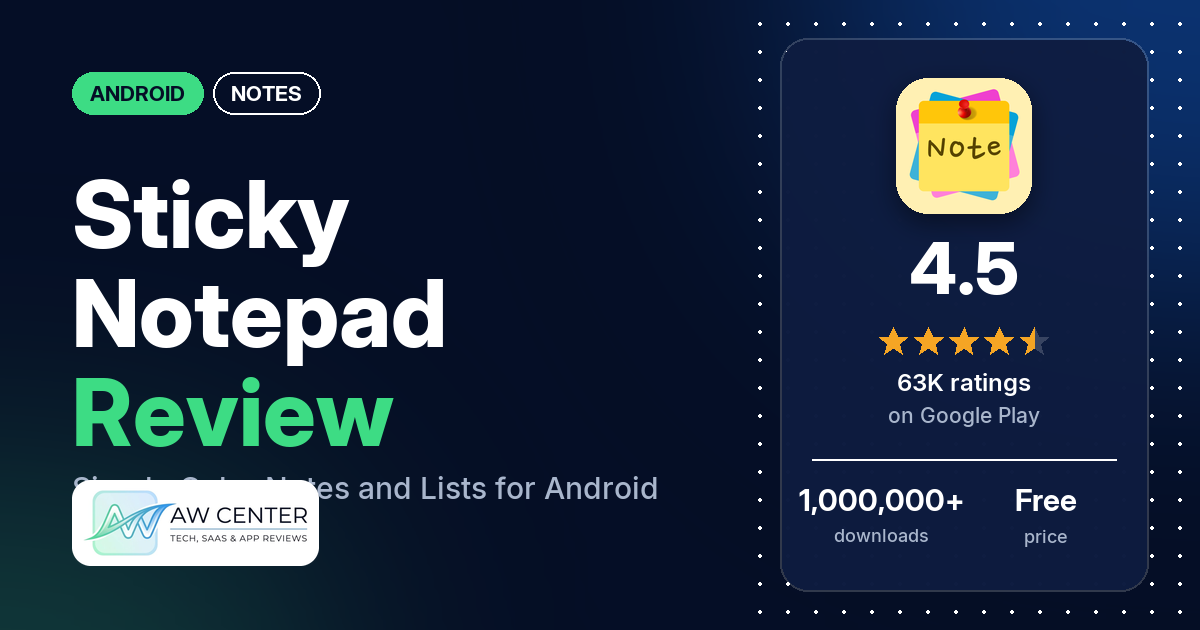
Sticky Notepad is a free Android notepad for quick notes, memos, shopping lists and to-do lists, with colored notes, categories, search and home-screen widgets. It has 4.5 stars from 62,808 ratings on Google Play, and the free version shows ads that many reviewers find intrusive.
Quick verdict
If you want a plain, colorful notepad and can live with ads, Sticky Notepad does the basics. Many reviewers praise how simple and easy it is, and several like the pastel colors and categories. The ads are the most common complaint, and in 2026 a few reviewers saw adult or inappropriate ads along the bottom of the app. Several reviewers lost notes, some after an update and two after moving to a new phone. A December 2024 developer reply says you need to back up and restore manually in the app. Several also hit bugs in updates between August 2025 and January 2026, which the developer says are fixed. Across all ratings, 4.9% are 1 or 2 stars.
Sticky Notepad at a glance
| Developer | Paraga Mobile |
|---|---|
| Store listing | Sticky Notepad Notes & Lists on Google Play |
| Price | Free, with in-app purchases from $1.99 to $39.99 per item |
| Ads | Yes |
| Play Store rating | 4.5 stars from 62,808 ratings (74.1% of the ratings in the store’s rating breakdown are 5-star) |
| Downloads | 1,000,000+ |
| Version / last updated | 6.10.3 / September 24, 2026 |
| Requires | Not stated |
| First released | April 8, 2019 |
| Data checked | October 22, 2026 |
What is Sticky Notepad?
Sticky Notepad is a small, simple note-taking app from Paraga Mobile. The listing says it is built to capture ideas quickly: you write notes, memos, messages, shopping lists and to-do lists, sort them into categories and give them colors. The listing is short and names only four features.
Key features
- Categories: manage notes and memos by category.
- Colors: customize notes with colors.
- Search: search notes quickly.
- Widgets: home-screen widgets in color.
- Lists: the listing names shopping lists and to-do lists alongside notes and memos.
Sticky Notepad vs. what a notes app should have
“Listed” means the Google Play listing names the feature, “Partial” means it covers part of it, and “Reviews only” or “Reviews and developer replies” means we found it outside the listing.
Must have
| Feature | Status | Notes |
|---|---|---|
| Fast note creation | Listed | One reviewer in 2020 counted 4 taps before you can write |
| Organization (tags, folders or flags) | Listed | Categories and colors |
| Search or filtering | Listed | |
| Sync across your devices | Not listed | |
| Sharing or exporting text | Reviews only | One reviewer emails notes as a list; two others couldn’t find a way to share |
| Home-screen widget | Listed | |
| Backup or recovery of notes | Reviews and developer replies | Manual backup and restore in the app (December 2024 reply) |
Should have
| Feature | Status | Notes |
|---|---|---|
| Markdown or plain-text formatting | Not listed | Several reviewers ask for bold, highlighting or fonts |
| Dictation or voice capture | Not listed | |
| Themes and dark mode | Reviews and developer replies | A 2023 reply mentions dark and light themes |
| Font and layout customization | Partial | Note colors only; one reviewer can’t change the font |
| Share-sheet capture | Not listed | |
| Google Assistant or app shortcuts | Not listed | |
| Smartwatch capture | Not listed |
Nice to have
| Feature | Status | Notes |
|---|---|---|
| Automation or scripting | Not listed | |
| AI/LLM integration | Not listed | |
| Images or attachments in notes | Not listed | |
| Collaboration on a note | Not listed | |
| Web or Windows access | Not listed | |
| Note lock or encryption | Not listed | One reviewer in 2023 asked for a way to “block a note or something” |
| Accessibility features called out by users | Not listed |
Common problems and fixes
Developer replies are dated. They may be out of date, and newer versions may behave differently.
| Problem | What reviewers report | When | What the developer’s replies suggest |
|---|---|---|---|
| Text scrambled, spacing or bullet lists lost, or notes not saving after an update | Several reviewers; a few later confirmed it was fixed | August 2025 to January 2026 | Bugs fixed in version 6.0.7 (August 2025); “please update again. Bugs fixed now.” (January 2026) |
| Notes gone after moving to a new phone | Two reviewers | 2023 and December 2024 | Back up and restore manually in the app (December 2024) |
| Backup or restore doesn’t work | A few reviewers, most recently with JSON backup files in November 2025 | 2023 to November 2025 | Backup and restore were fixed (March 2023) |
| Ads | Many reviewers | 2019 to September 2026 | Ads pay for the free app; the Pro version removes them (March 2025) |
| Can’t delete notes | One reviewer | September 2026 | Email [email protected] with details (September 2026) |
Pros (from user reviews)
- Simple: many reviewers praise how simple and easy it is. One in May 2026 says it is the only note app they have used since 2020, calling it “simple, minimalistic, aesthetic.”
- Useful every day: many reviewers call it useful or helpful, for reminders, lists, vocabulary or client details they copy and paste.
- Colors and categories: several reviewers like the pastel colors and sorting notes into categories. One in September 2025 also likes sending notes by email as a list.
- Long-time users: a few reviewers have used it for years, one for more than 6.
Cons (from user reviews)
- Ads: many reviewers find the ads intrusive, from banners you can’t close to an ad that plays before the app opens. A few in 2026 saw adult or inappropriate ads at the bottom of the screen. One reviewer in August 2026 says they hardly ever see ads.
- Lost notes: several reviewers lost notes or found they didn’t save, including one in May 2026 on the paid version.
- Update bugs: several reviewers hit bugs after updates between August 2025 and January 2026, such as text replaced with numbers and symbols. A few later said it was fixed.
- Backup: a few reviewers say backup or restore didn’t work or is missing.
- No formatting: several reviewers want bold, highlighting or a choice of font.
- Crashes: several reviewers say it crashed, stopped working or wouldn’t open, most recently in June 2026.
Across all ratings, 4.9% are 1 or 2 stars and 74.1% are 5-star.
Rating breakdown
| Stars | Ratings | Share |
|---|---|---|
| 5 | 46,392 | 74.1% |
| 4 | 9,992 | 16.0% |
| 3 | 3,092 | 4.9% |
| 2 | 594 | 0.9% |
| 1 | 2,498 | 4.0% |
Source: Google Play ratings histogram, checked October 22, 2026. The histogram adds up to 62,568 ratings, slightly fewer than the 62,808 total, and the shares are of the histogram total.
Pricing
Sticky Notepad is free with ads, and in-app purchases run from $1.99 to $39.99 per item. The listing doesn’t describe the paid options. A March 2025 developer reply says ads pay for the free app and that the Pro version removes them. One reviewer in August 2026 says changing note colors now needs a paid plan of about 3 dollars a month. If ads bother you, check the in-app prices first.
Privacy and permissions
We couldn’t read the Google Play data safety section, so we make no claim about what it declares. The permissions list includes full network access, prevent device from sleeping, read Google service configuration, receive data from Internet, run at startup and view network connections. The listing doesn’t explain them. One reviewer in February 2025 says too many third-party companies access their information, without details.
Who it’s for
Sticky Notepad suits you if you want quick, colored notes and lists on one phone, sorted into categories, with a widget on your home screen. It also suits you if you’re willing to pay to remove ads. Skip it if ads bother you and you won’t pay, if you need formatting, sharing or sync, or if your notes are important enough that you can’t risk losing them without a backup you trust.
FAQ
Does Sticky Notepad have ads?
Yes. Google Play lists the app with ads, and many reviewers find them intrusive. A March 2025 developer reply says the Pro version removes ads.
How do I keep my notes when I change phones?
Back up and restore manually in the app, a December 2024 developer reply says. Two reviewers lost their notes after moving to a new phone. A few others say backup or restore didn’t work for them, most recently in November 2025.
Can I format text in Sticky Notepad?
The listing doesn’t mention formatting. Several reviewers ask for bold, highlighting or a different font, most recently in September 2026, when one said you can’t bold anything.
How this review was put together
We haven’t tested Sticky Notepad. This review is based on public information from official sources: the app’s Google Play or App Store listing and rating breakdown, the developer’s website when there is one, and recent user reviews on the store with the developer’s replies. Features and claims are the developer’s own descriptions; what users like and dislike comes from the store reviews. Everything was checked on October 22, 2026. Apps change with every update, so check the store listing before you install.