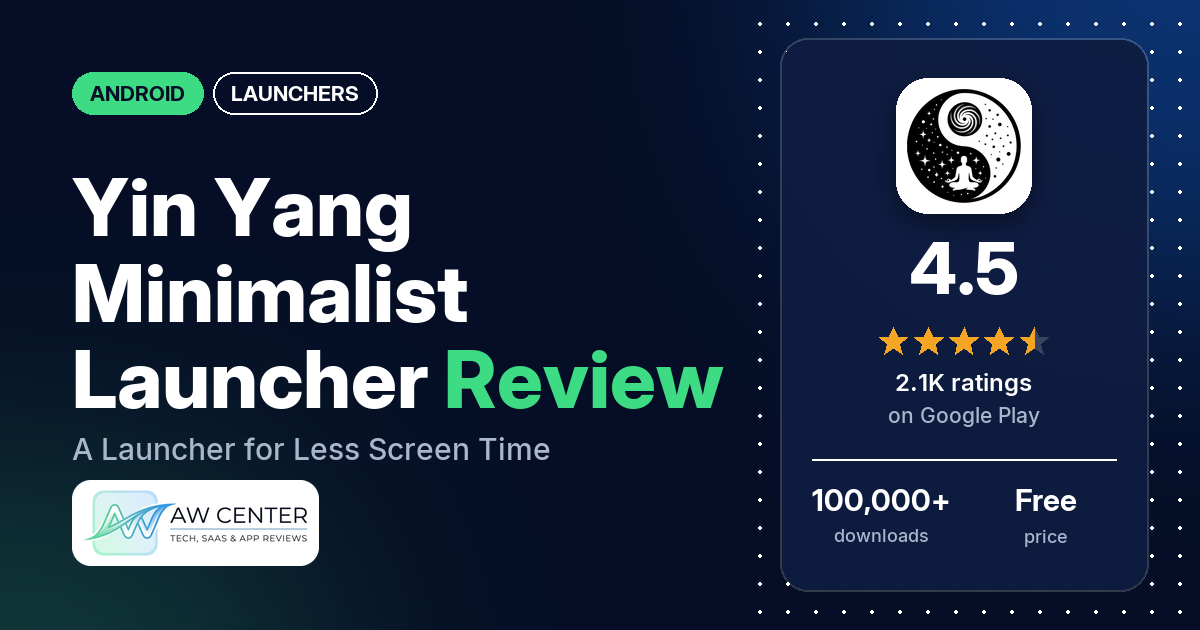
Yin Yang Minimalist Launcher is a free Android home screen built to help you use your phone less, with grayscale icons, a pause before distracting apps, daily app limits and focus sessions. It has no ads, a Pro upgrade for extra tools, and 4.5 stars from 2,086 ratings on Google Play.
Quick verdict
If you want a calm, minimal home screen that nudges you off your phone, try Yin Yang; the free version goes a long way. Many reviewers praise the clean design, and several say it helped them cut screen time or focus on study and work. The weak spot is stability. Several reviewers between late 2025 and October 2026 hit blank or black screens, freezes or crashes, and the developer’s replies point to a Restart Launcher option and fixes in recent updates. A few think Pro costs too much, and it doesn’t work on tablets or in landscape yet. Across all ratings, 8.6% are 1 or 2 stars.
Yin Yang Minimalist Launcher at a glance
| Developer | QuietMind Creations |
|---|---|
| Store listing | Yin Yang Minimalist Launcher on Google Play |
| Price | Free, with in-app purchases from $3.99 to $29.99 per item |
| Ads | None |
| Play Store rating | 4.5 stars from 2,086 ratings (76.0% of the ratings in the store’s rating breakdown are 5-star) |
| Downloads | 100,000+ |
| Version / last updated | 5.12.1 / October 19, 2026 |
| Requires | Not stated |
| First released | September 11, 2024 |
| Data checked | October 22, 2026 |
What is Yin Yang Minimalist Launcher?
Yin Yang replaces your home screen with a simple one, in grayscale or full color, and builds screen-time tools into it. The listing describes three parts: the home screen itself, Mind Space for limits and focus, and My Space, one swipe right, for notes, to-dos and widgets. Because the tools sit in the launcher, they are there every time you pick up the phone. You can switch back to your old launcher at any time, the listing says.
Key features
- Home screen: grayscale or color icons, third-party icon packs, a clock-first Classic layout or a text-only Minimal layout, and light and dark themes.
- E-ink themes: black and white themes with clean type for paper-like screens.
- App drawer: text or icons, A to Z sections, recent apps, Work Profile apps with a badge, and hidden apps.
- Mindful Pause: a short breathing pause before the apps you choose open.
- Mindful Timer and Mindful Break: a shared daily limit for chosen apps with a cooldown, and blocking an app for 1, 3, 7 or 30 days.
- Focus Mode: hide everything except allowed apps, on demand or on a schedule, with soft or strict sessions.
- Screen time tracker: daily screen time, pickups and what you open after each unlock.
- My Space: notes, to-dos, calendar, weather, app folders and third-party Android widgets.
Yin Yang Minimalist Launcher vs. what a launcher app should have
“Listed” means the Google Play listing names the feature, “Partial” means it covers part of it, and “Reviews only” or “Reviews and developer replies” means we found it outside the listing.
Must have
| Feature | Status | Notes |
|---|---|---|
| A home screen with the apps you choose | Listed | Classic or Minimal text layout |
| A searchable, sortable app list | Listed | A to Z sections and recent apps |
| Folders or grouping | Partial | App folders in My Space; two reviewers ask for app folders, one of them in the app drawer |
| Hiding apps | Listed | Hidden only within the launcher, a 2026 reply says |
| Easy setup as the default launcher | Listed | Switch back to your old launcher anytime |
| Gestures and navigation settings | Partial | Double-tap to lock; POCO phones can’t use gesture navigation with third-party launchers (2026 reply) |
| A usable free tier | Listed | Pro adds extras; several reviewers say the free version covers most needs |
Should have
| Feature | Status | Notes |
|---|---|---|
| Notification management or filtering | Reviews and developer replies | Notification blocking and a summary view are planned (February 2026 reply) |
| Icon styles and third-party icon packs | Listed | Icon packs with Pro |
| Themes, wallpapers and backgrounds | Listed | Static, gradient, dynamic and live wallpapers |
| Font and text-size options | Listed | Full font collection with Pro |
| Built-in widgets | Listed | Clock, calendar and weather |
| Support for standard Android widgets | Listed | Third-party widgets in My Space |
| Renaming apps | Not listed | |
| Backup and restore of the layout | Not listed | |
| Working without an internet connection | Not listed |
Nice to have
| Feature | Status | Notes |
|---|---|---|
| Focus tools | Listed | Pause, Timer, Break, Focus Mode and screen time tracking |
| Double-tap to lock the screen | Listed | Uses Accessibility, off by default |
| Extra sort options | Partial | A to Z and recent apps |
| Automatic light and dark themes | Partial | Light and dark themes; automatic switching not named |
| Notification dots or badges | Not listed | One reviewer calls the lack of badges a deal breaker |
| Website shortcuts | Not listed | |
| Tablet and e-reader support | Partial | E-ink themes; no tablet or landscape mode yet (January and October 2026 replies) |
| No ads | Listed | “No ads, ever” |
| A one-time purchase that covers all devices | Partial | Pro is yearly or lifetime; devices not stated |
Common problems and fixes
The developer replies to most reviews. The replies below may be out of date, and newer versions may behave differently.
| Problem | What reviewers report | When | What the developer’s replies suggest |
|---|---|---|---|
| Blank or black home screen, frozen icons | Several reviewers | November 2025 to October 2026 | Long-press an empty spot on the home screen and tap Restart Launcher; to help prevent it, set Launcher Settings > Home Settings > Double Tap to Lock Screen (Accessibility) (October 2026) |
| Crashes or force closes | A few reviewers | January to September 2026 | A force-close bug was fixed in a newer build (January 2026); a crash fix was due “in a day or two” (September 30, 2026) |
| Phone keeps going back to the old launcher | One reviewer, on a Vivo phone | August 2026 | Linked to Vivo’s Funtouch OS settings; email [email protected] for steps (August 2026) |
| Pro features missing after paying | One reviewer | June 2026 | Settings > Profile > Restore Membership (June 2026) |
| Weather widget stuck on Celsius | One reviewer | March 2026 | Launcher Settings > General > Temperature Unit; manual weather location is planned (March 2026) |
| Can’t search Google from the launcher | Two reviewers | August to September 2026 | Tap Search, type your query and press Search on the keyboard; with no matching app it opens Google (August 2026) |
Pros (from user reviews)
- Clean design: many reviewers praise how clean, minimal and simple it is. One in August 2026 likes the typography and e-ink themes, and one in May 2026 says no other launcher offers a truly monochrome setting.
- Less screen time: several reviewers say it helps them focus or use the phone less. One in October 2026 says it helped curb an online shopping habit, and one likes seeing how many times they open their phone.
- Free and ad-free: several reviewers say the free version has no ads and covers most features. One in July 2026 says Pro isn’t needed unless you want more customization.
- Picked over other launchers: a few reviewers settled on it after trying many others.
Cons (from user reviews)
- Blank screens and crashes: several reviewers hit a blank or black home screen, freezes or crashes, from November 2025 to October 2026. One in June 2026 says they had to reset the phone every three days to use it.
- Timer bugs: a few reviewers say Mindful Timer or Mindful Pause didn’t behave, such as an overlay that stayed on screen.
- Pro price and paywall: a few reviewers think Pro costs too much, two of them putting lifetime at about $30, and a few dislike that blocking or other features need Pro.
- No tablets: a few reviewers want tablet or landscape support.
- Privacy questions: a few reviewers worry about tracking. The developer’s replies say analytics are limited, optional and can be switched off.
Across all ratings, 8.6% are 1 or 2 stars and 76.0% are 5-star.
Rating breakdown
| Stars | Ratings | Share |
|---|---|---|
| 5 | 1,554 | 76.0% |
| 4 | 196 | 9.6% |
| 3 | 118 | 5.8% |
| 2 | 98 | 4.8% |
| 1 | 78 | 3.8% |
Source: Google Play ratings histogram, checked October 22, 2026. The histogram adds up to 2,044 ratings, slightly fewer than the 2,086 total, and the shares are of the histogram total.
Pricing
Yin Yang is free with no ads, and in-app purchases run from $3.99 to $29.99 per item. The listing says Pro is a yearly or lifetime upgrade that adds the full clock, font and live wallpaper collection, icon packs, Pause and Timer on more apps, Strict Focus, Mindful Break and every widget. A May 2026 developer reply says the annual plan is under “All plans” at the bottom of the payment screen and that monthly is coming. An April 2026 reply says all static and custom wallpapers are now free for everyone. One reviewer in October 2026 wishes there were a free trial of Pro, and the developer’s reply says it is considering one.
Privacy and permissions
We couldn’t read the Google Play data safety section, so we make no claim about what it declares. The listing says Accessibility is used only for double-tap to lock and Mindful Timer, both off by default, and that the app never reads screen content, notifications or messages. The permissions list includes Google Play license check, approximate location (network-based), control vibration, draw over other apps, expand/collapse status bar, full network access, prevent device from sleeping, read Google service configuration, read calendar events plus confidential information, receive data from Internet, run at startup, set wallpaper, update component usage statistics and view network connections. An April 2026 developer reply says the names of your apps never leave the device and your IP address is used only to find your approximate country, then discarded. A May 2026 reply says crash and usage reports can be switched off in Settings > Connect & Support > Share error & usage report.
Who it’s for
Yin Yang suits you if you want a quiet, minimal Android phone that makes distracting apps a little harder to open, and you’d like screen time numbers and focus sessions in the same place. Several of the reviewers who praise it use it to study or to cut back on scrolling. Skip it if you use a tablet or landscape mode, if you need app badges for messages, or if a launcher that occasionally goes blank would be a real problem for you.
FAQ
Is Yin Yang Minimalist Launcher free?
Yes, and it has no ads. Pro is a yearly or lifetime upgrade that adds more customization and more screen-time tools, such as Strict Focus and Mindful Break. Several reviewers say the free version covers most of what they need.
What do I do if the Yin Yang home screen goes blank?
Long-press an empty spot on the home screen and tap Restart Launcher, an October 2026 developer reply says. The same reply suggests setting Double Tap to Lock Screen (Accessibility) under Launcher Settings > Home Settings to help prevent it. If it keeps happening, email [email protected], the address most of the developer’s replies give.
Does Yin Yang work on tablets?
Not yet. A January 2026 developer reply says it is designed for phones only, without tablet or landscape support, and an October 2026 reply says tablet support is on the roadmap.
Does Yin Yang track the apps I use?
The developer’s replies say no. An April 2026 reply says app names never leave your device and your IP address is used only for an approximate country, then discarded. A May 2026 reply says the optional crash and usage reports can be turned off in Settings.
How this review was put together
We haven’t tested Yin Yang Minimalist Launcher. This review is based on public information from official sources: the app’s Google Play or App Store listing and rating breakdown, the developer’s website when there is one, and recent user reviews on the store with the developer’s replies. Features and claims are the developer’s own descriptions; what users like and dislike comes from the store reviews. Everything was checked on October 22, 2026. Apps change with every update, so check the store listing before you install.