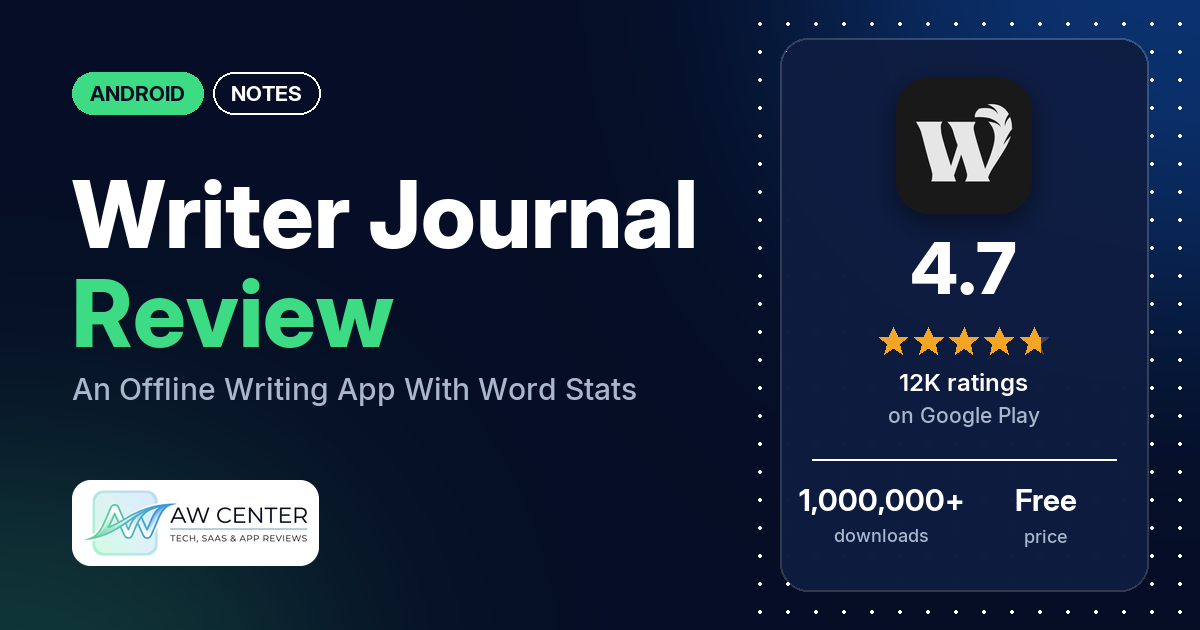
Writer Journal is a free Android writing app that works offline, with a WYSIWYG markdown editor, folders and tags, and real-time counts of words, sentences and unique words. It has no ads and 4.7 stars from 12,009 ratings on Google Play, and exports beyond plain text need a one-time Premium purchase.
Quick verdict
If you write stories, essays or a journal on your phone and want a clean, private place to do it, Writer Journal is a good fit. Many reviewers praise how easy it is, and several like that it saves automatically, shows no ads and keeps work in folders. The most common complaint is the paywall: many reviewers dislike that features they wanted need Premium, and several wanted to export to Word or PDF. Several also had formatting that spread or reset, or a cursor that jumped while typing; the developer’s replies blame keyboard apps, often Samsung’s, and point to a setting for it. In 2026 several reviewers couldn’t buy Premium during a “temporary suspension” or lost access to it. Across all ratings, 2.8% are 1 or 2 stars.
Writer Journal at a glance
| Developer | Pocket app |
|---|---|
| Store listing | Writer Journal – Text,Note on Google Play |
| Price | Free, with an in-app purchase of $12.00 |
| Ads | None |
| Play Store rating | 4.7 stars from 12,009 ratings (84.4% of the ratings in the store’s rating breakdown are 5-star) |
| Downloads | 1,000,000+ |
| Version / last updated | 2.52 / August 26, 2026 |
| Requires | Not stated |
| First released | March 8, 2018 |
| Data checked | October 22, 2026 |
What is Writer Journal?
Writer Journal is a writing app for long-form text; the listing names books, reports, research papers and essays. The listing says it works completely offline, collects nothing, and analyzes your text as you type, with counts of words, characters, sentences, paragraphs and unique words, plus lexical diversity and density. You write in a WYSIWYG markdown editor and organize documents in folders and tags. Premium is a one-time purchase, with no subscription.
Key features
- Real-time analysis: word, character, sentence, paragraph and unique-word counts, lexical diversity and density, grammar and non-grammar word counts, and a word-frequency chart.
- Editor: headings, bold, italic, underline, strikethrough, bullets, quotes, text and background colors, comments, images and separator lines, with undo and redo.
- Organization: folders with sub-folders, tags, pinning, locking, and sorting by type, date, name or by hand.
- Search: keyword search with highlights.
- Backup: backup and restore.
- Premium (one-time): export to DOCX, Markdown, HTML, PDF or TXT (the developer’s replies say TXT export is free), compile a folder as a book with a cover, import TXT, MD and DOCX, document outlines, color tags, more themes and fonts, custom font files, and growth tracking.
Writer Journal vs. what a notes app should have
“Listed” means the Google Play listing names the feature, “Partial” means it covers part of it, and “Reviews only” or “Reviews and developer replies” means we found it outside the listing.
Must have
| Feature | Status | Notes |
|---|---|---|
| Fast note creation | Reviews and developer replies | Tap “+ Document” at the bottom of the Documents page (2026 reply); two reviewers couldn’t find it |
| Organization (tags, folders or flags) | Listed | Folders, sub-folders and tags; color tags with Premium |
| Search or filtering | Listed | Keyword search with highlights |
| Sync across your devices | Not listed | A 2025 reply says syncing is in the works |
| Sharing or exporting text | Partial | Plain-text sharing and TXT export free, the developer’s replies say; other formats with Premium |
| Home-screen widget | Not listed | |
| Backup or recovery of notes | Listed | Backup and restore |
Should have
| Feature | Status | Notes |
|---|---|---|
| Markdown or plain-text formatting | Listed | WYSIWYG markdown editor |
| Dictation or voice capture | Reviews only | A few reviewers dictate, with mixed results |
| Themes and dark mode | Listed | Dark themes and premium themes; a 2025 reply says 3 themes are free |
| Font and layout customization | Listed | Premium fonts and layout options; developer replies point to font and text size settings |
| Share-sheet capture | Not listed | One reviewer says sharing text to the app doesn’t create a note |
| Google Assistant or app shortcuts | Not listed | |
| Smartwatch capture | Not listed |
Nice to have
| Feature | Status | Notes |
|---|---|---|
| Automation or scripting | Not listed | |
| AI/LLM integration | Not listed | Two reviewers like that it has no AI |
| Images or attachments in notes | Listed | Images in the editor |
| Collaboration on a note | Not listed | |
| Web or Windows access | Not listed | Several reviewers want a desktop version or sync |
| Note lock or encryption | Listed | Lock individual documents; two reviewers want a lock for the whole app |
| Accessibility features called out by users | Not listed |
Common problems and fixes
The developer replies to many problem reports. The replies may be out of date, and menu names may differ by version.
| Problem | What reviewers report | When | What the developer’s replies suggest |
|---|---|---|---|
| Cursor or screen jumps while typing | Several reviewers | 2024 to October 2026 | Go to Settings > Editor > Samsung keyboard issue and turn on compatibility mode, or use a different keyboard app (October 2026); turning off predictive text in the Samsung keyboard also helps (2024 and 2025) |
| Bold or italics spread, bullets or headings reset | Several reviewers | 2025 to August 2026 | Usually a keyboard app conflict; see Settings > Editor > Samsung keyboard issue or switch keyboards (2025 and 2026) |
| Writing lost | A few reviewers | 2024 to September 2026 | Turn on Settings > Editor > Protective auto saving; your data stays on the device, so back it up yourself (December 2025). Exclude the app from power-saving mode, which can stop saves (June 2026) |
| Premium unavailable or missing | Several reviewers | 2025 to October 2026 | A temporary suspension shouldn’t affect purchases already made; email the developer for help (September and October 2026) |
| Stuck in Reading Mode | Two reviewers | 2025 and 2026 | Tap the keyboard button on the bottom panel of the editor (September 2025, March 2026) |
| “Too many characters” warning | A few reviewers | 2025 to August 2026 | It’s a recommendation for performance; turn it off in Settings > Editor > Notify when text length exceeds recommendation (April 2025) |
Pros (from user reviews)
- Easy to use: many reviewers call it simple, clean and easy to pick up. One in September 2026 says they started writing a lot more after installing it.
- Auto-save: several reviewers like that it saves when you leave the app, and one in September 2026 says they have never lost anything in it. A few others did lose writing (see Cons).
- No ads: several reviewers point out that it has no ads, and one notes that held even before buying Premium.
- Folders: several reviewers like organizing stories, chapters and notes in folders, including nested ones.
- Private and offline: a few reviewers value that it works offline and keeps their writing private, which matches the listing’s “we collect absolutely nothing.”
- Writing stats: a few reviewers use the word counts and text analysis, and two like that it has no generative AI.
Cons (from user reviews)
- The paywall: many reviewers dislike that features they wanted need Premium, and several specifically wanted to export to Word, PDF, HTML or Markdown. The developer’s replies say plain-text sharing and TXT export are free.
- Formatting glitches: several reviewers had bold or italics spread across their text, or bullets and headings reset when they reopened a note.
- Jumping cursor: several reviewers say the cursor or screen jumps while they type or edit.
- Premium problems: a few reviewers couldn’t buy Premium in 2026 during a “temporary suspension”, and a few lost Premium they had paid for.
- No sync: several reviewers want sync, cloud backup or a desktop version.
- Hard to start: several reviewers found it confusing, including two who couldn’t find how to create a document.
- Lost work and images: a few reviewers lost writing, and a few say images vanished from documents.
Across all ratings, 2.8% are 1 or 2 stars and 84.4% are 5-star.
Rating breakdown
| Stars | Ratings | Share |
|---|---|---|
| 5 | 10,119 | 84.4% |
| 4 | 1,205 | 10.0% |
| 3 | 336 | 2.8% |
| 2 | 109 | 0.9% |
| 1 | 223 | 1.9% |
Source: Google Play ratings histogram, checked October 22, 2026. The histogram adds up to 11,992 ratings, slightly fewer than the 12,009 total, and the shares are of the histogram total.
Pricing
Writer Journal is free with no ads, and Google Play lists one in-app purchase at $12.00. The listing calls Premium a one-time purchase with lifetime access and no subscription. It adds the export formats, imports, book compiling, outlines, color tags, extra themes and fonts, and growth tracking. The developer’s replies say the free version lets you share as plain text and export TXT files without limits. In September and October 2026, a few reviewers couldn’t buy Premium during a “temporary suspension”; the developer’s replies ask them to get in touch by email. For a long project on the free version, make sure plain-text export is enough.
Privacy and permissions
We couldn’t read the Google Play data safety section, so we make no claim about what it declares. The listing says the app works completely offline and that “we collect absolutely nothing.” The permissions list includes Google Play license check, modify or delete the contents of your USB storage, prevent device from sleeping, read the contents of your USB storage and run at startup. It has no full network access permission in the list. A December 2025 developer reply says your data doesn’t leave your device, so backing it up is up to you.
Who it’s for
Writer Journal suits you if you write fiction, essays or a private journal on your phone and want word counts, folders and a distraction-free editor, without ads or an account. It is a good fit if you’re happy to pay $12.00 once for proper exports. Skip it if you need to write on a computer too, if you need Word or PDF export and won’t pay, or if you use the Samsung keyboard and don’t want to switch keyboards when the cursor jumps.
FAQ
Is Writer Journal free?
Yes, and it has no ads. Premium is a one-time in-app purchase, listed at $12.00 on Google Play, that adds export to DOCX, PDF, HTML and Markdown, imports and more themes and fonts. The developer’s replies say plain-text sharing and TXT export are free.
Why does the cursor jump when I type in Writer Journal?
The developer’s replies say this is usually the keyboard app, often the Samsung keyboard. Go to Settings > Editor > Samsung keyboard issue and turn on compatibility mode, or switch to another keyboard. Older replies also suggest turning off predictive text in the Samsung keyboard.
Does Writer Journal sync between devices?
No sync is listed. A May 2025 developer reply says syncing is being worked on. The listing includes backup and restore, and a 2026 reply says you can move a backup file to a second device without Premium.
Does Writer Journal save automatically?
Yes, a December 2025 developer reply says it saves every change, and several reviewers like that it saves when they leave the app. The same reply suggests turning on Protective auto saving in Settings > Editor for extra safety.
How this review was put together
We haven’t tested Writer Journal. This review is based on public information from official sources: the app’s Google Play or App Store listing and rating breakdown, the developer’s website when there is one, and recent user reviews on the store with the developer’s replies. Features and claims are the developer’s own descriptions; what users like and dislike comes from the store reviews. Everything was checked on October 22, 2026. Apps change with every update, so check the store listing before you install.