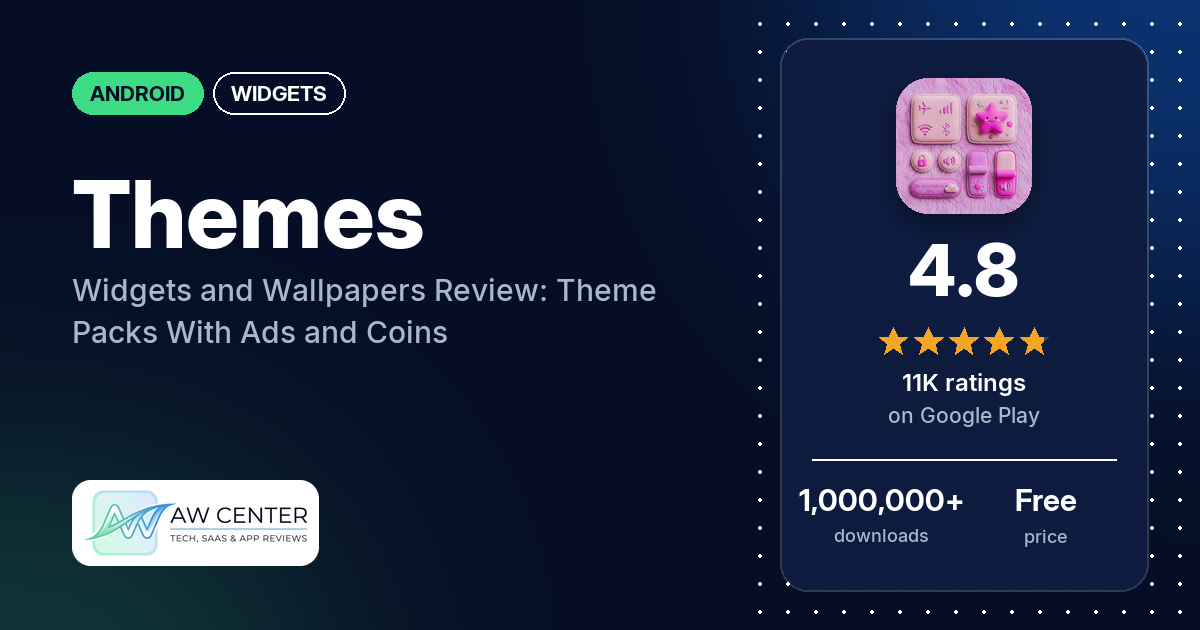
Themes: Widgets and Wallpapers is a free Android app from App Craze with theme packs, matching icons, clock and battery widgets, and wallpapers for your home screen. It shows ads and sells in-app purchases from $0.99 to $19.99 per item, and reviewers mention a coin system for unlocking content.
Quick verdict
If you want a quick way to restyle your home screen with ready-made theme packs and don’t mind ads, the listing says it’s designed for that. It has a 4.8-star rating and over 1,000,000 downloads, but take the rating with some care: most of the reviews we read are three words or fewer, and one reviewer says they wrote theirs for coins. The detailed complaints are about ads, which several reviewers raise, and about having to pay or collect coins for content, which a few raise. The app also asks for the Accessibility Service, which the listing says it uses to apply themes and run its Control Center overlay, plus several system permissions.
Themes: Widgets and Wallpapers at a glance
| Developer | App Craze |
|---|---|
| Store listing | Themes: Widgets and Wallpapers on Google Play |
| Price | Free, with in-app purchases of $0.99 to $19.99 per item |
| Ads | Yes |
| Play Store rating | 4.8 stars from 10,915 ratings (94% are 5-star) |
| Downloads | 1,000,000+ |
| Version / last updated | 84.0 / October 14, 2026 |
| Requires | Not in our data |
| First released | February 17, 2026 |
| Data checked | October 25, 2026 |
What is Themes: Widgets and Wallpapers?
It’s a home screen customization app. The listing describes theme packs with matching app icons, “functional” widgets such as clocks and battery widgets, a wide range of wallpapers, and editor tools to put them together in a few taps. Further down, its permissions notice also describes a Control Center overlay that you can open over any app to change things like brightness, volume and Do Not Disturb. The app first came out in February 2026 and has passed 1,000,000 downloads.
Key features
- Theme packs: complete themes with matching app icons and graphics.
- Widgets: clock widgets, battery widgets and customizable widgets in different styles.
- Wallpapers: holiday, art and other categories.
- Home screen editor: the listing says you can customize your layout, icons and widgets in a few taps.
- Control Center overlay: a panel that appears over other apps, with system toggles such as brightness, volume and Do Not Disturb. The listing says it uses the floating window, write settings, Do Not Disturb and battery optimization permissions for this.
Themes: Widgets and Wallpapers vs. what a widgets app should have
“Listed” means the Google Play listing names the feature, and “Partial” means it covers part of it. “Reviews and developer replies” means we found it there instead. Several rows describe widget-editor features, which don’t apply to an app that mostly offers ready-made themes.
Must have
| Feature | Status | Notes |
|---|---|---|
| Home Screen widgets in several sizes | Partial | Clock, battery and custom widgets are listed; sizes aren’t mentioned. |
| Lock Screen widgets | Partial | The permissions notice mentions widgets and wallpapers “across your home and lock screens”. |
| Design editor (text, images, shapes, layout) | Partial | Editor tools for layout, icons and widgets. No text or shape editing is described. |
| Ready-made designs or templates | Listed | Theme packs and widget designs. |
| Common data (time, date, weather, calendar, battery) | Partial | Clock and battery widgets are listed. Weather and calendar aren’t. |
| Widgets that stay up to date | Not listed | The battery optimization permission is described as keeping the Control Center responsive, not the widgets. |
| Transparent or wallpaper-matching backgrounds | Not listed |
Should have
| Feature | Status | Notes |
|---|---|---|
| Smartwatch faces or complications | Not listed | |
| Tap actions that open apps | Not listed | |
| Sharing or importing designs | Not listed | |
| Music or now-playing data | Not listed | |
| Health and fitness data | Not listed | |
| Help, tutorials or a support contact | Reviews and developer replies | The developer’s replies give [email protected]. One reviewer couldn’t work out how to unlock and install content. |
| Usable free tier | Partial | A developer reply says some advanced features need a premium plan. One reviewer says free coins unlock widgets; a few others say you have to pay. |
| Restoring purchases on a new device | Not listed |
Nice to have
| Feature | Status | Notes |
|---|---|---|
| Custom data sources (JSON, API) | Not listed | |
| Charts and gauges | Not listed | |
| Launcher integration and compatibility | Not listed | |
| Tablet and desktop support | Not listed | |
| Shortcuts or automation integration | Not listed | |
| One-time purchase instead of a subscription | Not listed | In-app purchases are priced per item; the listing doesn’t say whether any are subscriptions. |
| No ads | Not listed | The app has ads. |
Ready-made packs are the main offer here. The listing describes no data widgets beyond clocks and battery.
Pros (from user reviews)
- Themes, icons and widgets: several reviewers like the theme packs, icons, widgets or wallpapers; one calls the widgets “so pretty and cute”. A few others found the content thin or not to their taste, such as a reviewer who wanted more anime themes and one who found only “basic wallpaper all pink”.
- Easy to use: a few reviewers say it’s easy to use, and one finds it “much easier to use then most other apps”. One reviewer had the opposite experience and couldn’t work out how to unlock and install anything.
- Coins instead of paying: one reviewer says it’s “easy to earn free coins to redeem for free widgets”, with no need to buy anything.
Cons (from user reviews)
- Ads: several reviewers complain about ads. One says an ad appeared as soon as they opened the app, and another (writing in Hinglish) says you have to watch an ad for every theme. The developer replied in October 2026 that it would try to keep ads from interfering.
- Paying for content: a few reviewers object to having to pay for content. One says it “offers only wallpapers, you have to pay for the rest”. The developer’s reply says the app has free features and a premium plan for some advanced ones.
- The coin system: two reviewers dislike or are confused by the coins used to unlock content.
- No search: one reviewer couldn’t find a Barcelona theme and asks for a search bar.
- Thin reviews: most of the reviews we read are three words or fewer, such as “good”, “nice” or a row of emojis. One reviewer says they left a review for coins, and two 1-star reviews read as praise. Treat the star mix of recent reviews with caution.
In the rating breakdown, 2.8% of ratings are 1-star, and the histogram shows no 2-star ratings at all.
Rating breakdown
| Stars | Ratings | Share |
|---|---|---|
| 5 | 10,257 | 94.8% |
| 4 | 175 | 1.6% |
| 3 | 87 | 0.8% |
| 2 | 0 | 0.0% |
| 1 | 306 | 2.8% |
Source: Google Play ratings histogram, checked October 25, 2026. The histogram adds up to 10,825 ratings, 90 fewer than the 10,915 total, and the shares are of the histogram total.
Pricing
You can download the app for free. It shows ads and sells in-app purchases priced from $0.99 to $19.99 per item, and the listing doesn’t say what each purchase unlocks. A developer reply from October 2026 says some advanced features require a premium plan. Reviewers describe coins that unlock content: one says coins are easy to earn and unlock widgets for free, while a few others object to paying.
Privacy and permissions
We couldn’t read the Google Play data safety section for this app, so we make no claim about what it declares there.
The listing says the app uses Android’s Accessibility Service for its core features: applying themes, showing the Control Center overlay, and setting up widgets and wallpapers on the home and lock screens. It says the app doesn’t collect, store, read or share personal data or screen content through it. It also explains the floating window permission (for the overlay), write settings (for brightness and volume toggles), Do Not Disturb access, and battery optimization (to keep the Control Center ready).
The Play Store’s permissions list shows: Google Play license check, change your audio settings, disable your screen lock, draw over other apps, full network access, install shortcuts, modify system settings, pair with Bluetooth devices, prevent device from sleeping, read the contents of your USB storage, receive data from Internet, run at startup, set wallpaper, view Wi-Fi connections, and view network connections.
Who it’s for
This app fits you if you want ready-made theme packs with matching icons and wallpapers and you’re fine with ads, coins or small purchases. It also suits you if you want a Control Center-style panel over your apps. It’s a weaker fit if you want to build your own data widgets (weather, calendar, music), if ads bother you, or if you’d rather not give a theme app Accessibility access. Because most reviews are so short, the rating tells you less than usual about how well it works.
FAQ
Is Themes: Widgets and Wallpapers free?
It’s free to download, with ads and in-app purchases from $0.99 to $19.99 per item. A developer reply says some advanced features need a premium plan. Reviewers also describe coins that can unlock some content.
Why does Themes: Widgets and Wallpapers need the Accessibility Service?
The listing says it uses the Accessibility Service to apply themes, show its Control Center overlay, and set up widgets and wallpapers on your home and lock screens. It says no personal data or screen content is collected, stored or shared through it.
Does the app have ads?
Yes. Our data shows the app contains ads, and several reviewers complain about them, including one who says you have to watch an ad for every theme. The developer replied in October 2026 that it would try to keep ads from interfering.
How this review was put together
We haven’t tested Themes: Widgets and Wallpapers. This review is based on public information from official sources: the app’s Google Play or App Store listing and rating breakdown, the developer’s website when there is one, and recent user reviews on the store with the developer’s replies. Features and claims are the developer’s own descriptions; what users like and dislike comes from the store reviews. Everything was checked on October 25, 2026. Apps change with every update, so check the store listing before you install.