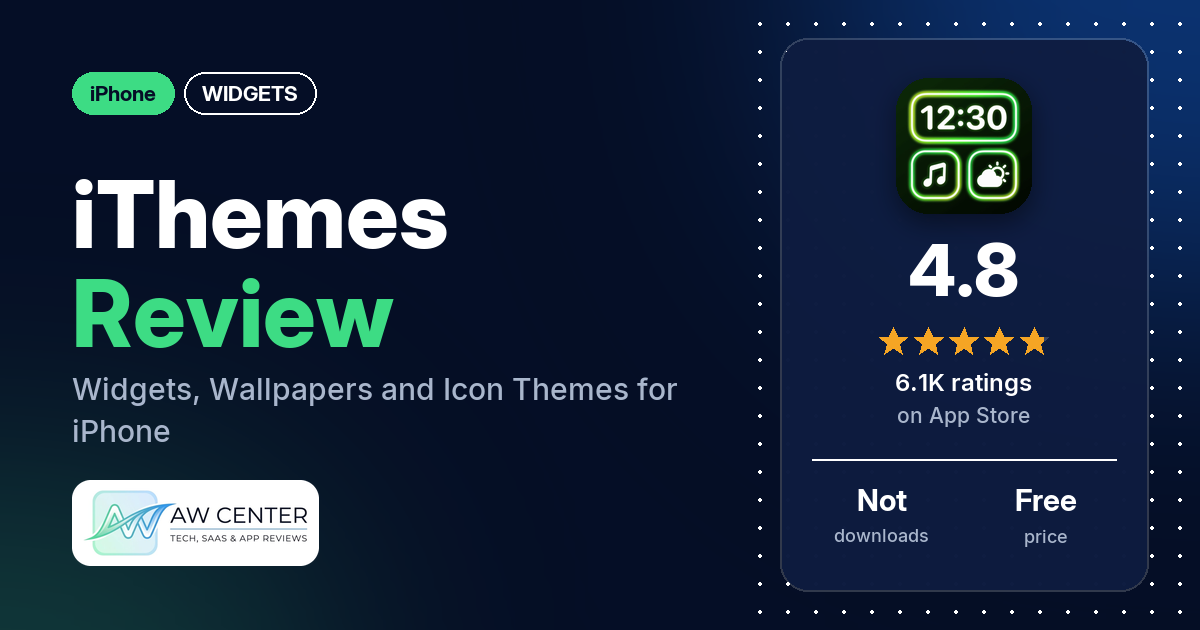
iThemes – Easy Widgets & Icons is a free iPhone app with ready-made widgets, wallpapers and full theme packs that change your app icons, plus Control Center and Lock Screen widgets. It has 4.8 stars from 6,070 App Store ratings, and reviewers say items are unlocked with gems you earn by watching ads, or with a premium plan.
Quick verdict
If you want to restyle your iPhone with a themed set of wallpaper, icons and widgets and you don’t mind watching ads, iThemes can do it. Several reviewers like the wallpapers, and several say you can get what you want for free by earning gems from ads. The complaints are about the same system from the other side: several reviewers say too much is locked behind premium, several find the ads long or frequent, and several say a widget or Control Center item didn’t work. Many reviews in our sample are only a word or two, so the detailed ones carry most of the weight here.
iThemes at a glance
| Developer | HONGKONG KOALA MOBILE LIMITED |
|---|---|
| Store listing | iThemes on the App Store |
| Price | Free; premium prices not in our data (one reviewer mentions $20 a month) |
| Ads | Not stated in the listing; reviewers say you watch ads to earn gems |
| App Store rating | 4.8 stars from 6,070 ratings |
| Downloads | Not in our data |
| Version / last updated | 1.8.3 / October 22, 2026 |
| Requires | iOS 15.0 or later |
| First released | January 22, 2025 |
| Data checked | October 26, 2026 |
What is iThemes?
iThemes is a theming app for iPhone. The listing describes “a collection of ios18 control center widgets, lock screen widgets, popular wallpapers and other functions,” with designer-made widgets and a “widget custom editor” for making your own. Its theme packages combine widgets, icon packs and wallpapers so you can restyle the whole screen in a few steps.
Key features
- Widget library: iOS 18 Control Center widgets, Lock Screen widgets, photo, date and time, battery, weather, calendar and custom text or quote widgets.
- Widget editor: replace photos, choose styles and edit fonts, or design your own widget.
- Wallpapers: a large set of popular wallpapers that the listing says is updated in real time.
- Theme packages: sets of widgets, icon packs and wallpapers you apply together.
iThemes vs. what a widget app should have
“Listed” means the App Store listing names the feature, “Partial” means it covers part of it, and “Reviews only” means reviewers describe it but the listing doesn’t. “Not listed” means neither the listing nor the reviews in our sample show it.
Must have
| Feature | Status | Notes |
|---|---|---|
| Home Screen widgets in several sizes | Partial | Home Screen widgets are listed; sizes aren’t |
| Lock Screen widgets | Listed | |
| Design editor | Listed | Photos, styles and fonts |
| Ready-made designs | Listed | Designer widgets and theme packages |
| Common data (time, date, weather, calendar, battery) | Listed | |
| Widgets that stay up to date | Not listed | Several reviewers say a widget or theme didn’t work or didn’t show up |
| Transparent backgrounds | Not listed |
Should have
| Feature | Status | Notes |
|---|---|---|
| Smartwatch faces or complications | Not listed | |
| Custom app icons | Listed | Icon packs in theme packages; one reviewer mentions installing a profile for the icons |
| Sharing or importing designs | Not listed | |
| Help or setup steps | Reviews only | A few reviewers say the app shows how to install items; two others found it confusing |
| Usable free tier | Partial | Free, with gems from ads; several reviewers say much is premium only |
| Restoring purchases on a new device | Not listed |
Nice to have
| Feature | Status | Notes |
|---|---|---|
| Control Center widgets | Listed | A few reviewers say Control Center items didn’t change or work; one says editing doesn’t work on older iPhones with a notch |
| Search | Not listed | Two reviewers complain there’s no search |
| Tablet support | Reviews only | One iPad user asks for an iPad version of a widget |
| One-time purchase | Not listed | One reviewer mentions $20 a month to unlock everything |
| No ads | Not listed | Reviewers describe watching ads to earn gems |
iThemes shows weather in a widget. Don’t rely on a single app for severe weather warnings.
Common problems reviewers report
The data we collected doesn’t include developer replies, so this table shows each problem and when it was reported, not an official fix. Older reports may describe earlier versions, and version 1.8.3 may behave differently.
| Problem | What reviewers report | When |
|---|---|---|
| Widget or theme doesn’t apply | Several reviewers; one bought a widget with gems and then couldn’t find it | November 2025 to September 2026 |
| Control Center items | A few reviewers; one says Control Center editing doesn’t work on older iPhones with a notch | May to September 2026 |
| Long or frequent ads | Several reviewers, including two who mention ads of about two minutes | December 2025 to August 2026 |
Pros (from user reviews)
- Wallpapers: several reviewers like the wallpapers, including cartoon characters, pets and sports stars. One says a Messi wallpaper’s quality impressed their family.
- Free with ads: several reviewers say you can unlock items without paying by watching ads for gems. One calls it “the only FREE wallpaper app I have found,” and two say the ads are short.
- Setup help: the app walks you through installing things, a few reviewers say, and it’s easy to use.
- Widgets: a few reviewers like the widgets, and one says their phone went from just apps and a wallpaper to widgets and more.
Cons (from user reviews)
- Premium and gems: several reviewers say too much is locked. One says a widget needed 800 coins or premium, another that every theme they chose was locked, and one quotes “20$ every month to unlock everything.”
- Ads: several reviewers find the ads long or frequent. One says it takes two ads to get 100 gems, and another says getting all the widgets meant watching “like 43 ads.”
- Things that don’t work: several reviewers say a widget, wallpaper or Control Center item didn’t apply.
- Quality: a few reviewers found images blurry, low quality or AI-looking.
- Privacy worries: a few reviewers are uneasy. One says their phone flagged “illegal content detected” on a wallpaper, and one says to remove the app-icon profile before deleting the app, claiming it otherwise leaves malware; we can’t confirm either claim.
- Finding things: two reviewers want a search option, and two found the app confusing.
- Free elsewhere: two reviewers say you can find similar wallpapers for free, for example on Pinterest.
Most reviews in our sample are 5 stars, but most of those are a word or two. The data we collected doesn’t include a star breakdown of all 6,070 ratings, so we can’t say how common these complaints are across all of them.
Pricing
iThemes is free to download, and the listing doesn’t describe any paid plan; our data has no prices. Reviewers describe gems that unlock wallpapers and widgets, earned by watching ads (one says 100 gems per ad, another two ads per 100 gems), and a premium or VIP plan that unlocks more. One reviewer in November 2025 quotes “20$ every month to unlock everything.” Check the in-app prices before you subscribe.
Privacy and permissions
We couldn’t read the App Store privacy label for iThemes, so we make no claim about what data it collects. The listing links to Apple’s standard terms of use and to the developer’s website for its privacy policy. One reviewer says the custom app icons involve installing a profile and advises removing it before you delete the app. Two others are wary of giving the app personal information.
Who it’s for
iThemes suits you if you want a quick, matching set of wallpaper, icons and widgets for your iPhone and you’re fine earning items by watching ads. It’s a weaker fit if you want everything free without ads, dislike paywalls, or mainly want Control Center widgets, which a few reviewers couldn’t get working. Check that a free widget works on your phone before you spend gems or money.
FAQ
Is iThemes free?
You can download it for free. Reviewers say you unlock wallpapers and widgets with gems, earned by watching ads, and that a premium plan unlocks more; one mentions $20 a month. Several say much of the content is premium only.
Does iThemes have ads?
The listing doesn’t say, but reviewers describe watching ads to earn gems. Two say the ads are short, one says there are none, and several others find them long or frequent.
Why don’t iThemes Control Center widgets work on my iPhone?
A few reviewers say Control Center items didn’t change or work. One says the Control Center editing the app describes doesn’t work on older iPhones with a notch, such as the iPhone 12. The data we collected doesn’t include developer replies, so we can’t give an official fix.
How do I remove iThemes icons safely?
One reviewer advises removing the app-icon profile before you delete the app, and claims it otherwise leaves malware. We couldn’t confirm that claim, and the data we collected doesn’t include developer guidance on it.
How this review was put together
We haven’t tested iThemes. This review is based on public information from official sources: the app’s Google Play or App Store listing and rating breakdown, the developer’s website when there is one, and recent user reviews on the store with the developer’s replies. Features and claims are the developer’s own descriptions; what users like and dislike comes from the store reviews. Everything was checked on October 26, 2026. Apps change with every update, so check the store listing before you install.