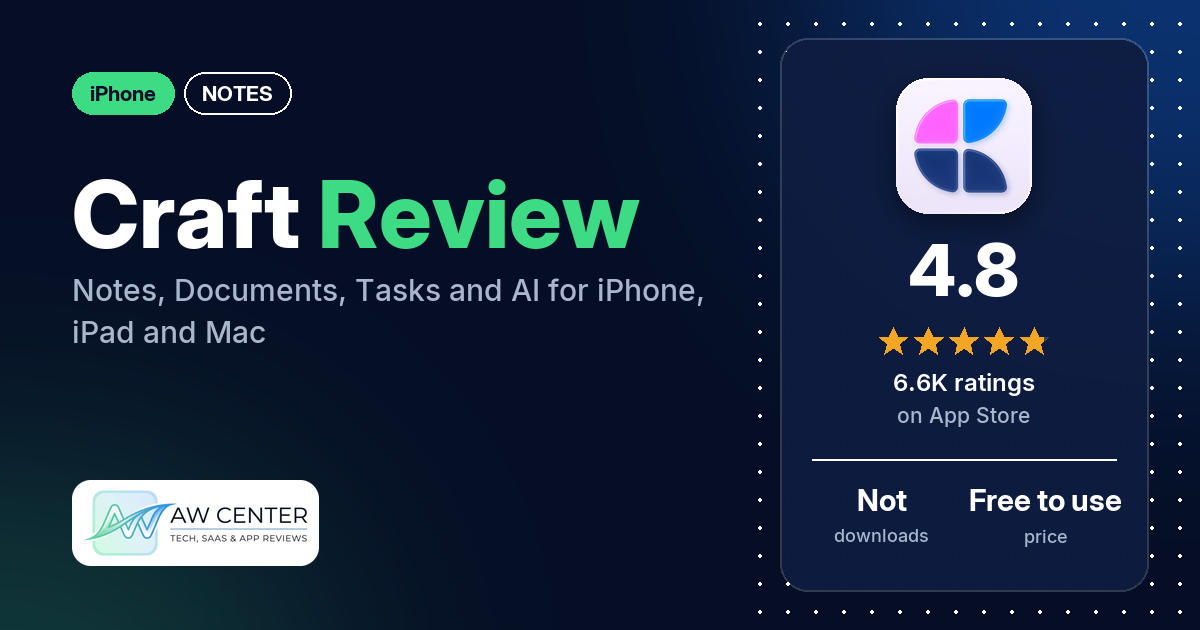
Craft is a notes and documents app for iPhone, iPad, Mac and the web that adds tasks, daily notes, whiteboards and an AI Assistant to good-looking, shareable pages. It has 4.8 stars from 6,632 App Store ratings; you can use it for free, and a monthly or yearly subscription unlocks more.
Quick verdict
Craft fits you if you want notes that look like finished documents and one app for writing, planning and sharing. Its design is what reviewers praise most. Many reviewers praise how it looks, many call it easy or intuitive, and many say they tried other apps, including Notion, Evernote and Obsidian, before settling here. The complaints are real, though. Several reviewers find it too expensive, several say text size can’t be enlarged or that VoiceOver barely works, and several report bugs, a few of them in the Mac app. If you depend on accessibility features, read the Cons first.
Craft at a glance
| Developer | Craft Docs Limited |
|---|---|
| Store listing | Craft on the App Store |
| Price | Free to use; one-month and 12-month subscriptions (prices not in our data) |
| Ads | Not stated in the listing |
| App Store rating | 4.8 stars from 6,632 ratings |
| Downloads | Not in our data |
| Version / last updated | 3.7 / October 10, 2026 |
| Requires | iOS 17.0 or later |
| First released | November 10, 2020 |
| Data checked | October 26, 2026 |
What is Craft?
Craft is a writing and organizing app; reviewers describe documents built from blocks that you can style, nest and share. The listing says you can “Create structured documents, manage tasks, organize your knowledge with Collections, and chat about it all with the AI Assistant,” with sync across iPhone, iPad, Mac and the web. It also says Craft works offline “with full access to all features” and syncs when you reconnect.
Key features
- Documents: structured pages with Markdown and keyboard shortcuts, version history, link sharing and web publishing.
- Collections: a way to organize your knowledge inside documents.
- AI Assistant: the listing says it finds notes, answers questions about your content, and rewrites or summarizes documents.
- Tasks: capture tasks in notes, manage them in an Inbox, and set target dates, due dates and reminders.
- Daily Notes: a daily page for thoughts, schedules, tasks or a journal, with a calendar view.
- Whiteboards: a canvas for sketching ideas, mapping projects and working with others.
- Integrations: connections to AI chat tools and productivity apps, an API and MCP, and the option to use Craft documents as a CMS for a blog or website.
- Offline and sync: full offline use, with sync across iPhone, iPad, Mac and the web.
Craft vs. what a notes app should have
“Listed” means the App Store listing names the feature, “Partial” means it covers part of it, and “Reviews only” means reviewers describe it but the listing doesn’t. “Not listed” means neither the listing nor the reviews in our sample show it.
Must have
| Feature | Status | Notes |
|---|---|---|
| Fast note creation | Partial | Daily Notes and offline writing are listed; one longtime reviewer says creating a note now takes several clicks |
| Organization (tags, folders or flags) | Listed | Collections are listed; reviewers also describe folders and tags |
| Search or filtering | Partial | The AI Assistant searches your notes; a few reviewers say search inside documents, PDFs or across blocks falls short |
| Sync across devices | Listed | iPhone, iPad, Mac and web; several reviewers praise the sync |
| Sharing or exporting | Listed | Link sharing and web publishing; one reviewer says PDF export stopped working after a 2026 update |
| Home Screen widget | Reviews only | One reviewer likes the Task widget; another says widgets lack customization |
| Backup or recovery | Partial | Version history is listed; a few reviewers want an undo button on mobile |
Should have
| Feature | Status | Notes |
|---|---|---|
| Markdown or plain-text formatting | Listed | |
| Dictation or voice capture | Not listed | |
| Themes and styling | Reviews only | Reviewers describe page styles, backgrounds, colors and themes |
| Font and layout customization | Reviews only | A few reviewers say font choices are limited |
| Share-extension capture | Reviews only | Reviewers mention a web clipper |
| Siri or Shortcuts support | Reviews only | Two reviewers say the Shortcuts action can’t create a document from a template |
| Smartwatch capture | Not listed | One reviewer asks for Apple Watch support for tasks |
Nice to have
| Feature | Status | Notes |
|---|---|---|
| Automation or scripting | Listed | API and MCP |
| AI integration | Listed | Several reviewers find it helpful; several others complain about credits or confusion |
| Images or attachments | Reviews only | Reviewers describe attaching files, photos and videos |
| Collaboration | Listed | Whiteboards and link sharing |
| Web or Windows access | Listed | Web is listed; reviewers also mention a Windows app, and one notes there is no Android app |
| Note lock or encryption | Not listed | A few reviewers ask for end-to-end encryption or locked documents |
| Accessibility | Not listed | Several reviewers say text can’t be enlarged or VoiceOver doesn’t work well |
Common problems reviewers report
The data we collected doesn’t include developer replies, so this table shows each problem and when it was reported, not an official fix. Older reports may describe earlier versions, and version 3.7 may behave differently.
| Problem | What reviewers report | When |
|---|---|---|
| Text size and VoiceOver | Several reviewers say you can’t enlarge text or that VoiceOver users can’t use the app | April 2024 to February 2026 |
| Bugs and crashes | Several reviewers; reports include text that shifts or vanishes, paste errors, a lost page and, in September 2026, PDF export doing nothing | May 2024 to September 2026 |
| Mac app | A few reviewers say the Mac app crashes, lags or drains the battery, and a few say the iPhone and iPad apps work better | July 2024 to May 2026 |
| AI credits | Two reviewers say AI use is limited by credits that are hard to track, even on a paid plan | March and April 2026 |
| Support | Several reviewers say support was slow or unhelpful; a few others praise it | May 2024 to May 2026 |
Pros (from user reviews)
- Design: many reviewers praise how Craft looks, and one calls it “quite possibly the greatest single piece of software I’ve ever used” from a design point of view.
- Easy to pick up: many reviewers call it easy or intuitive. Several others say it takes time to learn, and a few of them say it clicks once you do.
- The one they kept: many reviewers tried other apps first. Several name Notion, and one says their team is moving from Notion to Craft.
- Tasks and daily notes: several reviewers like planning their day in Craft, with tasks, daily notes and calendar links in one place.
- Steady updates: new features arrive often and the team listens to feedback, several reviewers say.
- Sync and offline: several reviewers praise the sync across devices, and a few like working offline.
- Sharing and templates: publishing a page as a link gets praise from several reviewers, and several like the templates.
- AI: several reviewers find the AI Assistant useful for drafting, translating or help with writing.
Cons (from user reviews)
- Price: several reviewers find the subscription too expensive, quoting about $95 to $100 a year. A few say the free version ran out of blocks, space or notes. Others say it’s worth it, including one who says that at 9.99 a month it is “a no brainer.”
- Accessibility: several reviewers say you can’t enlarge the text, and two say the app is largely unusable with VoiceOver.
- Bugs: several reviewers report glitches, such as text shifting or vanishing, pastes that drop words, a page that disappeared and a subscription the app didn’t recognize. A few say the Mac app is the weakest.
- AI frustrations: several reviewers dislike the AI, from limited credits and confusing assistants to pop-ups promoting it. One Pro user says they couldn’t use it at all.
- Learning curve and menus: several reviewers find menus confusing or say interface changes added clicks.
- Calendar and tasks: a few reviewers say the calendar can’t add events or lacks a monthly view, and a few say tasks are basic.
- Search and OCR: a few reviewers say search is weak, and a few ask for OCR so scanned text and PDFs can be searched.
- Other complaints: a few reviewers each mention no undo button on mobile, the block system getting in the way, limited fonts and hard-to-export data, and two want end-to-end encryption. One says support told them a text is limited to 20,000 characters.
Most reviews in our sample are 5 stars. The data we collected doesn’t include a star breakdown of all 6,632 ratings, so we can’t say how common these complaints are across all of them.
Pricing
Craft is free to use: the listing says “If you don’t choose to purchase a Craft subscription, you can continue using Craft for free.” Subscriptions come as one-month and 12-month packages, and the listing says prices vary by country. Our data doesn’t include them. Reviewers quote “$9.99 a month” (2024 and 2025), “$9 per month” (June 2026) and about $95 to $100 a year (2024 and 2025), and two mention a lifetime purchase. A few say the free version limits notes or blocks.
Privacy and permissions
We couldn’t read the App Store privacy label for Craft, so we make no claim about what data it collects. The listing links to terms of service and a privacy policy on craft.do. A few reviewers ask for end-to-end encryption, two-factor sign-in or locked documents, and one objects to having to sign up with an email address before trying the app.
Who it’s for
Craft suits you if you write and organize a lot, care how your notes look, and want tasks, daily notes and sharing in the same app across your Apple devices and the web. It’s a poor fit if you need larger text or VoiceOver, want end-to-end encryption, or mostly work on a Mac, where a few reviewers report crashes, lag or battery drain. Try the free version on your own notes before you subscribe.
FAQ
Is Craft free?
Yes, the listing says you can keep using Craft for free without a subscription. Subscriptions come in one-month and 12-month packages. A few reviewers say the free version limits notes or blocks, and reviewers quote prices of about $9 to $10 a month or $95 to $100 a year.
Does Craft work offline?
The listing says Craft works offline “with full access to all features” and syncs changes when you reconnect. A few reviewers like working offline, and one says it’s the main reason they switched from Notion.
Is Craft accessible with large text or VoiceOver?
Several reviewers say Craft doesn’t let you enlarge text, and two say the app is largely unusable with VoiceOver. The listing doesn’t mention accessibility features.
Is Craft a good Notion alternative?
Several reviewers switched from Notion and prefer Craft’s design and speed. A few who came from Notion still miss its databases or layout options.
How this review was put together
We haven’t tested Craft. This review is based on public information from official sources: the app’s Google Play or App Store listing and rating breakdown, the developer’s website when there is one, and recent user reviews on the store with the developer’s replies. Features and claims are the developer’s own descriptions; what users like and dislike comes from the store reviews. Everything was checked on October 26, 2026. Apps change with every update, so check the store listing before you install.