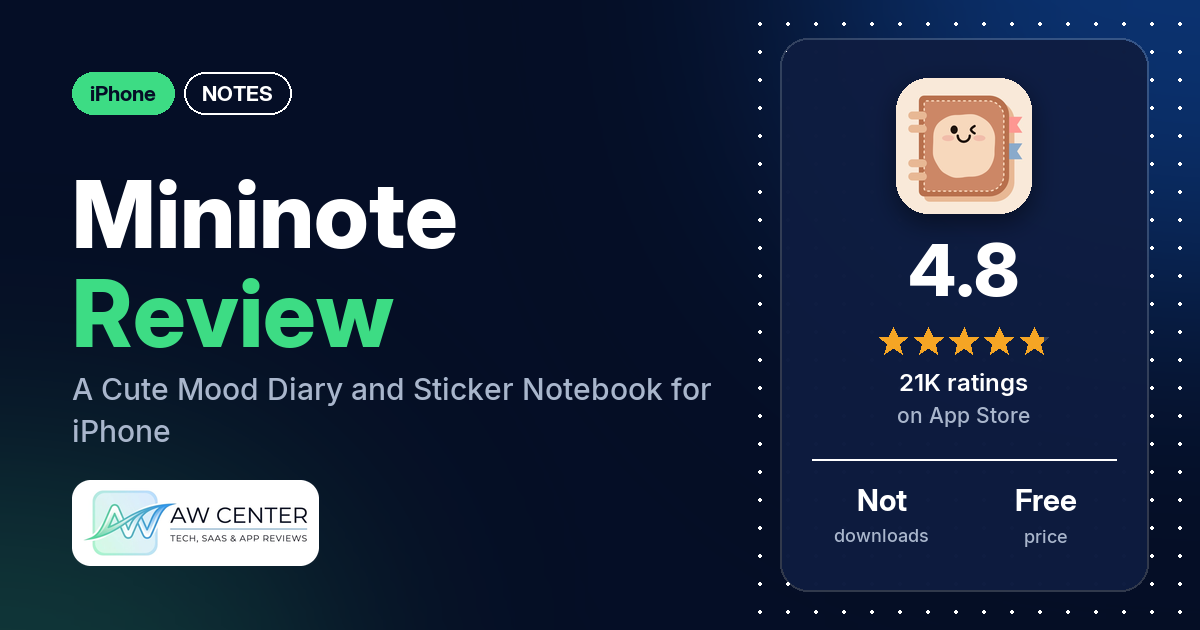
Mininote is a free iPhone diary for logging your mood and decorating notes with stickers, fonts, photos and templates, with a password lock and iCloud backup. It has 4.8 stars from 21,045 App Store ratings, and a VIP plan removes ads and unlocks more materials.
Quick verdict
If you want a diary that feels more like a sticker book than a notes app, Mininote is built for that. Many reviewers call it cute and fun, and many even call it a game: alongside notes, reviewers describe packing decorated boxes, making dolls and creating K-pop photo cards. Several say you can unlock items by watching ads instead of paying. The serious complaints are about keeping your work. Several reviewers lost notes, and several who paid for VIP couldn’t restore or access it later. If your diary matters to you, don’t let Mininote be the only copy.
Mininote at a glance
| Developer | Xiamen ShenZhuo Information Technology Co., Ltd. |
|---|---|
| Store listing | Mininote on the App Store |
| Price | Free; VIP as monthly, yearly or one-time purchase (prices not in our data) |
| Ads | Yes in the free version; the listing says VIP has no ads |
| App Store rating | 4.8 stars from 21,045 ratings |
| Downloads | Not in our data |
| Version / last updated | 2.40.11 / July 9, 2026 |
| Requires | iOS 13.0 or later |
| First released | July 19, 2021 |
| Data checked | October 26, 2026 |
What is Mininote?
The listing calls Mininote “a free mood tracking diary” and “a portable electronic notebook.” You record your mood each day, draw your own small emoticons and write notes with an editor, then see a month of moods on a calendar. Reviewers describe much more decoration than the listing does: stickers, tape, GIFs, fonts, templates, notebooks and a way to share creations with friends.
Key features
- Mood diary: record your mood at any time and see the month’s moods at a glance in a calendar view.
- Your own emoticons: draw small emoticons yourself.
- Note editor: the listing calls it a “powerful note editing function.”
- Privacy and backup: password setting, iCloud backup and notifications.
- VIP: no ads, all VIP materials unlocked and “More advanced services.”
Mininote vs. what a notes app should have
“Listed” means the App Store listing names the feature, “Partial” means it covers part of it, and “Reviews only” means reviewers describe it but the listing doesn’t. “Not listed” means neither the listing nor the reviews in our sample show it. Mininote is a decorated diary, so it fits the notes-app checklist only in part.
Must have
| Feature | Status | Notes |
|---|---|---|
| Fast note creation | Partial | One reviewer lost a recipe because a note won’t save without a title |
| Organization (tags, folders or flags) | Reviews only | Reviewers describe notebooks for sorting notes |
| Search or filtering | Not listed | |
| Sync across devices | Partial | iCloud backup is listed; two reviewers couldn’t restore VIP on a new iPhone or iPad |
| Sharing or exporting | Reviews only | A few reviewers share creations with friends through a note chat |
| Home Screen widget | Reviews only | One reviewer uses it to make a home screen or widget |
| Backup or recovery | Listed | iCloud backup; several reviewers say notes were lost anyway |
Should have
| Feature | Status | Notes |
|---|---|---|
| Text formatting | Partial | A note editor is listed; reviewers describe many fonts |
| Dictation or voice capture | Not listed | |
| Themes and dark mode | Not listed | Two reviewers ask for dark mode |
| Font and layout customization | Reviews only | Fonts, backgrounds and templates |
| Share-extension capture | Not listed | |
| Siri or Shortcuts support | Not listed | |
| Smartwatch capture | Not listed |
Nice to have
| Feature | Status | Notes |
|---|---|---|
| Automation or scripting | Not listed | |
| AI integration | Not listed | One reviewer says some note covers look AI-generated |
| Images or attachments | Reviews only | Photos and GIFs; a few reviewers couldn’t add photos in April 2025 |
| Collaboration | Reviews only | Note chat with friends |
| Web or Windows access | Not listed | |
| Note lock or encryption | Listed | Password setting; several reviewers value the lock |
| Accessibility | Not listed |
Common problems reviewers report
The data we collected doesn’t include developer replies, so this table shows each problem and when it was reported, not an official fix. Older reports may describe earlier versions, and version 2.40.11 may behave differently.
| Problem | What reviewers report | When |
|---|---|---|
| Notes lost | Several reviewers; one lost months of diary entries, one lost notes with cloud sync on, and one lost text by tapping exit instead of save | December 2024 to August 2026 |
| VIP not restored | Several reviewers who paid for VIP couldn’t restore or access it; two after moving to a new iPhone or iPad, one after switching accounts | June 2024 to October 2026 |
| Can’t log in or reset a password | A few reviewers; one says the password reset email never arrived | July 2024 to August 2026 |
| Can’t add photos | A few reviewers, one after an update | April 2025 |
Pros (from user reviews)
- Cute: many reviewers call it cute, aesthetic or kawaii.
- Fun and creative: many reviewers find it fun, and many call it a game. Several describe decorating boxes or dolls, and a few make K-pop photo cards or packaging videos.
- Lots to decorate with: the range of stickers, templates and fonts gets praise from several reviewers.
- Free with ads: several reviewers say you can unlock items by watching ads, and several find the ads few or short. One says they’ve used it for about two years without premium.
- Password lock: several reviewers like keeping their diary private, including from family.
- Easy: several reviewers call it easy to use, and two like that there’s no sign-in.
- Friends: a few reviewers share creations with friends in the app’s note chat.
Cons (from user reviews)
- Lost notes: several reviewers lost work. One spent months on a diary that was deleted, one lost all notes despite cloud sync, and one lost a recipe because it wouldn’t save without a title.
- VIP that won’t restore: several reviewers who paid for VIP, including a one-time purchase, couldn’t restore or access it: two after moving to a new iPhone or iPad, one after switching accounts.
- Paywall: several reviewers say many cute items need VIP. One reviewer, writing in Spanish in July 2026, says it asks about four dollars a month.
- Ads: several reviewers find the ads too many, including one who says unlocking a sticker took five ads and one who got six ads in a minute.
- Glitches: several reviewers report freezes, lag or controls that overlap, and a few couldn’t add photos in April 2025.
- Logins: a few reviewers couldn’t log in or reset a password.
- Other complaints: two reviewers want dark mode, two report language problems (templates in Japanese or Korean, a missing Ñ), and a few found the app hard to understand.
Most reviews in our sample are 5 stars. The data we collected doesn’t include a star breakdown of all 21,045 ratings, so we can’t say how common these complaints are across all of them.
Pricing
Mininote is free. The listing says VIP removes ads, unlocks all VIP materials and adds “More advanced services,” and that it comes as a monthly, yearly or one-time purchase. Our data doesn’t include prices; one reviewer mentions about four dollars a month. Without VIP, reviewers say you watch ads to unlock stickers and other items. If you buy VIP, keep your receipt: several reviewers couldn’t restore it later.
Privacy and permissions
We couldn’t read the App Store privacy label for Mininote, so we make no claim about what data it collects. The listing names password protection and iCloud backup, and it links to a user agreement and privacy policy on xmzerone.com. Two reviewers like that there’s no sign-in, while a few others mention an account and email for logging in.
Who it’s for
Mininote suits you if you want a playful, decorated diary with moods, stickers and a lock, and you don’t mind ads or a VIP plan. It’s a weaker fit if you need a reliable place for important notes, since several reviewers lost theirs, or if you want dark mode, which two reviewers ask for. If you write things you’d hate to lose, save copies somewhere else as well.
FAQ
Is Mininote free?
Yes. The listing calls it “a free mood tracking diary,” and reviewers say you can unlock items by watching ads. VIP removes ads and unlocks all VIP materials, and the listing says it comes as a monthly, yearly or one-time purchase.
Can I lose my notes in Mininote?
Several reviewers say they did, including one who had cloud sync on and one who lost months of diary entries. One also lost text by tapping exit instead of save. Keep a copy of anything important outside the app.
Why can’t I restore my Mininote VIP?
Several reviewers who paid for VIP couldn’t restore or access it, in reports from June 2024 to October 2026: two after moving to a new iPhone or iPad, one after switching accounts, and others after login or server errors. The data we collected doesn’t include developer replies, so we can’t give an official fix.
Does Mininote have a password lock?
Yes, the listing supports setting a password, and several reviewers use it to keep their diary private.
How this review was put together
We haven’t tested Mininote. This review is based on public information from official sources: the app’s Google Play or App Store listing and rating breakdown, the developer’s website when there is one, and recent user reviews on the store with the developer’s replies. Features and claims are the developer’s own descriptions; what users like and dislike comes from the store reviews. Everything was checked on October 26, 2026. Apps change with every update, so check the store listing before you install.