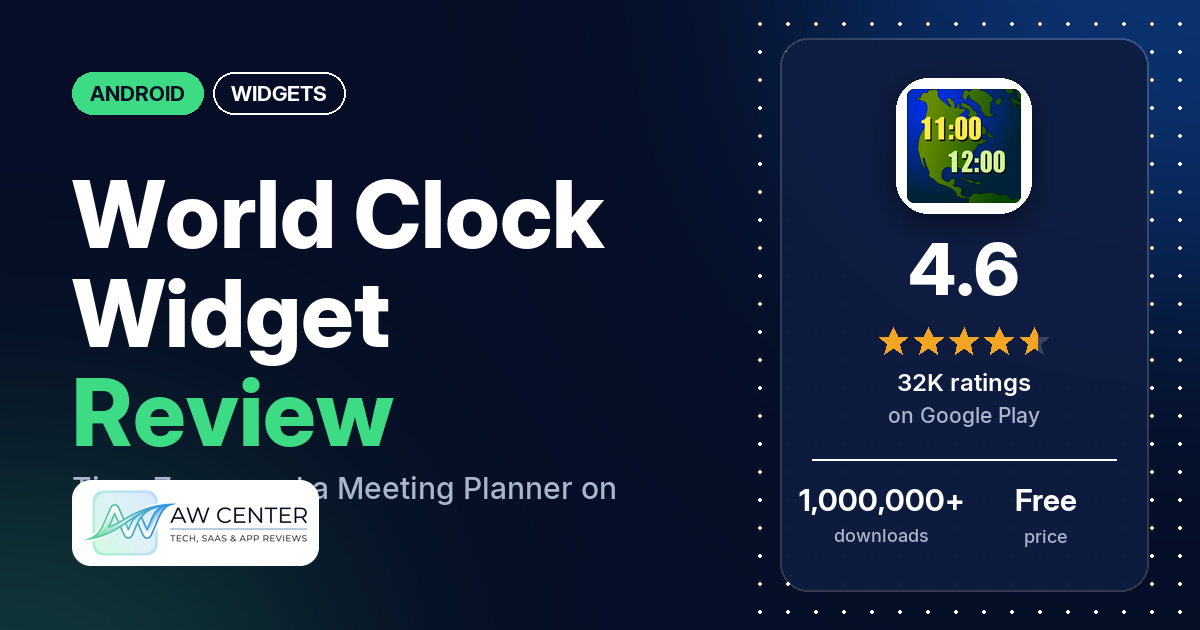
World Clock Widget shows the time in several cities at once, as an app or as a home screen widget, and has a meeting planner and a time converter. It’s free with ads, and in-app purchases run from $2.99 to $4.99 per item.
Quick verdict
If you call family abroad or work with people in other time zones, World Clock Widget covers the basics, and 80% of its Google Play ratings are 5 stars. Several reviewers call it easy to use, and several use it to keep track of the time for family or friends abroad. The catch is the widget. The most common complaint is a widget clock that stops updating, falls behind or shows the wrong time, and the developer’s replies to those reports point to the phone’s battery optimization settings. Ads come next, with a few reviewers saying they cover what’s on screen. Across all ratings, 6.9% are 1 or 2 stars.
World Clock Widget at a glance
| Developer | Tomas Hubalek |
|---|---|
| Store listing | World Clock Widget on Google Play |
| Price | Free, with in-app purchases of $2.99 to $4.99 per item |
| Ads | Yes |
| Play Store rating | 4.6 stars from 31,651 ratings (80% of the ratings in the store’s rating breakdown are 5-star) |
| Downloads | 1,000,000+ |
| Version / last updated | 5.8.12 / October 26, 2026 |
| Requires | Not in our data |
| First released | April 12, 2010 |
| Data checked | November 5, 2026 |
What is World Clock Widget?
World Clock Widget is a world clock you can use as a standalone app or as a widget. The listing calls it a “world clock and meeting planner” and says it shows the time and date in multiple cities and time zones, as a digital or analog clock. It has been on Google Play since April 2010, and the latest update is from October 2026.
Key features
- Multiple cities: time and date in multiple cities and time zones, including GMT and Zulu time.
- Clock styles: digital and analog clocks, with 12- or 24-hour time and military time.
- Appearance: the listing promises “A lot of color and appearance settings”.
- Daylight saving: the listing promises up-to-date daylight saving time (DST) information.
- Planning tools: a time converter and a meeting scheduler. The meeting planner marks weekend hours and morning and evening hours.
- Alarm: you can open a third-party alarm clock app from World Clock Widget.
World Clock Widget vs. what a widget app should have
“Listed” means the Google Play listing names the feature, “Partial” means it covers part of it, and “Reviews only” or “Reviews and developer replies” means we found it outside the listing. Our widget checklist was written with widget editors in mind, so a single-purpose world clock isn’t meant to fill the whole list.
Must have
| Feature | Status | Notes |
|---|---|---|
| Home screen widgets in several sizes | Partial | The listing says you can use it as a widget but names no sizes. Two reviewers say the widget can’t be resized. |
| Lock screen widgets | Not listed | One reviewer says it shows only on the home screen, not the lock screen |
| Design editor (text, images, layout) | Partial | Color and appearance settings; no layout editor is listed |
| Ready-made designs or templates | Not listed | |
| Common data (time, date, weather, calendar, battery) | Partial | Time and date only. Two reviewers ask for weather or temperature. |
| Stays up to date | Not listed | No refresh setting is listed. Several reviewers say the widget clock stops updating. |
| Transparent or picture background | Not listed |
Should have
| Feature | Status | Notes |
|---|---|---|
| Tap actions that open apps | Partial | The listing says you can open a third-party alarm clock from the app; it doesn’t describe tap actions on the widget |
| Help or a support contact | Reviews and developer replies | The developer’s replies give a support email address and ask for screenshots or details |
| Usable free tier | Partial | The app is free with ads. A few reviewers say features that used to be free now need the paid version. |
| Sharing or importing designs | Not listed | |
| Restoring purchases on a new device | Not listed | |
| Smartwatch faces | Not listed | |
| Music, health or fitness data | Not listed |
Nice to have
| Feature | Status | Notes |
|---|---|---|
| Time zones or a world clock | Listed | Multiple cities and time zones, GMT and Zulu |
| 12/24-hour choice | Listed | Also military time |
| Seconds display | Not listed | One reviewer asks for seconds |
| Date formats (including custom ones) | Reviews only | Two reviewers mention editing the date format; one says AM/PM stays on “pm” in their custom format |
| One-time purchase | Reviews only | One reviewer says it is a one-time payment, not a subscription |
| No ads | Not listed | The listing shows the app contains ads |
| Launcher integration, tablet support, custom data or automation | Not listed |
It’s built around time zones: the listing names no weather, calendar or battery data and no lock screen widget.
Common problems
Most of these reports come from 1- to 3-star reviews, and only 6.9% of all ratings are 1 or 2 stars. Widget behavior depends on the phone and Android version, and newer app versions may behave differently.
| Problem | What reviewers report | When | What the developer’s replies or the listing say |
|---|---|---|---|
| Widget clock stops updating or falls behind | Several reviewers. A few say it only updates when they tap it, and two say it was 30 minutes or more off. Two say it kept happening after they turned off battery optimization or allowed background use. One names an S22. | November 2022 to January 2026 | The developer’s replies (2022 to December 2025) say it is most likely the phone’s battery optimization and point to dontkillmyapp.com for settings guides |
| Widget won’t load or doesn’t work | Several reviewers; two say it stays stuck loading | November 2022 to October 2024 | One reply in April 2023 asks the reviewer to try the beta channel |
| Ads cover the screen | A few reviewers say ads cover the times or the city they want to see | March 2025 to November 2025 | Replies in 2025 and 2026 say ads pay for the free app and the paid version removes them |
| Digital clock shows as analog | Two reviewers chose a digital clock and got an analog one | October 2025 | An October 2025 reply says to select the digital clock option before adding the widget |
| Needs an internet connection | A few reviewers; two say it was needed to add a city | April 2024 to April 2026 | An April 2024 reply says it needs the internet only when looking up a city, and works offline after that |
| Wrong offset for a place | A few reviewers say times are an hour off, show PM when it should be AM, or ignore daylight saving | September 2022 to July 2026 | An April 2023 reply calls this type of mistake “very unusual” and asks for details by email |
Pros (from user reviews)
- Easy to use: the most common praise. Several reviewers call it easy or simple, and one says you type in a city name “and there it is”. A few others find it confusing or hard to use.
- Staying in touch: several reviewers use it to keep track of the time for family, friends or a partner in another country. One says the widget helps around daylight saving changes.
- Work and travel: a few reviewers use it for meetings, a team or tutoring students across time zones, and a few call it useful for travel. Two mention the meeting or calling planner.
- Accurate: several reviewers call it accurate or reliable. The update complaints in Cons show that isn’t true on every phone.
- Long-time users: a few reviewers say they have used it for years, one of them for eight.
- Finding places: a few reviewers like the choice of cities, saved locations or being able to find smaller cities. One says it gets Paraguay’s time right where Google’s clock doesn’t.
- Paying once: one reviewer says it’s a one-time payment, not a subscription. Another says the paid version is worth the money.
Cons (from user reviews)
- Clock stops updating: the most common complaint in our sample. Several reviewers say the widget froze, lagged or showed the wrong time, and a few say it only caught up when they tapped it. Two say it kept happening after they changed battery settings.
- Ads: the second most common complaint. Several reviewers find the ads too much, a few say they cover the times or the city they want to see, and a few uninstalled the app over them. One reviewer objects to the cookie options.
- Widget won’t load: several reviewers couldn’t add the widget or say it doesn’t work.
- Searching for places: finding a place was hard for several reviewers, for example because of the exact spelling it needs, a search that doesn’t recognize time zones, or not knowing which Portland they had picked.
- Analog and digital: a few reviewers had trouble with the clock style. Two chose digital and got analog, and two say the small analog clock is hard to read.
- Widget layout: a few reviewers say a widget shows only one time zone or can’t fit several, and two say it can’t be resized. One reviewer says the opposite: it was the first app that let them put several cities on a widget.
- Paywall: a few reviewers say features that used to be free, such as text color, now need the paid version. One says the $4.99 upgrade gave them nothing new and they expected more than no ads.
- Background and notifications: running in the background, or asking for notification permission, puts off a few reviewers.
- Internet access: needing a connection bothers a few reviewers; for two of them, it was needed to add a city.
- Requests: two reviewers ask for weather or temperature, two for fuller date formats, and one each for seconds and a lock screen widget.
Our sample holds far more 1- and 2-star reviews than the store as a whole, because of how it was drawn. Across all ratings, 80% are 5-star and 6.9% are 1 or 2 stars.
Rating breakdown
| Stars | Ratings | Share |
|---|---|---|
| 5 | 25,305 | 80.0% |
| 4 | 3,096 | 9.8% |
| 3 | 1,056 | 3.3% |
| 2 | 525 | 1.7% |
| 1 | 1,657 | 5.2% |
Source: Google Play ratings histogram, checked November 5, 2026. The histogram adds up to 31,639 ratings, slightly fewer than the 31,651 total, and the shares are of the histogram total.
Pricing
World Clock Widget is free to install and shows ads. In-app purchases cost $2.99 to $4.99 per item; the listing doesn’t say what each one unlocks. The developer’s replies say the paid version removes ads, and a May 2026 reply says some advanced features are only in the premium version. A few reviewers say features that used to be free now need the paid version. One reviewer says the $4.99 upgrade gave them nothing new beyond no ads, and another says the upgrade didn’t show up after paying.
Privacy and permissions
We couldn’t read the Google Play data safety section for World Clock Widget, so we make no claim about what it declares there. The permissions list shows: full network access, prevent device from sleeping, run at startup, set an alarm, and view network connections. Two reviewers complain about the permissions it asks for. The developer’s replies say the app has to run in the background to update the widgets, and a 2022 reply says notifications are required by Google.
Who it’s for
World Clock Widget suits you if you need a quick look at the time where family, friends or coworkers live, and you want a meeting planner for calls across time zones. It’s a weaker fit if you need a widget clock that never lags, if ads bother you and you don’t want to pay, or if you want weather or a lock screen widget. If the widget stops updating, the developer’s advice is to change your phone’s battery optimization settings for the app.
FAQ
Is World Clock Widget free?
Yes, it’s free on Google Play with ads. In-app purchases cost $2.99 to $4.99 per item, and the developer’s replies say the paid version removes the ads. A few reviewers say some features that used to be free now need the paid version.
Why does the World Clock Widget clock stop updating?
Several reviewers report a widget clock that freezes or falls behind, and a few say it catches up only when tapped. The developer’s replies say this is most likely the phone’s battery optimization and point to dontkillmyapp.com for settings guides. Two reviewers say it still happened after they changed battery settings.
Does World Clock Widget need an internet connection?
Yes, to add a city. An April 2024 reply from the developer says the app needs the internet only when looking up a city and works offline after that. Two reviewers say adding a city needed a connection. The listed permissions include full network access.
Can the widget show a digital clock?
Yes, the listing offers digital and analog clocks. Two reviewers chose digital and got analog; an October 2025 reply from the developer says to pick the digital option before adding the widget.
How this review was put together
We haven’t tested World Clock Widget. This review is based on public information from official sources: the app’s Google Play or App Store listing and rating breakdown, the developer’s website when there is one, and recent user reviews on the store with the developer’s replies. Features and claims are the developer’s own descriptions; what users like and dislike comes from the store reviews. Everything was checked on November 5, 2026. Apps change with every update, so check the store listing before you install.