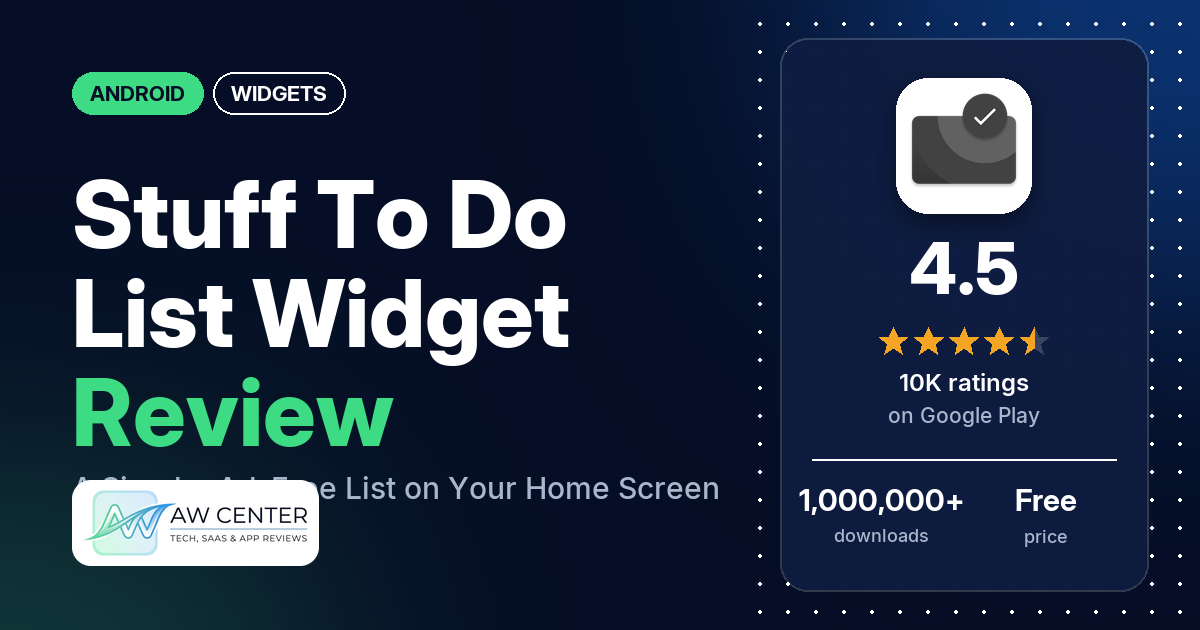
Stuff – To Do List Widget is a free Android to-do list that you use straight from a home screen widget, with no ads. Changing the widget’s colors, transparency and fonts needs an in-app purchase; Google Play lists in-app purchases at $2.99 per item.
Quick verdict
If you want a plain checklist on your home screen and nothing more, Stuff does that. It holds a 4.5-star rating from 10,169 ratings, many reviewers praise how simple and minimal it is, and several say they have used it for years. Reliability is the weak spot on some phones. Several reviewers say the widget went blank or stopped showing new and edited tasks, and a few had to remove and re-add it to get it working again. Don’t expect a full task manager either: several reviewers ask for repeating tasks, and several want due dates or reminders. Across all of Google Play, 7.0% of ratings are 1 or 2 stars.
Stuff – To Do List Widget at a glance
| Developer | mlhgdevelopment (no developer website in the listing) |
|---|---|
| Store listing | Stuff – To Do List Widget on Google Play |
| Price | Free, with in-app purchases ($2.99 per item) |
| Ads | None |
| Play Store rating | 4.5 stars from about 10,169 ratings (77% are 5-star) |
| Downloads | 1,000,000+ |
| Version / last updated | Varies with device / August 26, 2026 |
| Requires | Not in our data |
| First released | June 6, 2016 |
| Data checked | November 5, 2026 |
What is Stuff – To Do List Widget?
Stuff is a to-do list built around one home screen widget. The listing calls it “a convenient, minimalistic, and ad-free todo widget that works straight from the homescreen” and says you can add a task “in just one click”. It has been on Google Play since June 2016 and was last updated in August 2026. One reviewer explains that each task goes under today, tomorrow or upcoming.
Key features
- Widget-first: the listing says adding, editing and organizing tasks is one click away, from the home screen.
- Design: the listing describes a clean and minimalist design.
- Light on the phone: the listing says the app does not run in the background and uses few system resources.
- Customization (paid): the listing says you can change the transparency, colors, fonts and more to match your home screen, and that this needs an optional in-app purchase.
- No ads, no analytics: the listing says the app is free to use without ads, collects no analytics and requests no internet permission. The permissions list on Google Play does include network access (see Privacy and permissions).
- Built-in FAQ: the listing explains what to do if the widget doesn’t respond to taps on Xiaomi phones or with some launchers.
Stuff – To Do List Widget vs. what a widget app should have
“Listed” means the Google Play listing names the feature, and “Partial” means it covers part of it. “Reviews only” means we found it in user reviews, not the listing. “Not listed” means the listing doesn’t mention it. Stuff is a to-do list in widget form, so most rows written for widget editors don’t apply to it.
Must have
| Feature | Status | Notes |
|---|---|---|
| Home Screen widgets in several sizes | Reviews only | The listing doesn’t mention sizes. One reviewer stretches it to double width on a tablet; a few say it won’t resize on their phone. |
| Lock Screen widgets | Not listed | |
| Design editor (text, images, shapes, layout) | Partial | Transparency, colors and fonts, with an in-app purchase. The listing doesn’t mention images, shapes or layout. |
| Ready-made designs or templates | Not listed | |
| Common data (time, date, weather, calendar, battery) | Not listed | Tasks only |
| Widgets that stay up to date | Not listed | Several reviewers say the widget went blank or stopped showing changes (see Common problems). |
| Transparent or wallpaper-matching backgrounds | Listed | Transparency and colors need the in-app purchase. |
Should have
| Feature | Status | Notes |
|---|---|---|
| Smartwatch faces or complications | Not listed | |
| Tap actions that open apps | Not listed | |
| Sharing or importing designs | Not listed | |
| Music or now-playing data | Not listed | |
| Health and fitness data | Not listed | |
| Help, tutorials or a support contact | Partial | The listing has a short FAQ about unresponsive widgets. A few reviewers mention a tutorial; two say they couldn’t finish it. |
| A usable free tier | Listed | The listing says it is free to use without ads. Several reviewers object to paying for customization. |
| Restoring purchases on a new device | Not listed | A few reviewers say their purchase didn’t carry over to a reinstall or another phone. |
Nice to have
| Feature | Status | Notes |
|---|---|---|
| Custom data sources (JSON, API) | Not listed | |
| Charts and gauges | Not listed | |
| Launcher integration and compatibility | Reviews only | One reviewer says it works well with Niagara Launcher; two say it doesn’t work with Nova Launcher. The listing’s FAQ says some launchers may not support widgets correctly. |
| Tablet and desktop support | Reviews only | One reviewer uses it on a tablet. |
| Shortcuts or automation integration | Not listed | |
| One-time purchase instead of a subscription | Reviews only | One reviewer (August 2026) calls the upgrade an optional one-time payment. |
| No ads | Listed | Google Play doesn’t mark the app as containing ads. |
It is a to-do list and nothing else: the listing doesn’t mention clock, weather or calendar widgets.
Common problems
Most of these reports come from 1- to 3-star reviews, and only 7.0% of all Google Play ratings are 1 or 2 stars. Widget behaviour depends on the Android version, the phone and the launcher, and newer versions of the app may behave differently.
| Problem | What reviewers report | When |
|---|---|---|
| Widget goes blank or stops updating | Several reviewers say the widget went blank or black, or stopped showing new, edited or completed tasks. A few say they have to remove and re-add (or reload) the widget to get it showing tasks again. Phones named include an Infinix Note and a Jelly Star. | December 2020 to January 2026 |
| Customization doesn’t take effect | Several reviewers say their customization changes didn’t apply or reverted; a few of them name font or text size settings. | October 2021 to May 2026 |
| Widget doesn’t respond to taps | A few reviewers say tapping the widget does nothing; one of them suspects a Xiaomi or MIUI issue. The listing’s FAQ says MIUI can block permissions the widget needs, and a developer reply from January 2020 gives the same fix: Settings, Stuff, Other Permissions, then enable “Display popup windows”. | January 2022 to November 2025 |
| Widget won’t resize | A few reviewers say the widget won’t resize; two of them name vivo phones. | December 2024 to April 2025 |
| Tasks deleted by accident | Several reviewers lost tasks or whole lists by accident, for example with a stray tap or swipe. Two ask for a delete confirmation. | January 2023 to January 2026 |
| Purchase not restored | A few reviewers say the Pro upgrade didn’t carry over after a reinstall or to a second phone. | April 2023 to May 2024 |
One reviewer (June 2026) says an Android 17 update on a Pixel 10a removed the widget from the home screen and from the list of widgets you can add.
Pros (from user reviews)
- Simple and minimal: many reviewers praise how simple, clean or easy to use it is. Several others found it confusing or hard to use, and two say they couldn’t get past the tutorial.
- Long-term use: several reviewers say they have used it for years.
- Customization: several reviewers like the customization options, for example matching colors to their wallpaper, and a few call the upgrade price fair or worth it. Several others say the changes didn’t apply (see Cons).
- No ads: a few reviewers point out that it has no ads.
- Everything in the widget: a few reviewers like that they can manage the list without opening an app.
- Privacy: two reviewers praise it for not collecting data. One reviewer questions its network permission (see Privacy and permissions).
- Reordering: two reviewers say reordering tasks is quick or simple. Two others say they couldn’t change the order the way they wanted.
Cons (from user reviews)
- Widget goes blank or stops updating: several reviewers say the widget went blank or stopped showing changes (see Common problems).
- Customization costs extra: several reviewers object to paying for customization. A few of them complain that transparency is behind the paywall. One (February 2026) says the settings let you adjust everything first and only ask for payment when you apply it.
- Customization that doesn’t apply: several reviewers say customization changes didn’t take effect, and a few name font or text size.
- No repeating tasks: several reviewers want recurring or daily tasks.
- No due dates or reminders: several reviewers ask for specific dates, times or reminder notifications.
- One list in every widget: several reviewers want separate lists in separate widgets, and several say every widget shows the same list.
- Categories you can’t delete: several reviewers say they can’t remove categories.
- Easy to delete by mistake: several reviewers lost tasks or a whole list by accident. A few others say tasks or lists vanished without them deleting anything.
- No sync or automatic backup: several reviewers ask for cloud sync or automatic backup, and a few of them want sync across devices. One reviewer (May 2026) praises the backup and restore.
- Purchase not restored: a few reviewers say Pro didn’t carry over to a reinstall or a second phone.
- Taps and resizing: a few reviewers say the widget ignores taps, and a few say it won’t resize.
The reviews we read include far more low ratings than Google Play as a whole. Across all ratings, 76.7% are 5-star and 7.0% are 1 or 2 stars.
Rating breakdown
| Stars | Ratings | Share |
|---|---|---|
| 5 | 7,784 | 76.7% |
| 4 | 1,025 | 10.1% |
| 3 | 629 | 6.2% |
| 2 | 310 | 3.1% |
| 1 | 396 | 3.9% |
Source: Google Play ratings histogram, checked November 5, 2026. The histogram adds up to 10,144 ratings, slightly fewer than the 10,169 total, and the shares are of the histogram total.
Pricing
Stuff is free to download and has no ads. Google Play lists in-app purchases at $2.99 per item. The listing says the customization options (transparency, colors, fonts and more) need “an optional in-app purchase”. Reviewers call it the Pro version, and one reviewer (August 2026) describes it as an optional one-time payment. Another (January 2026) says the app should say whether the upgrade is a subscription or a single payment. Check the store before you buy, since prices can change.
Privacy and permissions
We couldn’t read the Google Play data safety section for Stuff, so we make no claim about what it declares there. The listing says no analytics are collected and “no internet permission is requested, meaning your data never leaves your device”. The Play Store’s permissions list in our data shows four: full network access, view network connections, read the contents of your USB storage, and modify or delete the contents of your USB storage. One reviewer (September 2026) raised the same mismatch, said v3.9.1 was the last version without network access, and asked the developer for an explanation. Our data has no reply to that review.
Who it’s for
Stuff suits you if you want a short checklist on your home screen with no ads. You can use it free with the default look, or buy the in-app upgrade if you want to change transparency, colors and fonts. Skip it if you need repeating tasks, due dates or reminders, separate lists in separate widgets, or sync between devices. Reliability varies, too: several reviewers report a widget that goes blank or stops updating. On a Xiaomi phone, or with a launcher that may not support widgets correctly, read the listing’s FAQ first.
FAQ
Is Stuff – To Do List Widget free?
Yes. It’s free to download, has no ads, and the listing calls it free to use. Changing the widget’s transparency, colors and fonts needs an in-app purchase, and Google Play lists in-app purchases at $2.99 per item.
Why is my Stuff widget blank or not updating?
Several reviewers report a widget that went blank or stopped showing new and edited tasks. A few say they have to remove and re-add the widget to get it showing tasks again. If the widget doesn’t respond to taps on a Xiaomi phone, the listing says to open Settings, Stuff, Other Permissions and enable “Display popup windows”.
Can Stuff repeat tasks or send reminders?
The listing doesn’t mention repeating tasks, due dates or reminders. Several reviewers ask for recurring tasks, and several ask for dates, times or notifications. One reviewer (July 2026) says the widget has no alarms, specific dates or repeat options.
Can I have different lists in different widgets?
Reviewers say no. Several reviewers say a second widget shows the same list as the first, and two say any change appears in every copy. The listing doesn’t mention separate lists.
How this review was put together
We haven’t tested Stuff – To Do List Widget. This review is based on public information from official sources: the app’s Google Play or App Store listing and rating breakdown, the developer’s website when there is one, and recent user reviews on the store with the developer’s replies. Features and claims are the developer’s own descriptions; what users like and dislike comes from the store reviews. Everything was checked on November 5, 2026. Apps change with every update, so check the store listing before you install.