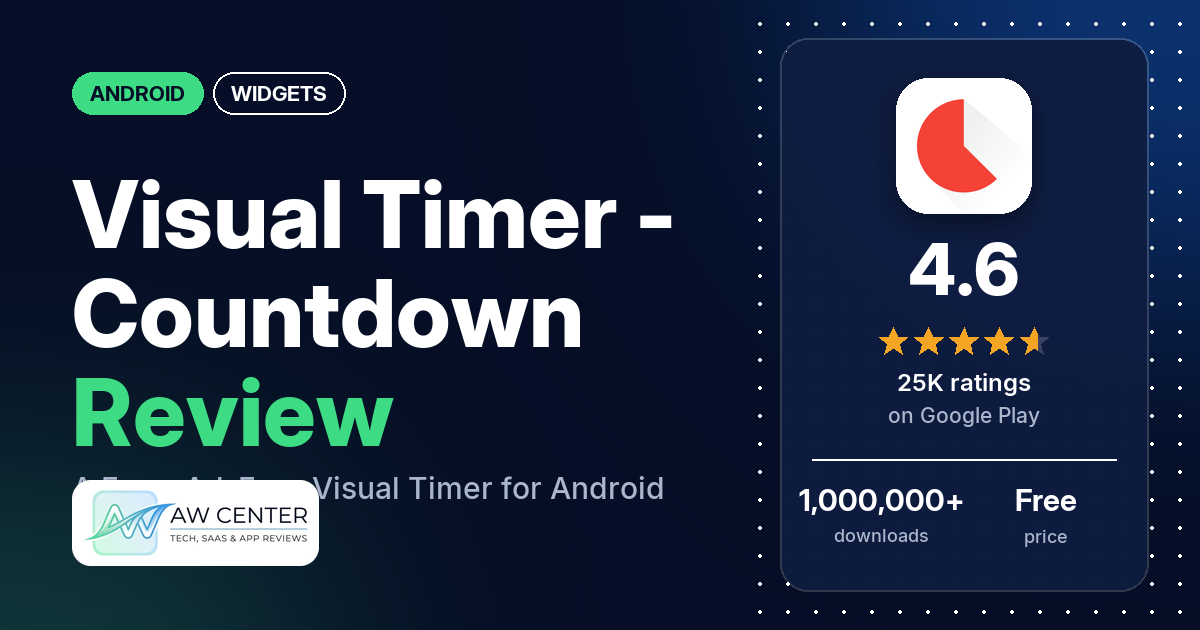
Visual Timer – Countdown is an Android timer that shows the time left as a picture you can read at a glance, with saved presets and adjustable alarm settings. It’s free, with no ads and no in-app purchases, and the listing says a timer can run for at most one hour.
Quick verdict
If you want a plain countdown for work, teaching kids about time or tasks at home, this is a simple pick: 80.1% of its Google Play ratings are 5 stars, and many reviewers praise how simple and clean it is. Several also say there are no ads. The most common complaint is the time limit. The listing caps a timer at one hour, though the developer’s replies say you can type a longer one with the “123” button. Reliability is the other problem. Several reviewers say the alarm wouldn’t stop, and several report error messages or no alarm at all. The listing mentions no home screen widget, and several reviewers ask for one. Across all ratings, 6.4% are 1 or 2 stars.
Visual Timer – Countdown at a glance
| Developer | Humane Digital |
|---|---|
| Store listing | Visual Timer – Countdown on Google Play |
| Price | Free, no in-app purchases |
| Ads | None |
| Play Store rating | 4.6 stars from 24,774 ratings (80.1% of the ratings in the store’s rating breakdown are 5-star) |
| Downloads | 1,000,000+ |
| Version / last updated | 2.8.2 / March 8, 2026 |
| Requires | Not in our data |
| First released | February 12, 2017 |
| Data checked | November 5, 2026 |
What is Visual Timer – Countdown?
Visual Timer – Countdown is a countdown timer that, the listing says, you set up with a single tap. It shows the time remaining as a picture instead of only numbers. The listing pitches it for work meetings, for teaching children the passage of time, and for home tasks like bedtime, practicing an instrument or breaks. It has been on Google Play since February 2017. The latest version, 2.8.2, is from March 2026.
Key features
- Visual countdown: the listing says the visual representation of time lets you see the current state quickly.
- Quick setup: a timer starts with a single tap, the listing says.
- Presets: you can add your own presets for timers.
- Alarm settings: the listing says you can configure the alarm to suit you.
- Time limit: the listing says the maximum duration for a timer is 1h, because the app focuses on visual input. The developer’s replies from February and March 2026 say a longer duration can be typed with the “123” button.
- Settings named in the developer’s replies: a full-circle countdown (August 2025), a digital time display (October 2024) and a choice of ringtone (August 2024). These come from replies and may have changed.
Visual Timer – Countdown vs. what a widget app should have
“Listed” means the Google Play listing names the feature, and “Reviews and developer replies” means we found it outside the listing. Visual Timer – Countdown is a timer app with no widget in its listing, so most widget rows don’t apply to it. Restoring purchases is left out because it has no in-app purchases.
Must have
| Feature | Status | Notes |
|---|---|---|
| Home screen widgets in several sizes | Not listed | Several reviewers ask for a home screen widget or say there isn’t one |
| Lock screen widgets | Not listed | Two reviewers ask to see the timer on the lock screen or always-on display |
| Design editor (text, images, layout) | Not listed | |
| Ready-made designs or templates | Not listed | The listed presets are saved timers, not designs |
| Common data (time, date, weather, calendar, battery) | Not listed | |
| Stays up to date | Not listed | |
| Transparent or picture background | Not listed |
Should have
| Feature | Status | Notes |
|---|---|---|
| Usable free tier | Listed | Free, with no in-app purchases |
| Help or a support contact | Reviews and developer replies | No developer website in the listing. The developer replies to reviews on Google Play. One reviewer says the feedback form in settings wouldn’t send. |
| Tap actions that open apps | Not listed | |
| Sharing or importing designs | Not listed | |
| Smartwatch faces | Not listed | |
| Music, health or fitness data | Not listed |
Nice to have
| Feature | Status | Notes |
|---|---|---|
| No ads | Listed | The listing carries no ads label, and several reviewers say there are none |
| Launcher integration, tablet support, custom data or automation | Not listed |
If you want the countdown on your home screen, the listing offers no widget for it.
Common problems
Most of these reports come from 1- to 3-star reviews, and only 6.4% of all ratings are 1 or 2 stars. Behavior can depend on the phone and Android version, and newer app versions may differ.
| Problem | What reviewers report | When | What the developer’s replies say |
|---|---|---|---|
| Alarm won’t stop | Several reviewers say the alarm kept ringing after they pressed stop. A few say they had to restart the phone or uninstall the app to silence it. | October 2022 to January 2026 | An October 2024 reply says it seems specific to certain device manufacturers. February 2026 replies say version 2.8.2 should fix it. |
| Error messages | Several reviewers get error messages, and a few quote “unexpected countdown state”. | October 2022 to May 2026 | August 2024 replies say the developer will investigate. February 2026 replies point to version 2.8.2. |
| No alarm or no sound | Several reviewers say the alarm didn’t ring or made no sound. Two say it happens when the app isn’t open or they’re in another app; one of them names Android 16. | February 2021 to October 2026 | Replies in 2024 and February 2026 ask reviewers to update to the latest version. |
| Countdown display doesn’t move | Several reviewers say the circle or the digital time stays still or stuck while the time runs. | March 2024 to February 2026 | A February 2026 reply points to version 2.8.2. |
| Won’t reset | A few reviewers say they had to restart the app to set a new timer, or the reset button stopped working. | August 2024 to March 2026 | February 2026 replies point to version 2.8.2. |
| Wrong preset opens | A few reviewers say tapping a preset starts a different one. | August 2026 to September 2026 | No reply in our data. |
| Alarm goes off early | Two reviewers say the alarm rang before the time was up. | February 2026 to March 2026 | A March 2026 reply asks whether battery optimisation is turned off for the app in the system battery settings, and says some phone makers kill background work. |
| Alarm sound stops after a while | Two reviewers say the alarm goes quiet on its own. | March 2026 to October 2026 | A March 2026 reply says the alarm timeout would be removed in the upcoming version. |
Pros (from user reviews)
- Simple and clean: the most common praise. Many reviewers call it simple, minimal, clean or easy to use. Two others find it hard to use.
- No ads: several reviewers point to the lack of ads, and a few mention that it’s free. Two complain about pop-ups or being asked for a review.
- ADHD and time blindness: several reviewers say it helps with ADHD or time blindness. One wishes for a floating timer to keep on screen while using other apps.
- Presets and colors: several reviewers like saving presets and color-coding timers. A few want to change the color without making a preset.
- Children: a few reviewers use it with kids, for example to show how long until a parent picks them up.
- Long-time use: a few reviewers say they have used it for years, though each of them now reports a problem.
- Privacy: two reviewers say it doesn’t collect data. One complains that it requires a network connection.
Cons (from user reviews)
- Time limit: the most common complaint. Many reviewers want longer timers. Several of them say it stops at one hour, and several others want days or timers of 50 hours or more. The developer’s replies say you can type a longer duration with the “123” button.
- Alarm won’t stop: several reviewers couldn’t silence the alarm, and a few had to restart the phone or uninstall the app.
- Errors and no alarm: error messages come up for several reviewers. Several others say the alarm didn’t ring, or rang with no sound.
- Display stuck: the countdown display didn’t move or got stuck for several reviewers.
- No widget: several reviewers ask for a home screen widget. Two want a small floating window.
- Recent changes: a few reviewers say a preset tap opens a different timer, all in August and September 2026. Two reviewers in April 2026 say a recent update removed the elapsed time shown after the countdown ends.
- One timer at a time: a few reviewers ask to run several timers at the same time.
- Dark theme: a few reviewers ask for a pure black theme for AMOLED screens.
- Short timers: setting seconds, such as 1 minute 15 seconds, is hard for a few reviewers.
Our sample holds far more 1- and 2-star reviews than the store as a whole, because of how it was drawn. Across all ratings, 80.1% are 5-star and 6.4% are 1 or 2 stars.
Rating breakdown
| Stars | Ratings | Share |
|---|---|---|
| 5 | 19,819 | 80.1% |
| 4 | 2,713 | 11.0% |
| 3 | 632 | 2.6% |
| 2 | 792 | 3.2% |
| 1 | 792 | 3.2% |
Source: Google Play ratings histogram, checked November 5, 2026. The histogram adds up to 24,748 ratings, slightly fewer than the 24,774 total, and the shares are of the histogram total.
Pricing
Visual Timer – Countdown is free, with no ads and no in-app purchases, so there is nothing to unlock. Every feature in the listing comes with the free download. A few reviewers mention that it’s free.
Privacy and permissions
We couldn’t read the Google Play data safety section for Visual Timer – Countdown, so we make no claim about what it declares there. The permissions list shows: change your audio settings, control vibration, full network access, prevent device from sleeping, read the contents of your USB storage, and view network connections. Two reviewers say it doesn’t collect data, and one complains that it requires a network connection. An August 2024 reply from the developer says to grant access to stored ringtones when asked, if you want to change the ringtone.
Who it’s for
Visual Timer – Countdown suits you if you want a free timer with no ads that shows time passing as a picture, for work tasks and meetings, ADHD or time blindness, or teaching kids about time. It’s a weaker fit if you need timers of several hours or days, several timers at once, or a countdown on your home screen as a widget. If you rely on the alarm, test that it rings and stops on your own phone before you depend on it.
FAQ
Is Visual Timer – Countdown free?
Yes. It’s free on Google Play, with no ads and no in-app purchases. Several reviewers point to the lack of ads.
Can Visual Timer – Countdown run longer than one hour?
The listing says the maximum duration for a timer is 1h, because the app focuses on visual input. The developer’s replies from February and March 2026 say you can type a longer duration with the “123” button. Many reviewers complain about the time limit, and several want timers of a day or more.
Does Visual Timer – Countdown have a home screen widget?
No widget is mentioned in the listing. Several reviewers ask for one, or say they couldn’t find one. Two others ask for a small floating window to keep the timer on screen.
What if the alarm won’t stop or doesn’t ring?
The developer’s replies from February 2026 ask reviewers with these problems to update to version 2.8.2. For an alarm that went off early, a March 2026 reply suggests turning off battery optimisation for the app in the phone’s battery settings. One reviewer in October 2026 still says the alarm doesn’t ring unless they open the app.
How this review was put together
We haven’t tested Visual Timer – Countdown. This review is based on public information from official sources: the app’s Google Play or App Store listing and rating breakdown, the developer’s website when there is one, and recent user reviews on the store with the developer’s replies. Features and claims are the developer’s own descriptions; what users like and dislike comes from the store reviews. Everything was checked on November 5, 2026. Apps change with every update, so check the store listing before you install.