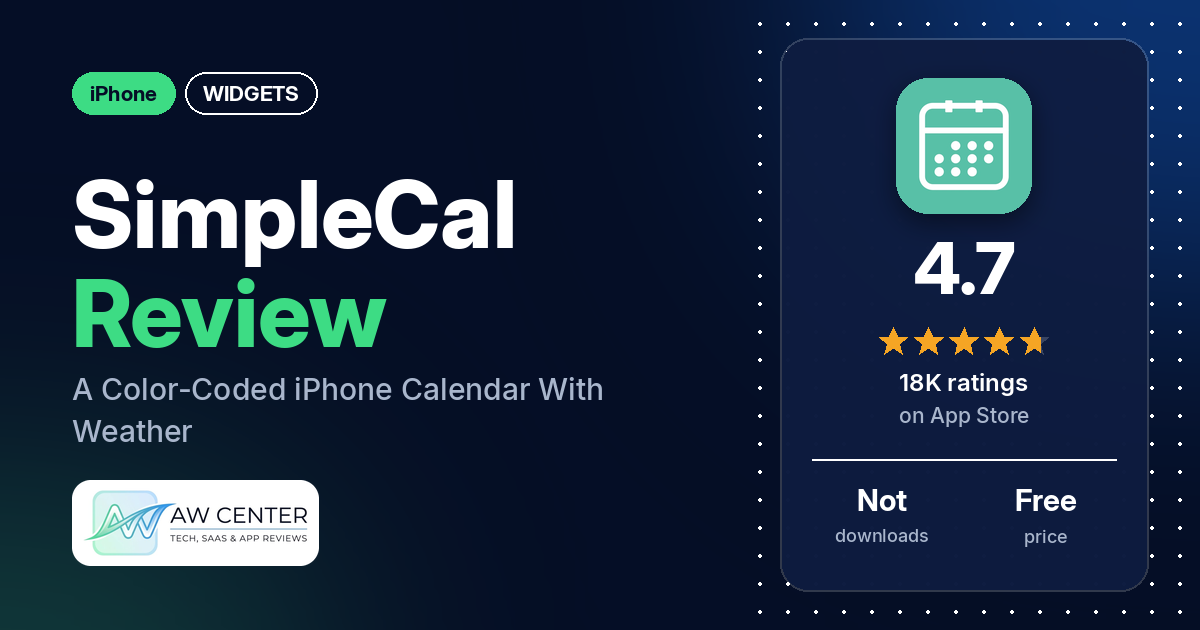
SimpleCal: Simple Calendar is a free iPhone calendar from LANDLAKE LIMITED LIABILITY COMPANY that works on top of your iCloud or Google calendar and adds color coding, reminders, a widget and a weather forecast. It has 4.7 stars from 17,623 App Store ratings, but several reviewers in September and October 2026 say all their events disappeared.
Quick verdict
If you want a plain calendar that shows the month at a glance and lets you color code events, SimpleCal fits. Many reviewers praise how easy it is to use, and many like the color coding. Most reviews in our sample are 4 or 5 stars. The serious complaint is lost data: several reviewers say their calendar was wiped, and a few of them say it happened more than once. The listing says events are saved to your iCloud or Google calendar, so read the most recent reviews before you move your schedule into it.
SimpleCal at a glance
| Developer | LANDLAKE LIMITED LIABILITY COMPANY |
|---|---|
| Store listing | SimpleCal on the App Store |
| Price | Free; the listing mentions no paid tier |
| Ads | Not stated in the listing |
| App Store rating | 4.7 stars from 17,623 ratings |
| Downloads | Not in our data |
| Version / last updated | 2.8.3 / November 13, 2026 |
| Requires | iOS 15.0 or later |
| First released | May 13, 2017 |
| Data checked | November 21, 2026 |
What is SimpleCal?
SimpleCal is a calendar app that doesn’t keep a calendar of its own. The listing says it uses the calendar account registered in your iPhone’s Settings app, such as iCloud or Google, and saves your events there, not on the phone. It describes itself as the easiest calendar app on the App Store.
Key features
- Sync: events transfer from other calendars through iCloud or Google calendar.
- Widget: your recent events can be shown on a widget.
- Weather: a forecast for the area you choose, up to one week ahead, shown on the calendar.
- Reminders: reminders that can repeat daily, weekly, monthly and yearly.
- Colors: each event and calendar can have its own color, and the color theme is customizable.
- Adding events: the listing says you can add or edit an event in a few steps, or create one by dragging a past event.
- Dark mode and backup: dark mode is supported. The listing says that if your iPhone is damaged you can log in to your original calendar account to load your event data.
SimpleCal vs. what a widget app should have
SimpleCal is a calendar with one widget, not a widget builder, so several rows below are a poor match. “Listed” means the App Store listing names the feature, “Partial” means it covers part of it, and “Reviews only” means reviewers describe it but the listing doesn’t. “Not listed” means neither the listing nor the reviews in our sample show it. SimpleCal shows weather, so don’t rely on a single app for severe weather warnings; check official alerts too.
Must have
| Feature | Status | Notes |
|---|---|---|
| Home Screen widgets in several sizes or families | Partial | The listing names a widget for recent events but no sizes |
| Lock Screen widgets | Not listed | |
| Design editor | Not listed | |
| Ready-made designs or templates | Partial | The listing says the color theme is customizable |
| Common data (time, date, weather, calendar, battery) | Partial | Calendar events and a weather forecast are listed; battery isn’t |
| Widgets that stay up to date | Not listed | |
| Transparent or wallpaper-matching backgrounds | Not listed |
Should have
| Feature | Status | Notes |
|---|---|---|
| Smartwatch faces or complications | Not listed | |
| Tap actions that open apps | Not listed | |
| Sharing or importing designs | Not listed | |
| Music or now-playing data | Not listed | |
| Health and fitness data | Not listed | |
| Help, tutorials or a support contact | Not listed | The listing links terms of service and a privacy policy |
| A usable free tier | Listed | The app is free and the listing mentions no paid tier |
| Restoring purchases on a new device | Not listed |
Nice to have
| Feature | Status | Notes |
|---|---|---|
| Custom data sources (JSON, API) | Not listed | |
| Charts and gauges | Not listed | |
| Live Activities / Dynamic Island | Not listed | |
| Tablet and desktop support | Reviews only | A few reviewers say they use it on an iPad; the listing doesn’t mention iPad |
| Shortcuts or automation integration | Not listed | |
| One-time purchase instead of a subscription | Not listed | One reviewer in October 2026 says they would pay once for the app, not monthly |
| No ads | Not listed |
It is a calendar first: color coding, reminders and weather are listed, and the widget gets one line.
Common problems reviewers report
All of these come from reviews dated September to November 2026. The data we collected has no developer replies.
| Problem | What reviewers report | When |
|---|---|---|
| Events wiped | Several reviewers say every event, reminder or birthday disappeared. Several say they couldn’t restore them, and two say it happened around an update. | September 12 to October 28, 2026 |
| Recurring events | One reviewer says a recurring event can’t be edited or deleted. One wants a repeat every two weeks, and says a monthly repeat shifts days. | September and October 2026 |
| Multiple alerts | One reviewer says the latest versions on an iPhone 17 Pro removed multiple alerts for one event, and that version 2.5.3 on an iPhone 16 Pro still had them. | October 2026 |
| Time zones | One reviewer says scheduled times change when they travel to a new time zone. | November 2026 |
| Sync between devices | A few reviewers say events don’t show on both devices or don’t share with the iPhone. | September and October 2026 |
Pros (from user reviews)
- Easy to use: many reviewers call it easy, simple or user-friendly, and many praise its simplicity. One in September 2026 who used a paper calendar for 40 years says the switch to digital was very simple.
- Color coding: many reviewers like it. One in September 2026 gives work, doctor, birthdays and friends each a color. Two reviewers want more colors, one in November 2026 asking for a full color wheel after counting 20 on offer.
- Month view: a few reviewers like seeing the whole month at once. Two like seeing event names on the calendar instead of a dot.
- Sync with other calendars: several reviewers say it syncs with their iPad, family calendar, Outlook or Google calendars. A few say the opposite: events missing on one device, or not shared with the iPhone.
- Reliable: several reviewers call it reliable, consistent or trustworthy, including one in October 2026 who says it is very reliable. The data-loss reports below say otherwise.
- Versus Apple and Google calendars: several reviewers prefer it to the built-in Apple calendar or Google calendar.
- Recurring events and birthdays: a few reviewers like entering a birthday or repeating event once and having it come back each year.
- Free: a few reviewers mention that it is free, and one in September 2026 hopes it stays that way.
Cons (from user reviews)
- Lost events: several reviewers say their calendar was wiped. One in October 2026 says everything vanished the day of an update and couldn’t be restored from iCloud or the app. Another in September 2026 says it happened again within 24 hours of rebuilding. A few reviewers say it happened more than once, and one in October 2026 says they followed the restore instructions and nothing worked.
- Deleting from the app: one reviewer in November 2026 says that deleting items in the app also deleted almost a month of events from their actual calendar, even though the app’s opening text said it wouldn’t.
- Repeating events and alerts: one reviewer says a recurring event can’t be edited or deleted, one misses a repeat every two weeks, and one says the latest versions lost multiple alerts for an event.
- Time zones: one reviewer in November 2026 says all their scheduled times change when they travel.
- History and holidays: one reviewer says it keeps only the last year of past events. Another wants to remove duplicate holidays.
- Space and legibility: two reviewers say event text is hard to read or want more room for it.
- Support: one reviewer in September 2026 says there are no fixes or support available after their calendar was wiped twice.
Most reviews in our sample are 4 or 5 stars. The data we collected doesn’t include a star breakdown of all 17,623 ratings, so we can’t say how common the data-loss reports are across all of them.
Pricing
SimpleCal is free, and the listing mentions no subscription or in-app purchase. A few reviewers say it is free, and one in September 2026 hopes the developer never charges. One in October 2026 says they left Fantastical and would pay once for SimpleCal, not monthly. Check the App Store for current terms.
Privacy and permissions
We couldn’t read the App Store privacy label for SimpleCal, and our data has no permissions list, so we make no claim about what data it collects. The listing says the connection uses the calendar account registered in the Settings app, and links to the developer’s terms of service and privacy policy.
Who it’s for
SimpleCal suits you if you want a plain, color-coded calendar that sits on top of your iCloud or Google calendar and shows the month at a glance. Many reviewers say it is easy to use, and several have used it for years. It is a weaker fit if the calendar holds things you can’t afford to lose, since several reviewers say their events vanished in September and October 2026. It is also a weaker fit if you travel across time zones, or need a widget editor or Lock Screen widgets.
FAQ
Is SimpleCal free?
SimpleCal is free, and the listing mentions no paid tier. A few reviewers mention that it is free.
Where does SimpleCal store my events?
The listing says the app has no calendar of its own and doesn’t save to the device’s local area. Events go to an external calendar such as iCloud or Google, and you can load them by logging in to your original calendar account. Several reviewers say they lost events and couldn’t restore them.
Does SimpleCal show the weather?
The listing says it shows the forecast for the area you specify, up to one week ahead. Don’t rely on it for severe weather warnings; check official alerts too.
Do reviewers report lost data?
Several reviewers from September to October 2026 say their events, reminders or birthdays disappeared, and two say it happened around an update. Others in the same period report no problems, and many praise the app. The data we collected has no developer replies.
How this review was put together
We haven’t tested SimpleCal. This review is based on public information from official sources: the app’s Google Play or App Store listing and rating breakdown, the developer’s website when there is one, and recent user reviews on the store with the developer’s replies. Features and claims are the developer’s own descriptions; what users like and dislike comes from the store reviews. Everything was checked on November 21, 2026. Apps change with every update, so check the store listing before you install.