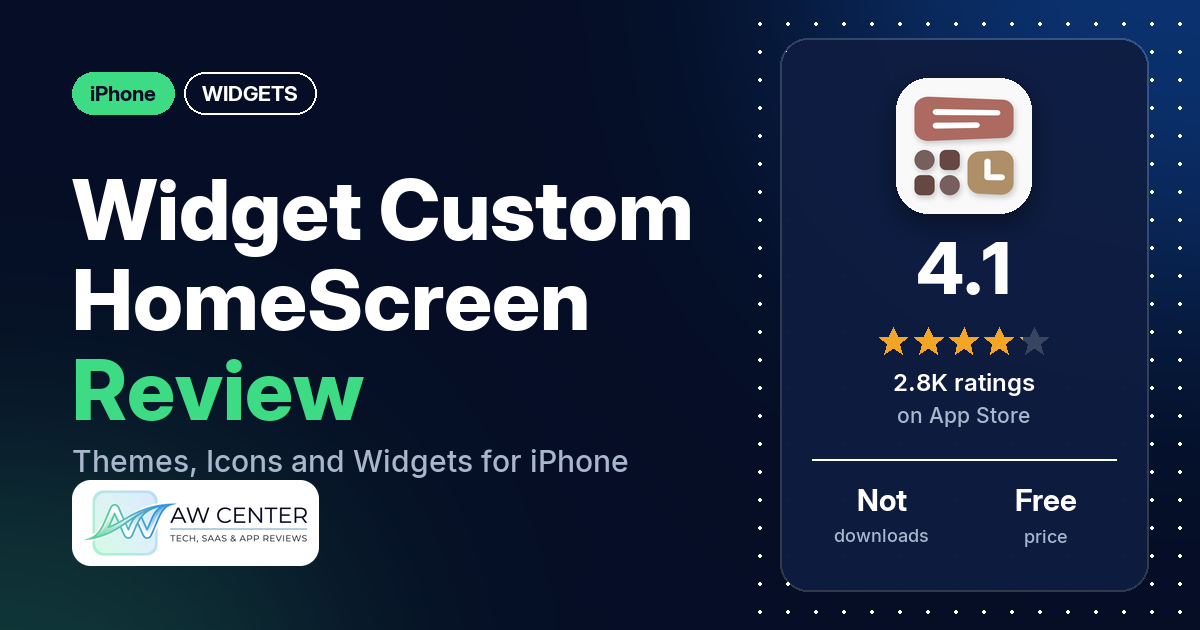
Widget Custom HomeScreen is a personalization app for iPhone and iPad with custom icons, complete themes, widgets and live wallpapers. It’s free to download, but the listing sells subscriptions at $9.99 a month or $29.99 a year, and having to pay is what reviewers complain about most.
Quick verdict
This app suits you if you want a ready-made look for your Home Screen and Lock Screen and you’re willing to pay for it. The listing promises 5,000+ icons, 500+ themes and 500+ live wallpapers, plus widgets that show Apple Health data. Many reviewers complain about having to pay, and several say only one item, pack or option was free. A few like the designs. Mind the dates, though. The newest review in our data is from December 2022, and the app was last updated on May 27, 2026, so what’s free and what breaks may have changed.
Widget Custom HomeScreen at a glance
| Developer | GREEN DYGITAL CONSULTING LLP |
|---|---|
| Store listing | Widget Custom HomeScreen on the App Store |
| Price | Free; subscriptions $9.99/month (3-day free trial) or $29.99/year, the listing says |
| Ads | Not stated in the listing; one reviewer in July 2022 reports ads |
| App Store rating | 4.1 stars from 2,786 ratings |
| Downloads | Not in our data |
| Version / last updated | 3.2.4 / May 27, 2026 |
| Requires | iOS 14.0 or later |
| First released | April 28, 2021 |
| Data checked | November 17, 2026 |
What is Widget Custom HomeScreen?
The listing calls it “the all-in-one personalization app for iPhone and iPad”. You browse themes, tap one and follow a step-by-step setup guide. Each theme comes with matching icons, wallpapers and widgets. The icons are applied through the iOS Shortcuts app, and the listing says no jailbreak or third-party tools are required.
Key features
- Widgets: animated and static widgets in small, medium and large sizes, plus Lock Screen widgets on iOS 16 and above.
- Health widgets: step count, move ring, exercise and stand progress from Apple Health, on the Home Screen or Lock Screen.
- Icons: 5,000+ custom icons, with icon styles meant to go with the Default, Dark, Tinted and Clear modes of iOS 26.
- Themes: 500+ complete themes, each with matching icons, wallpapers and widgets.
- Wallpapers: 500+ 4K and HD live wallpapers, with aesthetic collections the listing says are updated regularly.
- Setup guide: step-by-step instructions for each theme. The listing says your Home Screen and Lock Screen “transform in minutes”.
- Help: the listing gives a link for feature requests and help.
Widget Custom HomeScreen vs. what a widget app should have
“Listed” means the App Store listing names the feature. “Partial” means the listing describes part of it. “Reviews only” means reviewers describe it and the listing doesn’t. “Not listed” means neither the listing nor the reviews in our sample show it.
Must have
| Feature | Status | Notes |
|---|---|---|
| Home Screen widgets in several widget families | Listed | Small, medium and large, animated or static |
| Lock Screen widgets | Listed | iOS 16 and above, the listing says |
| Design editor | Not listed | |
| Ready-made designs or templates | Listed | 500+ themes, 5,000+ icons and 500+ live wallpapers |
| Time, date, weather, calendar and battery | Not listed | The data widgets the listing describes are Apple Health ones |
| Widgets that stay up to date | Not listed | |
| Transparent or wallpaper-matching backgrounds | Partial | Each theme includes matching icons, wallpapers and widgets, the listing says |
Should have
| Feature | Status | Notes |
|---|---|---|
| Smartwatch faces or complications | Not listed | |
| Tap actions that open apps | Not listed | |
| Sharing or importing designs | Not listed | |
| Music or now-playing data | Not listed | |
| Health and fitness data | Listed | Step count, move ring, exercise and stand from Apple Health |
| Help, tutorials or a support contact | Listed | A step-by-step setup guide and a link for help; one reviewer in July 2022 says a refund request got no response |
| A usable free tier | Reviews only | Many reviewers complain about having to pay; several say only one item, pack or option was free |
| Restoring purchases on a new device | Not listed |
Nice to have
| Feature | Status | Notes |
|---|---|---|
| Custom data sources (JSON, API) | Not listed | |
| Charts and gauges | Not listed | |
| Live Activities / Dynamic Island | Not listed | |
| Tablet and desktop support | Partial | The listing names iPad |
| Shortcuts or automation integration | Partial | Icons are applied through the iOS Shortcuts app, the listing says |
| One-time purchase instead of a subscription | Not listed | The listing names monthly and yearly subscriptions |
| No ads | Not listed | One reviewer in July 2022 reports “lots of adds” |
The listing describes ready-made themes. It doesn’t describe a way to design your own widgets.
Common problems reviewers report
Our data has no developer replies, so there are no fixes here. Every report below predates the May 27, 2026 update, so the current app may behave differently.
| Problem | What reviewers report | When |
|---|---|---|
| App or parts of it not working | A few reviewers say the app or parts of it didn’t work; one of them says the free items didn’t work | January to December 2022 |
| Icons open a blank page | One reviewer says the Safari and Pinterest icons pull up a blank page | June 2022 |
| Photo widget keeps loading | One reviewer says the photo widget “just keeps loading over and over” | January 2022 |
| Charging screens play music | One reviewer says every battery charging screen they tried started playing a song with no way to shut it off in what they call the test version | July 2022 |
| Rating prompts | One reviewer says the app asks for a rating every time they do something | March 2022 |
Pros (from user reviews)
- The designs: a few reviewers like the look. One calls the wallpapers and “battery stuff” really cute, one likes the icons, and one calls the app “SO CUTE” and loves the variety of options. On the other side, one reviewer calls the single free icon “the ugliest one”.
- Short praise: several reviewers call the app good, great or cool, one of them in a review that also complains about paying.
- Easy to use: two reviewers say it’s easy to use. Two others say it isn’t user friendly.
- It worked: one Spanish-language reviewer says the app worked wonderfully for them.
Cons (from user reviews)
- Having to pay: many reviewers complain about having to pay. Several say you have to pay for everything, and several say only one item, pack or option was free. One says the free pack was a Valentine’s theme.
- Price: a few reviewers say the app costs too much. One in July 2022 mentions “39.99 a month”, and another that month mentions “10 dollars a week”. Both differ from the prices in the current listing.
- Requests for free content: a few reviewers ask for more free items, such as free Halloween widgets or more free packs.
- Things not working: a few reviewers say the app or parts of it didn’t work. One says the Safari and Pinterest icons pull up a blank page, and one says the photo widget keeps loading over and over.
- Not user friendly: two reviewers say the app isn’t user friendly. One adds that they asked for their money back through “contact us” 30 minutes after buying and got no response.
- Other single reports: one reviewer wants icons for every app, since they can’t change just some and leave the rest. One finds widgets hard to find because they’re grouped by color and function. One reports “lots of adds”, and one is annoyed by requests to rate the app.
More than half the reviews in our sample are 1- or 2-star, and about a quarter are 5-star, which is more negative than the 4.1-star average suggests. The data we collected doesn’t include a star breakdown of the 2,786 ratings, so we can’t say how common these complaints are across all of them.
Pricing
Widget Custom HomeScreen is free to download. The listing names two subscriptions: $9.99 a month with a 3-day free trial, or $29.99 a year. Payment goes to your Apple ID and renews automatically, and the listing says you can cancel in iOS Settings at least 24 hours before the next renewal. It also says any unused part of a free trial is lost when you upgrade to a paid plan. The listing doesn’t say which icons, themes or widgets are free. Reviewers quoted other prices in 2022: “39.99 a month” and “10 dollars a week” in July 2022. One reviewer in March 2022 says the app “makes you pay for a free trial”. Check the price in the app before you subscribe.
Privacy and permissions
We couldn’t read the App Store privacy label for Widget Custom HomeScreen, and our data has no permissions list, so we make no claim about what data it collects. The listing says you can connect the app to Apple Health to show your daily step count, move ring, exercise minutes and stand progress. It links to a privacy policy, terms of use and an EULA.
Who it’s for
It fits you if you want complete themes with matching icons, wallpapers and widgets, or Apple Health widgets on your Home Screen, and you’re fine paying $9.99 a month or $29.99 a year. Look elsewhere if you want a usable free version: many reviewers complain about having to pay, and several found only one free item, pack or option. If you want to design your own widgets, note that the listing describes ready-made themes and doesn’t describe an editor. All the reviews in our data predate the May 2026 update, so try the 3-day trial on the monthly plan before you commit.
FAQ
Is Widget Custom HomeScreen free?
It’s free to download, and the listing sells subscriptions at $9.99 a month (with a 3-day free trial) or $29.99 a year. Many reviewers complain about having to pay, and several say only one item, pack or option was free. The newest review in our data is from December 2022, so the free selection may be different now.
Does Widget Custom HomeScreen work on iPad?
Yes. The listing says it’s compatible with all iPhones and iPads running iOS 14 or later. Lock Screen widgets need iOS 16 and above.
How do the custom icons work?
The listing says the 5,000+ icons are applied through the iOS Shortcuts app, with no jailbreak or third-party tools required. Each theme has a step-by-step setup guide. One reviewer in June 2022 says the Safari and Pinterest icons pulled up a blank page.
Can it show health data in a widget?
Yes. The listing says you can connect the app to Apple Health to show your daily step count, move ring, exercise minutes and stand progress on your Home Screen or Lock Screen.
How this review was put together
We haven’t tested Widget Custom HomeScreen. This review is based on public information from official sources: the app’s Google Play or App Store listing and rating breakdown, the developer’s website when there is one, and recent user reviews on the store with the developer’s replies. Features and claims are the developer’s own descriptions; what users like and dislike comes from the store reviews. Everything was checked on November 17, 2026. Apps change with every update, so check the store listing before you install.