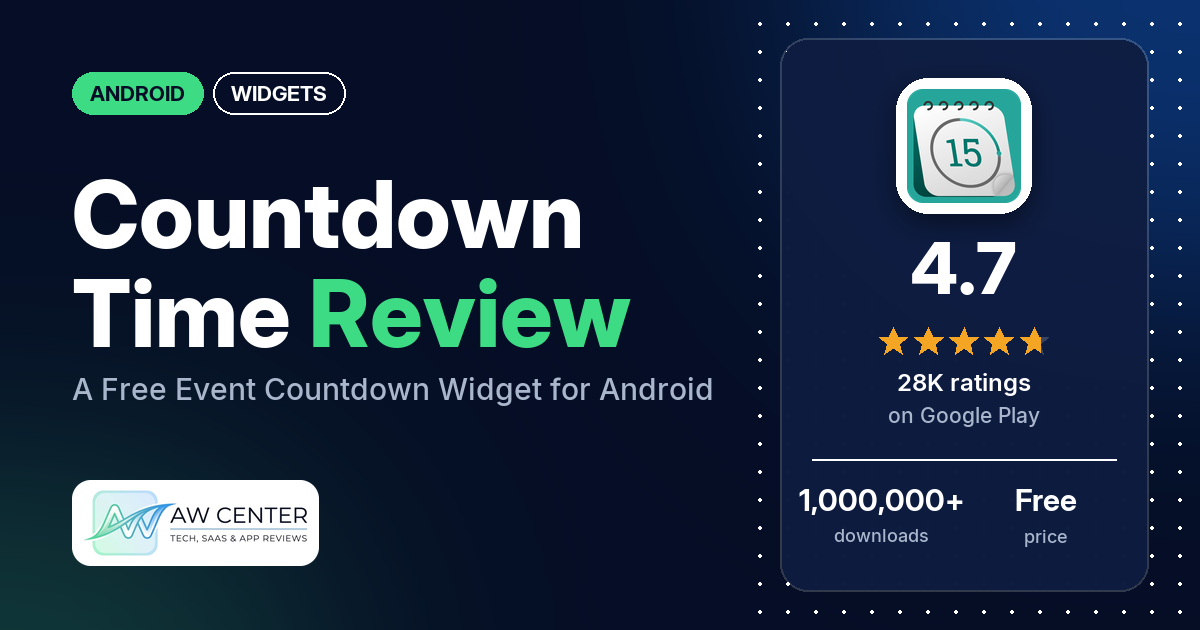
Countdown Time (listed as “Countdown Time – Event Widget”) is a free Android app that counts down to any event you set, in the app and in a resizable home-screen widget. It shows ads. The developer’s replies say a one-off Premium purchase removes them, and our data lists one in-app purchase at $2.49.
Quick verdict
If you want a good-looking countdown to a trip, exam or retirement on your home screen, Countdown Time is simple to set up: several reviewers call it easy to use, and several like the backgrounds and the option to add your own photos. Ads are the catch. Many reviewers complain about them, most loudly in 2023 and 2024, and several still did in 2026, while two say the widget itself shows none. If ads bother you, the developer’s replies point to Premium, and our data lists one in-app purchase at $2.49. Only 4.2% of all ratings are 1 or 2 stars.
Countdown Time at a glance
| Developer | Sociosoftware LLC |
|---|---|
| Store listing | Countdown Time on Google Play |
| Price | Free, with a $2.49 in-app purchase |
| Ads | Yes |
| Play Store rating | 4.7 stars from 28,361 ratings (80% are 5-star) |
| Downloads | 1,000,000+ |
| Version / last updated | 2.0.44 / August 13, 2026 |
| Requires | Not in our data |
| First released | November 29, 2017 |
| Data checked | October 25, 2026 |
What is Countdown Time?
It’s a countdown app and widget. You add events such as a wedding, a graduation, a holiday or a birthday, pick a background, and the app counts down “to the second”. The listing says you can track as many events as you want, show the time left in days, years or even heartbeats, get a daily reminder, and share a snapshot of your countdown. It has been on Google Play since November 2017.
Key features
- Unlimited events: track as many events as you want.
- Widget: a resizable, fully customizable home-screen widget, per the listing.
- Backgrounds and themes: hundreds of HD backgrounds or your own photos, and 15 app themes.
- Display modes: count down in days, heartbeats, years and more, with your own headings.
- Daily notifications: a daily countdown reminder.
- Sharing: share a snapshot of your countdown with friends and family.
Countdown Time vs. what a widgets app should have
“Listed” means the Google Play listing names the feature, and “Partial” means it covers part of it. “Reviews and developer replies” means we found it there instead. Several rows describe general widget-builder features that this countdown app’s listing doesn’t mention.
Must have
| Feature | Status | Notes |
|---|---|---|
| Home Screen widgets in several sizes | Listed | Resizable widget. One reviewer wants a larger size, and another says it comes as 3 x 1. |
| Lock Screen widgets | Not listed | |
| Design editor (text, images, shapes, layout) | Partial | Backgrounds, themes, display modes and headings. A few reviewers want more control, such as font and color. |
| Ready-made designs or templates | Listed | Hundreds of HD backgrounds and 15 themes. |
| Common data (time, date, weather, calendar, battery) | Partial | Countdowns to dates and times only. |
| Widgets that stay up to date | Reviews and developer replies | A few reviewers say the widget didn’t update or stopped working. A 2023 reply explains a widget service setting. |
| Transparent or wallpaper-matching backgrounds | Reviews and developer replies | A 2023 reply says you can change the widget’s background transparency in its settings. |
Should have
| Feature | Status | Notes |
|---|---|---|
| Smartwatch faces or complications | Not listed | |
| Tap actions that open apps | Not listed | |
| Sharing or importing designs | Partial | You can share a snapshot of a countdown, not a design. |
| Music or now-playing data | Not listed | |
| Health and fitness data | Not listed | |
| Help, tutorials or a support contact | Reviews and developer replies | The developer’s replies give [email protected]. |
| Usable free tier | Listed | Free with ads. A 2022 reviewer says backup is behind the paywall, and the developer’s reply says premium features require a purchase. |
| Restoring purchases on a new device | Not listed |
Nice to have
| Feature | Status | Notes |
|---|---|---|
| Custom data sources (JSON, API) | Not listed | |
| Charts and gauges | Not listed | |
| Launcher integration and compatibility | Not listed | |
| Tablet and desktop support | Not listed | One reviewer says the largest text size is too small on a tablet. |
| Shortcuts or automation integration | Not listed | |
| One-time purchase instead of a subscription | Reviews and developer replies | The developer’s replies call it a one-off purchase, and one reviewer thinks it cost $2.49. |
| No ads | Not listed | The free version has ads. |
Common problems and fixes
Most of these come from low-star reviews; 1- to 3-star ratings make up 5.0% of all ratings. The developer’s replies in our sample are from 2022 and 2023, so menus may have changed.
| Problem | What reviewers report | What the developer’s replies say |
|---|---|---|
| Widget doesn’t update | A few reviewers, 2023 to 2026, say the widget didn’t refresh or stopped working. | Android limits widget updates to about once every 30 minutes; turn on the widget service from any widget’s settings to update up to once a second (April 2023). |
| Widget turns the background photo sideways | A few reviewers, 2024 and 2025. | No developer reply in our sample. |
| Can’t set a time, only a date | A few reviewers, 2022 and 2025. | Tap the clock button on the right of the date field (July 2022). |
| Countdown seems off | Several reviewers say the count was off, mostly in 2022 to 2024. | The count depends on the date and time you set: 00:00 on June 4 to 00:00 on June 10 is exactly 6 days, but from 13:00 on June 4 it’s 5 days and 11 hours (June 2022). |
| Widget text is hard to read on the background | One reviewer, 2023. | Change the widget’s background transparency from its settings button (November 2023). |
| Too many ads | Many reviewers, 2022 to 2026. | The app is free and supported by ads; Premium, a one-off purchase, permanently disables them (2022 and 2023). |
Pros (from user reviews)
- Easy to use: several reviewers call it easy or straightforward. A few found parts of it confusing, such as how to add a time.
- Backgrounds and personal photos: several reviewers like the backgrounds and the option to add their own photos. One counted down to buying their first home with it. A few want more control, such as font and color, or more combined display options.
- Works reliably: several reviewers say it works well or keeps time accurately; one has used it “since 2024” and calls it flawless. Several others, mostly between 2022 and 2024, said the count or the time was off.
- Clean widgets: two reviewers point out that the widget shows no ads, only the app does.
- All kinds of countdowns: a few reviewers use it for exams, a few for retirement and a few for vacations.
- Premium is cheap: two reviewers who bought Premium say it’s worth it; one thinks it was $2.49 and calls that “cheap for apps”.
Cons (from user reviews)
- Ads: many reviewers complain about too many ads, most of them in 2023 and 2024, and several did again in 2026. Several say they couldn’t close an ad or get back to the app, and a few say ads froze the app or lost unsaved changes. A few others find the ads acceptable or barely noticeable.
- Widget problems: a few reviewers say the widget turns their photo sideways, and a few say it didn’t update or stopped working.
- Display limits: a few reviewers want to combine units, such as weeks with months and days. One wants the widget to show the event’s name, and another wants names on the app’s summary screen.
- Setting a time: a few reviewers couldn’t find how to set a time, only a date.
- Notifications: a few reviewers report notifications that didn’t work, kept coming after being turned off, or arrived on the wrong days.
- Order: two reviewers want events sorted by date automatically.
The sample adds extra low-star reviews, so complaints are overrepresented above. Across all ratings, 80.2% are 5-star and 4.2% are 1 or 2 stars.
Rating breakdown
| Stars | Ratings | Share |
|---|---|---|
| 5 | 22,731 | 80.2% |
| 4 | 4,189 | 14.8% |
| 3 | 247 | 0.9% |
| 2 | 184 | 0.6% |
| 1 | 998 | 3.5% |
Source: Google Play ratings histogram, checked October 25, 2026. The histogram adds up to 28,349 ratings, 12 fewer than the 28,361 total, and the shares are of the histogram total.
Pricing
Countdown Time is free with ads. Our data lists one in-app purchase price, $2.49, and one reviewer in January 2026 thinks Premium cost “only $2.49”. The developer’s replies (2022 and 2023) say Premium is a one-off purchase that permanently disables ads and that premium features require a purchase; a 2022 reviewer says backup is one of them. The listing itself doesn’t mention Premium.
Privacy and permissions
We couldn’t read the Google Play data safety section for this app, so we make no claim about what it declares there. The listing doesn’t discuss privacy.
The Play Store’s permissions list shows: full network access, prevent device from sleeping, read Google service configuration, run at startup, and view network connections. It’s a short list, with no location, contacts or storage access.
Who it’s for
Countdown Time suits you if you want a pretty countdown to a trip, exam, wedding or retirement on your home screen, and you’re fine either watching ads while you set things up or paying once for Premium to remove them. It’s a weaker fit if you need precise control over fonts and colors, a widget that shows several units at once, or events sorted automatically by date. When you add an event, set its time as well as its date, since the developer’s replies say the count depends on the exact time.
FAQ
Is Countdown Time free?
Yes, it’s free to download and shows ads. Our data lists a $2.49 in-app purchase, and the developer’s replies say Premium is a one-off purchase that removes ads permanently and unlocks premium features. A 2022 reviewer says backup is behind the paywall.
Why isn’t my Countdown Time widget updating?
A 2023 developer reply says Android limits widget updates to about once every 30 minutes. You can turn on the widget service from any widget’s settings to update it as often as once a second. A few reviewers still report widgets that stopped refreshing.
Can I set a time for my event, not just a date?
Yes. A 2022 developer reply says to tap the clock button on the right of the date field. A few reviewers missed this option. Other replies from 2022 and 2023 note that the countdown depends on the exact time you set.
How this review was put together
We haven’t tested Countdown Time. This review is based on public information from official sources: the app’s Google Play or App Store listing and rating breakdown, the developer’s website when there is one, and recent user reviews on the store with the developer’s replies. Features and claims are the developer’s own descriptions; what users like and dislike comes from the store reviews. Everything was checked on October 25, 2026. Apps change with every update, so check the store listing before you install.