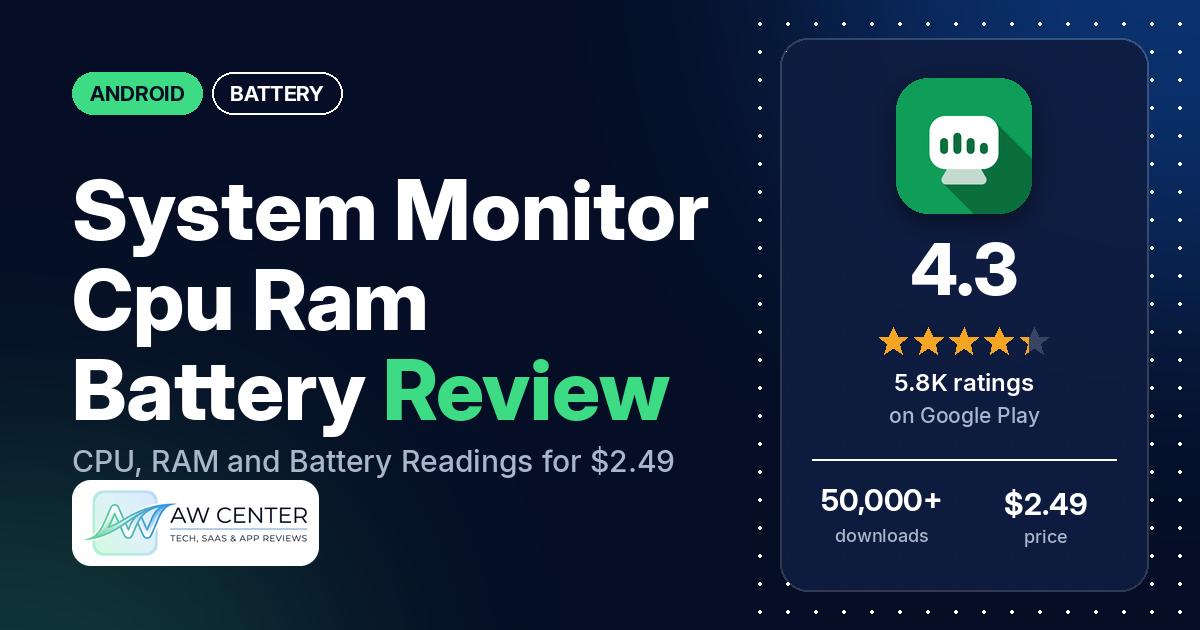
System Monitor Cpu Ram Battery is a $2.49 Android app that shows CPU, RAM and battery readings in an app, widgets and a floating window. It has no ads, and its 4.3-star rating comes from 5,775 ratings.
Quick verdict
If you want detailed live readings of your phone’s CPU temperature, memory and battery, this app does that, and many reviewers call it useful. Know what you are paying for, though. Many reviewers, most of them writing between May 2025 and January 2026, say the cleaner, boost and cool-down buttons are gone, and several of them paid for the app because of those buttons. Several others say the floating window keeps closing. In July 2026 the developer replied that newer system versions no longer allow the app to clear other apps’ cache directly.
System Monitor Cpu Ram Battery at a glance
| Developer | System monitor tools lab – Cpu Ram Battery |
|---|---|
| Store listing | System Monitor Cpu Ram Battery on Google Play |
| Price | $2.49, no in-app purchases |
| Ads | None |
| Play Store rating | 4.3 stars from about 5,775 ratings (72.1% of the ratings in the store’s rating breakdown are 5-star) |
| Downloads | 50,000+ |
| Version / last updated | 11.11.1 / October 21, 2026 |
| Requires | Not in our data |
| First released | August 16, 2015 |
| Data checked | November 21, 2026 |
What is System Monitor Cpu Ram Battery?
System Monitor Cpu Ram Battery is a monitoring app for CPU, memory and battery. The listing says it shows the CPU name, core count, frequency, temperature and usage as curves, plus device, system, hardware and screen information. It has been on Google Play since August 2015, and the listing says buying it unlocks all features at once.
Key features
- CPU monitor: temperature, frequency, activity and usage in real time as curves, with multicore support.
- Device information: CPU, system, hardware and screen details.
- Battery monitor: a curve of battery usage and temperature, plus health, power status, voltage and level.
- Overheating alarm: the listing says it triggers an alarm when the CPU or battery temperature is too high, and you can turn it on or off.
- Floating window: CPU temperature, battery temperature and RAM usage on screen in real time.
- Widgets: a RAM widget, a CPU widget and a battery widget.
- Themes: several themes to switch between.
System Monitor Cpu Ram Battery vs. what a battery app should have
“Listed” means the Google Play listing names the feature, “Partial” means it covers part of it, and “Reviews only” means we found it only in user reviews. This is a monitor, not a charge alarm, so the alert rows mostly come out as Not listed.
Must have
| Feature | Status | Notes |
|---|---|---|
| Full-charge alert at a level you choose | Not listed | |
| Low-battery alert at a level you choose | Not listed | One reviewer in April 2023 asks for an option to turn on battery saver at a set percentage |
| Alerts that fire reliably in the background | Partial | An overheating alarm is listed; several reviewers say the notification or background tracking stopped |
| Sound and vibration options | Not listed | |
| Easy to dismiss an alert | Not listed | One reviewer in January 2023 asks how to quit the app and remove its notification |
| Low battery use by the app itself | Reviews only | A few reviewers say the app uses a lot of battery, CPU or RAM |
Should have
| Feature | Status | Notes |
|---|---|---|
| Custom alert sound and volume | Not listed | |
| Quiet hours or a schedule | Not listed | |
| Battery details (temperature, voltage, current) | Listed | Health, power status, voltage, level and temperature |
| Charge history or usage chart | Partial | A curve of battery usage and temperature is listed; one reviewer in May 2022 says there are no battery graphs and another wants a 24-hour temperature history |
| Help or a support contact | Not listed | A few reviewers say their emails to the developer got no reply |
| Clear pricing | Listed | $2.49, no in-app purchases |
Nice to have
| Feature | Status | Notes |
|---|---|---|
| Battery health or capacity estimates | Listed | Battery health; one reviewer in June 2025 asks for total capacity versus locked capacity |
| Time-left or time-to-full estimates | Not listed | One reviewer in August 2021 asks for charging time |
| Home screen widget or status bar readout | Listed | RAM, CPU and battery widgets and a floating window; several reviewers say the notification readout stopped appearing |
| Tablet support | Not listed | |
| No ads or an ad-free option | Listed | The listing’s data shows no ads |
| No account required | Not listed |
It covers readings and widgets well and charge alarms not at all.
Common problems and fixes
The developer’s replies, dated 2025 and 2026, explain several of the complaints below. They may have changed since, and older reviews can describe earlier versions of the app.
| Problem | What reviewers report | When | What the listing or the developer’s replies suggest |
|---|---|---|---|
| Floating window disappears | Several reviewers, including one on a Samsung Galaxy S25 Ultra | December 2023 to April 2026 | A reply says system background restrictions close it; follow the optimization guide on the floating window page and allow background running (April 2026) |
| Cleaner, boost and cool-down buttons gone | Many reviewers, several of them right after an update | 2023 to January 2026, mostly May 2025 | A reply says newer system versions no longer allow directly clearing the cache of other apps (July 2026) |
| Widget refreshes slowly | Several reviewers say widgets don’t follow real-time values | 2021 to 2024 | A reply says widgets have system limits on their refresh rate (April 2026) |
| No reply to emails | A few reviewers | May 2025 to July 2026 | A reply in May 2025 asks the reviewer to email the purchase order number for a refund |
Pros (from user reviews)
- Detailed readings: many reviewers call it useful and praise the amount of information on CPU, memory, battery and the device. One reviewer in January 2025 uses it to see how hot the phone gets outdoors.
- Design: a few reviewers praise the design or the organized layout.
- Temperature checks: a few reviewers use it to watch temperatures and keep the battery cool, and one likes the warning when the CPU or battery temperature passes the limit.
Cons (from user reviews)
- Removed buttons: many reviewers say the cleaner, boost or cool-down buttons are gone or work differently since an update, and several in May 2025 say they paid for exactly that. Several ask for a refund.
- Cleaner doesn’t clean: several reviewers, mostly in 2022 to 2024, say the cleaner only shows an animation or that nothing changed afterward.
- Floating window closes: several reviewers say it vanishes after the screen locks or when other apps run.
- Notification stops: several reviewers say the persistent notification or background tracking stopped after an update or after a few hours.
- CPU temperature stuck at 27: several reviewers, from 2023 to 2024, say the reading never changes even when the phone is hot; two name a Galaxy S23 Ultra.
- Widgets: several reviewers say the widget shows Celsius only, and several say it doesn’t update in real time.
- Heavy on the phone: a few reviewers say the app uses a lot of battery, CPU or RAM, or slows the phone.
- Support: a few reviewers say their emails to the developer went unanswered.
Across all ratings, 13.9% are 1 or 2 stars and 72.1% are 5-star.
Rating breakdown
| Stars | Ratings | Share |
|---|---|---|
| 5 | 4,152 | 72.1% |
| 4 | 343 | 6.0% |
| 3 | 459 | 8.0% |
| 2 | 287 | 5.0% |
| 1 | 514 | 8.9% |
Source: Google Play ratings histogram, checked November 21, 2026. The histogram adds up to 5,755 ratings, slightly fewer than the 5,775 total, and the shares are of the histogram total.
Pricing
At $2.49, the app has no ads and no in-app purchases in the listing data, and buying it gives you all the features, the listing says. A few reviewers mention a free version, and one says it has ads; our data covers only this paid listing. One reviewer in April 2026 says they bought it on sale. In May 2025 the developer replied to a reviewer that a refund is possible if they email the purchase order number.
Privacy and permissions
We couldn’t read the Google Play data safety section, so we make no claim about what it declares. The permissions list is: Google Play license check, access Bluetooth settings, connect and disconnect from Wi-Fi, draw over other apps, modify system settings, pair with Bluetooth devices, prevent device from sleeping, read sync settings, run at startup, update component usage statistics and view network connections.
Who it’s for
This app suits you if you want live CPU, RAM and battery readings on the screen or in widgets, and you don’t need a cleaner. Think twice if you want the one-tap cleaning and cooling buttons older reviews describe, or a low or full battery alarm. If you use the floating window, plan to allow background running for the app, as the developer’s replies suggest.
FAQ
Does System Monitor Cpu Ram Battery have a cleaner or boost button?
Many reviewers say the cleaner, boost and cool-down buttons were removed or changed, mostly after an update in May 2025. In July 2026 the developer replied that newer system versions no longer allow clearing the cache of other apps directly. The listing doesn’t mention a cleaner.
Why does the floating window disappear?
Several reviewers report it. In April 2026 the developer replied that system background restrictions close it, and suggested following the optimization guide on the floating window page to allow background running.
Does it have ads?
No. The listing data shows no ads and no in-app purchases, and the app costs $2.49.
Can it alert me when the battery is full?
No full-charge or low-battery alarm appears in the listing. It does describe an alarm for CPU or battery overheating, which you can turn on or off.
How this review was put together
We haven’t tested System Monitor Cpu Ram Battery. This review is based on public information from official sources: the app’s Google Play or App Store listing and rating breakdown, the developer’s website when there is one, and recent user reviews on the store with the developer’s replies. Features and claims are the developer’s own descriptions; what users like and dislike comes from the store reviews. Everything was checked on November 21, 2026. Apps change with every update, so check the store listing before you install.