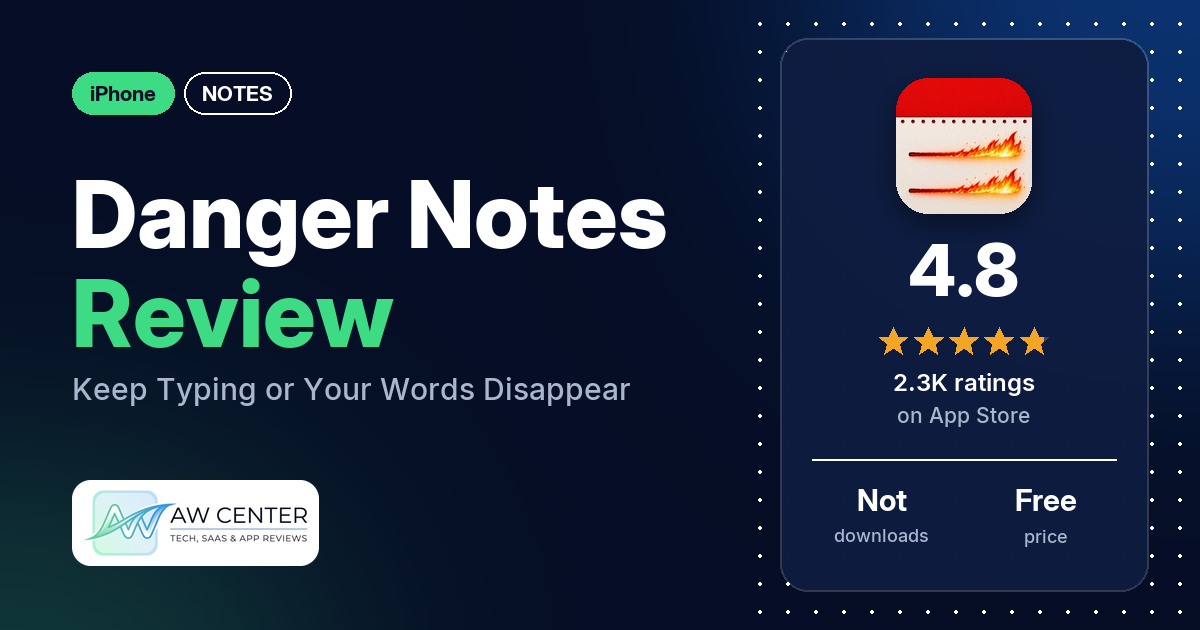
Danger Notes is a free iPhone writing app with one rule, which the listing puts plainly: “Don’t stop typing. If you do, all your work will disappear and be gone forever.” It has 4.8 stars from 2,295 App Store ratings, and many reviewers in our sample say it got them past writer’s block.
Quick verdict
If you stall on a blank page, Danger Notes is built for you. Many reviewers say it broke their writer’s block, and several say the pressure is what keeps them going. Several also like that it stops them from fussing over every word. It does one thing. The listing describes no folders, sync or export, and a few reviewers ask for ways to get their writing out. On the downside, several reviewers complain about ads, and several lost writing they expected to keep. A few others dislike the pressure itself. Treat it as a place for first drafts, and don’t rely on it to keep anything you can’t lose.
Danger Notes at a glance
| Developer | Villegas Ventures LLC |
|---|---|
| Store listing | Danger Notes on the App Store |
| Price | Free |
| Ads | Not stated in the listing; reviewers describe banner and full-screen ads |
| App Store rating | 4.8 stars from 2,295 ratings |
| Downloads | Not in our data |
| Version / last updated | 3.5.2 / November 7, 2026 |
| Requires | iOS 17.0 or later |
| First released | September 12, 2018 |
| Data checked | November 17, 2026 |
What is Danger Notes?
Danger Notes is a writing app from Villegas Ventures LLC, on the App Store since September 2018. The listing calls it a tool to fight writer’s block: you keep typing to save your progress, and if you stop, the text is deleted. It names term papers, essays, books, a best-man speech, rap lyrics and free writing as things you can use it for.
Key features
- Write or lose it: the listing says that if you stop typing, “all your work will disappear and be gone forever.”
- Built for writer’s block: the listing says the pressure to keep writing pushes you to “formulate an actual flow of written work” instead of staring at a blank document.
- Timed sessions (from reviews): a few reviewers say you can change how long you write for, and several mention a 5-minute session.
- Warning bar (from reviews): several reviewers describe a red bar that warns you when you stop typing. One reviewer puts the grace period at around 5 seconds and another at maybe 3 seconds.
- Word count and saving (from reviews): two reviewers say the app shows a word count as you type, and a few say you can save once the time is up.
Danger Notes vs. what a notes app should have
“Listed” means the App Store listing names the feature, and “Reviews only” means reviewers describe it but the listing doesn’t. “Not listed” means the listing doesn’t name it.
Must have
| Feature | Status | Notes |
|---|---|---|
| Fast note creation | Not listed | The listing describes writing without stopping, not quick capture |
| Organization (tags, folders or flags) | Not listed | One reviewer asks for titles on drafts |
| Search or filtering | Not listed | |
| Sync across devices | Not listed | Two reviewers ask for notes that carry across devices |
| Sharing or exporting | Not listed | A few reviewers ask for a way to print, export, share or send their writing |
| Home-screen widget | Not listed | |
| Backup or recovery | Not listed | Several reviewers lost writing they meant to keep |
Should have
| Feature | Status | Notes |
|---|---|---|
| Markdown or plain-text formatting | Not listed | One reviewer asks for bold, italics, text colors and text sizes |
| Dictation or voice capture | Not listed | One reviewer, in December 2024, says they use it for “audio writing” |
| Themes and dark mode | Not listed | Two reviewers ask for a darker or better dark mode; one asks for a purple theme |
| Font and layout customization | Not listed | A few reviewers ask to change the text size |
| Share-extension capture | Not listed | |
| Siri or Shortcuts support | Not listed | |
| Smartwatch capture | Not listed |
Nice to have
| Feature | Status | Notes |
|---|---|---|
| Automation or scripting | Not listed | |
| AI/LLM integration | Not listed | |
| Images or attachments | Not listed | |
| Collaboration on a note | Not listed | |
| Web or Windows access | Not listed | A few reviewers ask for a computer or web version |
| Note lock or encryption | Not listed | One reviewer asks for password protection |
| Accessibility features called out by users | Not listed | One reviewer finds the text hard to read and wants to change the font size |
The listing doesn’t mention organizing, sync or export. Two reviewers say you can copy text out by hand, though one says they couldn’t copy from an older note.
Common problems reviewers report
The data we collected doesn’t include developer replies, so this table shows what reviewers report and when, not an official fix. Older reports may describe earlier versions, and version 3.5.2 may behave differently.
| Problem | What reviewers report | When |
|---|---|---|
| Ads | Several reviewers complain about ads, and several want to pay to remove them. Two say the ads stayed after they paid. | September 2019 to June 2024 |
| Lost writing | Several reviewers lost writing they expected to keep: saved notes that went missing, a save that wiped later work, or changes lost after the app was closed | November 2018 to December 2025 |
| Display glitches | A few reviewers describe glitches while typing; two say text overlapped, and one ties it to iOS 16 | February 2023 to May 2023 |
| No pause | A few reviewers ask for a pause button or a way to take a break without losing their text | July 2020 to June 2025 |
| One session per note | A few reviewers want to start a new timed session on the same note | October 2019 to June 2025 |
Pros (from user reviews)
- Gets you past writer’s block: many reviewers say the app helped them through writer’s block. One reviewer, in April 2023, says the opposite: worrying about losing their work gave them more writer’s block.
- The pressure works: several reviewers say the fear of losing their text, or the pressure of the timer, keeps them writing.
- Less overthinking: several reviewers say it stops them from polishing each sentence, so they get a draft down and edit it later.
- Simple: several reviewers call it simple or easy to use. Two others find it bare or not user friendly enough.
- Adjustable time: a few reviewers like that you can choose how long you write for.
- Free: a few reviewers point out that it’s free.
- Light on ads: several reviewers say it has few or no ads. Several others complain about ads (see Cons).
Cons (from user reviews)
- Ads: several reviewers complain about ads, most recently in June 2024. Two say an ad broke their train of thought.
- Paying may not remove ads: several reviewers want to pay to remove the ads. Two say the ads stayed after they paid: one after donating, in November 2021, and one after spending $6, in November 2019.
- Lost work: several reviewers lost writing they meant to keep, and a few say saved notes went missing. The newest lost-writing report in our data is from December 2025.
- The pressure isn’t for everyone: a few reviewers dislike the concept itself. Two say the threat of deletion causes anxiety, and two others say stopping to think is part of writing.
- Requests: a few reviewers ask for a pause button, a few for a new session on the same note, a few for a computer or web version, and a few to change the text size. Two ask for writing prompts and two for a word-count goal instead of a time limit.
Most reviews in our sample are 5 stars, and the newest review in our data is from October 2026. The data we collected doesn’t include a star breakdown of all 2,295 ratings, so we can’t say how common these complaints are across all of them.
Pricing
Danger Notes is listed as free, and the listing data we have doesn’t show in-app purchase prices. Several reviewers mention tipping or donating to the developer. One reviewer, in August 2022, thought donating removed the ads but says they hadn’t confirmed it, while two say the ads stayed after they paid. One reviewer, in June 2024, says the wording in the donation section can make it look as though a donation removes ads.
Privacy and permissions
We couldn’t read the App Store privacy label for Danger Notes, and our data has no permissions list, so we make no claim about what data it collects. The listing says nothing about privacy. One reviewer, in December 2021, says the app works without an internet connection. One reviewer asks for a way to password-protect their writing.
Who it’s for
Danger Notes suits you if writer’s block or perfectionism keeps you from starting. Many reviewers say it helped them through a block, and several say it got them to stop overthinking and get a draft down. It also suits short bursts of free writing, since a few reviewers say you can choose how long a session lasts.
It’s a weaker fit if you need to stop and think mid-sentence, or if you get interrupted a lot. A few reviewers ask for a pause button for exactly that reason. Skip it if you want a notes app that organizes and syncs your writing: the listing describes neither, and several reviewers lost writing they meant to keep. Ads are the other catch: several reviewers complain about them.
FAQ
Is Danger Notes free?
Yes, the listing gives the price as free. The listing data we have doesn’t show in-app purchase prices. Several reviewers mention tipping or donating to the developer, and two say the ads stayed after they paid.
What happens if you stop typing in Danger Notes?
The listing says your work “will disappear and be gone forever.” Several reviewers describe a red bar that warns you before the text is deleted. One reviewer puts the grace period at around 5 seconds.
Can you pause a session in Danger Notes?
The listing doesn’t mention a pause. A few reviewers ask for a pause button or a way to take a break, most recently in June 2025. A few say stepping away cost them their text.
Can you use Danger Notes on a computer?
The listing doesn’t mention a computer or web version. A few reviewers ask for one, for Mac, Windows or the web. Two reviewers ask for notes that carry across devices.
How this review was put together
We haven’t tested Danger Notes. This review is based on public information from official sources: the app’s Google Play or App Store listing and rating breakdown, the developer’s website when there is one, and recent user reviews on the store with the developer’s replies. Features and claims are the developer’s own descriptions; what users like and dislike comes from the store reviews. Everything was checked on November 17, 2026. Apps change with every update, so check the store listing before you install.