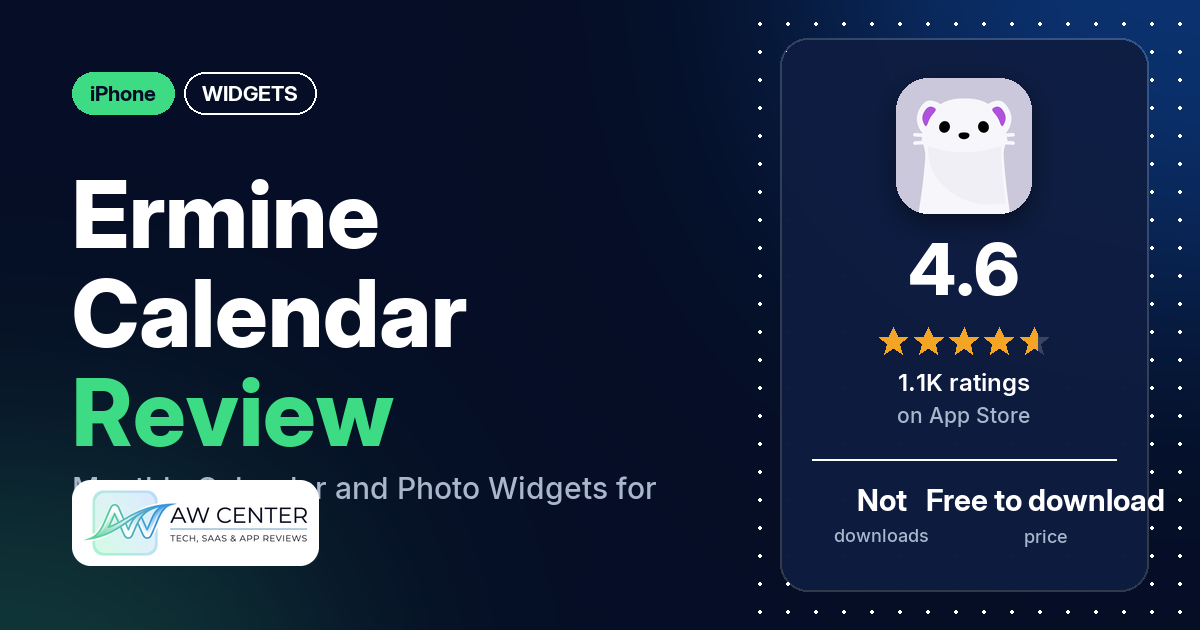
Ermine is a free iPhone calendar app from Flask LLP built around widgets: monthly and weekly color widgets, photo widgets, an illustrated monthly calendar and countdowns to your next event. It has 4.6 stars from 1,061 App Store ratings, but the written reviews in our data are old. The newest is from December 2020, and the listing was last updated on September 11, 2026 (version 5.0.1).
Quick verdict
If you want a calendar widget that looks a little different, with your own photo behind it or a new illustration each month, Ermine is worth a look. You don’t need an account, and the listing says it doesn’t collect your calendar data or send it to external servers. Several reviewers praise the widgets. Two of them single out the illustration. Customization is the weak spot. The listing puts fonts, text sizes and weekend colors in Pro, a few reviewers ask for more color choices, and one said in October 2020 that nearly all colors and fonts were paid. Bear in mind that the newest review in our data is from December 2020, and the app may have changed since then.
Ermine at a glance
| Developer | Flask LLP |
|---|---|
| Store listing | Ermine – Calendar & Widgets on the App Store |
| Price | Free to download; our data has no in-app purchase list |
| Ads | Not stated in our data |
| App Store rating | 4.6 stars from 1,061 ratings |
| Downloads | Not in our data |
| Version / last updated | 5.0.1 / September 11, 2026 |
| Requires | iOS 26.0 or later |
| First released | September 16, 2020 |
| Data checked | November 17, 2026 |
What is Ermine?
The listing calls Ermine “a monthly calendar and calendar widget app that lets you quickly check your schedule.” It reads the calendars already on your device, shows their events and holidays in widgets, and the listing says it can display and edit events. No account or login is required.
Key features
- Color widgets: monthly and weekly calendars with customizable background colors.
- Photo widgets: today’s events and a weekly calendar with your photo as the background. The listing calls them highly customizable.
- Illustrated calendar widget: a monthly calendar with a different illustration for each month.
- Countdown widgets: how much time is left until your next event.
- Events and holidays: widgets show events and holidays from your calendars.
- Calendar language: you can set the calendar language separately from your device language.
- Pro options: the listing says Pro adds more customization, including fonts, text sizes and weekend colors.
Ermine vs. what a widgets app should have
“Listed” means the App Store listing names the feature, “Partial” means it covers part of it, and “Not listed” means the listing doesn’t mention it. Ermine is a calendar widget app, so rows such as music, health data and custom data sources don’t really apply.
Must have
| Feature | Status | Notes |
|---|---|---|
| Home Screen widgets, in several widget families | Partial | Four widget types are listed (color, photo, illustrated calendar and countdown), but no sizes |
| Lock Screen widgets | Not listed | |
| Design editor (text, images, shapes, layout) | Partial | Background colors, your own photo as the background, and Pro fonts, text sizes and weekend colors; no layout editor is listed |
| Ready-made designs or templates | Partial | The illustrated calendar widget has a different illustration for each month; no template gallery is listed |
| Common data (time, date, weather, calendar, battery) | Partial | Calendar events, holidays and countdowns to your next event; other data types are not listed |
| Widgets that stay up to date | Not listed | One reviewer in October 2020 says the widget was stuck on an earlier date |
| Transparent or wallpaper-matching backgrounds | Not listed | Photo widgets use your own photo as the background; one reviewer in September 2020 says opacity doesn’t work as described |
Should have
| Feature | Status | Notes |
|---|---|---|
| Smartwatch faces or complications | Not listed | |
| Tap actions that open apps | Not listed | |
| Sharing or importing designs | Not listed | |
| Music or now-playing data | Not listed | |
| Health and fitness data | Not listed | |
| Help, tutorials or a support contact | Not listed | |
| A usable free tier | Partial | Free to download, with Pro customization on top; one reviewer says the free version is all they need, another that almost no customization is free |
| Restoring purchases on a new device | Not listed |
Nice to have
| Feature | Status | Notes |
|---|---|---|
| Custom data sources (JSON, API) | Not listed | |
| Charts and gauges | Not listed | |
| Live Activities / Dynamic Island | Not listed | |
| Tablet and desktop support | Not listed | |
| Shortcuts or automation integration | Not listed | |
| One-time purchase instead of a subscription | Not listed | |
| No ads | Not listed |
Ermine sticks to your calendar: events, holidays and countdowns. Weather, battery and clock widgets aren’t mentioned in the listing.
Common problems reviewers report
The data we collected doesn’t include developer replies, so this table shows what reviewers report and when, not an official fix. These reports are old, and version 5.0.1 may behave differently.
| Problem | What reviewers report | When |
|---|---|---|
| Widget stuck on an old date | One reviewer says the widget still showed 10/4 when the date was 10/8 | October 2020 |
| Widget color and opacity | One reviewer says the widget won’t keep the custom color they set, and that opacity doesn’t work as described | September 2020 |
| Syncing | One reviewer wrote that “there is no iOS syncing” | December 2020 |
Pros (from user reviews)
- The widgets: several reviewers praise the widgets. One calls the widget “perfect,” and another calls Ermine their “go-to calendar widget app.” Two reviewers report widget problems (see Cons).
- The illustration: two reviewers like the illustration on the widget. The listing says it changes every month.
- Several layouts: one reviewer says it “offers great widgets with several layouts.”
- Simplicity: a few reviewers describe it as simple, minimalistic or user friendly.
- Free version: one reviewer says “the free version is really all I need.” Another disagrees (see Cons).
Cons (from user reviews)
- Requests for more color choices: a few reviewers ask for more color options. One wants to pick the color of each event instead of the default blue, one wants to change the month title color and the current-day circle, and one wants more colors in the in-app calendar.
- Little free customization, says one reviewer: one reviewer in October 2020 says almost no customization is available for free, with colors and fonts behind a paywall. The listing says Pro adds fonts, text sizes and weekend colors.
- Widget problems reported: two reviewers report widget bugs in 2020. One says the widget got stuck on an earlier date, and one says the custom color didn’t stay and opacity didn’t work as described.
- Syncing reported missing: one reviewer in December 2020 wrote that “there is no iOS syncing.”
- Other requests: one reviewer wants more widget fonts and a way to swipe up or down through all the months. The same reviewer would like to write something in the blank space the widget shows when there are no events. Another asks to see tomorrow’s events on the left side.
Most reviews in our sample give 4 or 5 stars. The data we collected doesn’t include a star breakdown of all 1,061 ratings, so we can’t say how common these complaints are across all of them.
Pricing
Ermine is free to download. The listing says Pro features offer more customization, including fonts, text sizes and weekend colors. The listing data we have doesn’t show the Pro price, or whether Pro is a subscription or a one-time purchase, so check the App Store before you pay. Two reviewers in October 2020 split on the free version: one says it is all they need, and another says nearly all colors and fonts are paid.
Privacy and permissions
We couldn’t read the App Store privacy label for Ermine, so we make no claim about what data the label lists. The listing says the app accesses calendar data on your device to display and edit events, that “We don’t collect your calendar data or send it to external servers,” and that no account or login is required. Our data doesn’t include a permissions list.
Who it’s for
Ermine fits you if you want a calendar widget in a style that isn’t plain: a color widget, a photo widget with your own picture, or a monthly calendar with a new illustration each month. You also won’t have to create an account. If you care about fonts, text sizes and weekend colors, the listing says those are Pro options. A few reviewers in 2020 also wanted more color choices. Your iPhone needs iOS 26.0 or later.
FAQ
Is Ermine free?
Ermine is free to download. The listing says Pro adds more customization, including fonts, text sizes and weekend colors. Our data doesn’t show the Pro price, so check the App Store listing for the current cost.
What widgets does Ermine have?
The listing names four kinds: color widgets with monthly and weekly calendars, photo widgets that show today’s events and a weekly calendar over your photo, an illustrated monthly calendar with a different illustration each month, and countdown widgets for your next event. They show events and holidays from your calendars.
Does Ermine need an account?
No. The listing says no account or login is required. It also says the app accesses calendar data on your device to display and edit events, and that it doesn’t collect your calendar data or send it to external servers.
Which iPhones can run Ermine?
The App Store listing says Ermine requires iOS 26.0 or later. The current version is 5.0.1, last updated on September 11, 2026.
How this review was put together
We haven’t tested Ermine. This review is based on public information from official sources: the app’s Google Play or App Store listing and rating breakdown, the developer’s website when there is one, and recent user reviews on the store with the developer’s replies. Features and claims are the developer’s own descriptions; what users like and dislike comes from the store reviews. Everything was checked on November 17, 2026. Apps change with every update, so check the store listing before you install.