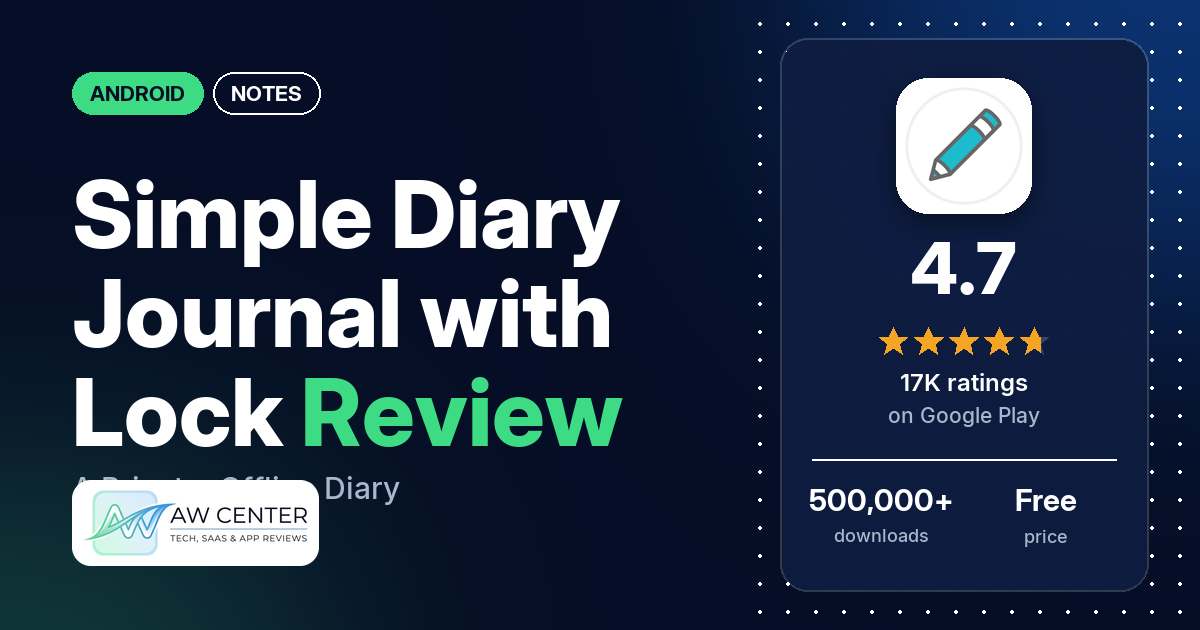
Simple Diary Journal with Lock is a free Android diary that stores your entries and photos on your phone, works offline and needs no account. It has 4.7 stars from 17,320 ratings on Google Play, and the main thing to know before you start is backup: on Android, Google Drive backup is now a Premium feature, the developer’s replies say.
Quick verdict
If you want a plain diary with a passcode and photos, and nothing else, this is a good fit. Many reviewers praise how simple and easy it is, and several like adding photos to entries. What can go wrong is losing your writing. Several reviewers lost entries after a reset, a new phone or a bug, and the developer’s replies say they may not be able to restore data that wasn’t backed up, because diary data isn’t stored on their servers. If you use it, set up a backup early. Several reviewers also miss bold or other text formatting. The free version now shows ads. Across all ratings, 2.6% are 1 or 2 stars.
Simple Diary Journal with Lock at a glance
| Developer | Komorebi Inc. |
|---|---|
| Store listing | Simple Diary Journal with Lock on Google Play |
| Price | Free, with in-app purchases from $2.49 to $59.99 per item |
| Ads | Yes (Premium removes them) |
| Play Store rating | 4.7 stars from 17,320 ratings (82.7% of the ratings in the store’s rating breakdown are 5-star) |
| Downloads | 500,000+ |
| Version / last updated | 3.3.0 / September 12, 2026 |
| Requires | Not stated |
| First released | December 8, 2020 |
| Data checked | October 22, 2026 |
What is Simple Diary Journal with Lock?
Simple Diary is a private diary app from Komorebi Inc. The listing says entries and photos are stored locally on your device, so you don’t need an account or a cloud service, and you can write offline. You write free-form entries, more than one a day if you like, add photos, and protect the app with a passcode. One reviewer describes a calendar view and a list view of entries.
Key features
- Private by default: local storage, no account registration and offline writing.
- Passcode lock: keeps others from easily opening your diary on your phone.
- Photos: up to 15 photos per entry.
- Search: find past entries by words or phrases. The listing suggests writing words like #travel and searching for them, and says this isn’t a separate tag system.
- Multiple entries a day: separate morning notes, work notes and photos on the same date.
- Reminders: notifications to help you write every day.
- Customization: 19 color themes, plus adjustable font size, line spacing and text appearance.
Simple Diary Journal with Lock vs. what a notes app should have
“Listed” means the Google Play listing names the feature, “Partial” means it covers part of it, and “Reviews only” or “Reviews and developer replies” means we found it outside the listing. It is a diary, so the quick-capture and automation rows matter less here.
Must have
| Feature | Status | Notes |
|---|---|---|
| Fast note creation | Partial | Free-form entries; a few reviewers say entries don’t save automatically |
| Organization (tags, folders or flags) | Partial | Not a separate tag system, the listing says; hashtag words work through search |
| Search or filtering | Listed | Search by words or phrases |
| Sync across your devices | Not listed | Entries stay on the device; several reviewers ask for backup or sync |
| Sharing or exporting text | Partial | Data export is a Premium feature |
| Home-screen widget | Not listed | |
| Backup or recovery of notes | Reviews and developer replies | Google Drive backup is Premium on Android (June 2026 reply) |
Should have
| Feature | Status | Notes |
|---|---|---|
| Markdown or plain-text formatting | Not listed | Several reviewers ask for bold or other formatting |
| Dictation or voice capture | Reviews only | One reviewer uses voice notes in several languages |
| Themes and dark mode | Partial | 19 color themes, all colors with Premium; dark mode not named (one reviewer in 2024 says the dark theme is paid) |
| Font and layout customization | Listed | Font size, line spacing and text appearance |
| Share-sheet capture | Not listed | |
| Google Assistant or app shortcuts | Not listed | |
| Smartwatch capture | Not listed |
Nice to have
| Feature | Status | Notes |
|---|---|---|
| Automation or scripting | Not listed | |
| AI/LLM integration | Not listed | |
| Images or attachments in notes | Listed | Up to 15 photos per entry |
| Collaboration on a note | Not listed | |
| Web or Windows access | Not listed | One reviewer asked for a web version |
| Note lock or encryption | Listed | Passcode lock for the app; one reviewer in 2023 says the PIN is easily bypassed |
| Accessibility features called out by users | Not listed |
The listing sticks to writing, photos, search, reminders and the lock. It doesn’t mention folders, text formatting or a widget.
Common problems and fixes
Developer replies in the sample date from 2021 and from 2025 to 2026. They may be out of date, and newer versions may behave differently.
| Problem | What reviewers report | When | What the developer’s replies suggest |
|---|---|---|---|
| Entries lost after a reset, new phone or bug | Several reviewers, one after a stolen phone | 2021 to June 2026 | Diary data isn’t stored on their servers, so without a backup it may not be restorable (June 2026); write to [email protected] (April 2025) |
| Restore finds nothing after deleting entries | One reviewer | March 2026 | Deleted entries can’t be restored in the app. Older entries may be hidden under a different year, and a device backup may bring them back (March 2026) |
| Can’t set day/month/year dates | Two reviewers | 2021 and January 2026 | The date format follows your phone’s region and language settings; a manual option is noted as a possible improvement (January 2026) |
| Calendar shows entries from other days | One reviewer | September 2025 | It should show a no-notes message; send a screenshot to support if not (September 2025) |
| Can’t get in after forgetting the password, or the password won’t work | Two reviewers | 2023 to 2024 | No reply in the sample |
Pros (from user reviews)
- Simple: many reviewers praise how simple and easy it is. One in July 2025 calls it a “simple. reliable diary”, and one in April 2025 says they tried thirty-nine diary apps before this one.
- Photos: several reviewers like adding photos to entries. One in September 2023 picked it for allowing more than 5 photos on the free plan.
- The lock: a few reviewers like that the diary is password protected.
- No ads, then: a few reviewers in 2023 and 2024 praised it for having no ads. The listing now says the free version has ads.
Cons (from user reviews)
- Lost entries: several reviewers lost entries they couldn’t get back, including one in June 2026 who lost years of writing after a phone was stolen.
- Backup costs extra: several reviewers want backup or sync, and one in June 2026 is angry that backup now needs Premium.
- No formatting: several reviewers miss bold, italics or highlighting.
- Typing gaps: a few reviewers say it doesn’t capitalize the start of sentences, and a few want entries to save automatically.
- Premium: a few reviewers find Premium too expensive, and a few say they paid but didn’t get Premium or were charged wrongly.
- The lock: a few reviewers had lock problems, from a PIN they say is easily bypassed to being shut out of their own diary.
Across all ratings, 2.6% are 1 or 2 stars and 82.7% are 5-star.
Rating breakdown
| Stars | Ratings | Share |
|---|---|---|
| 5 | 14,222 | 82.7% |
| 4 | 2,022 | 11.8% |
| 3 | 505 | 2.9% |
| 2 | 126 | 0.7% |
| 1 | 316 | 1.8% |
Source: Google Play ratings histogram, checked October 22, 2026. The histogram adds up to 17,191 ratings, slightly fewer than the 17,320 total, and the shares are of the histogram total.
Pricing
Simple Diary is free, and in-app purchases run from $2.49 to $59.99 per item. The listing says writing, photos, the passcode lock, search and reminders are free with ads. Premium removes ads and unlocks data export and all theme colors, with monthly, yearly or one-time plans. A June 2026 developer reply adds that Google Drive backup is now a Premium feature on Android, while the diary itself stays free. If you plan to keep years of entries, budget for Premium or a backup of your own.
Privacy and permissions
We couldn’t read the Google Play data safety section, so we make no claim about what it declares. Entries and photos stay on your device, the listing says, and you don’t need an account. Its permissions list includes Google Play license check, control vibration, full network access, prevent device from sleeping, view Wi-Fi connections and view network connections. The listing doesn’t explain them. One reviewer in 2022 complained of too much data collection for a diary app, without details.
Who it’s for
Simple Diary suits you if you want a plain, private diary on one phone, with a passcode, photos and search, and you don’t want an account or a cloud service. It also suits you if you write short entries several times a day. Skip it if you need text formatting, real tags or sync between devices (the listing only says you don’t need to sync to a cloud service to start writing), or if you can’t risk losing your diary and don’t want to pay for backup.
FAQ
Can I back up Simple Diary Journal with Lock for free?
Not to Google Drive. A June 2026 developer reply says Google Drive backup is now a Premium feature on Android. The listing also puts data export in Premium. Since entries are stored on your phone, losing the phone without a backup can mean losing the diary.
Can Simple Diary recover deleted entries?
A March 2026 developer reply says deleted entries can’t be restored in the app. It suggests checking whether older entries are just filed under a different year, and says restoring a device backup may bring them back. A June 2026 reply adds that diary data isn’t stored on the developer’s servers.
Does Simple Diary have ads?
Yes, in the free version. The listing says the free features come with ads and Premium removes them. A few reviewers in 2023 and 2024 said they saw no ads.
Can I change the date format?
Not in the app. A January 2026 developer reply says the date format follows your phone’s region and language settings, and that a manual option is noted as a possible improvement.
How this review was put together
We haven’t tested Simple Diary Journal with Lock. This review is based on public information from official sources: the app’s Google Play or App Store listing and rating breakdown, the developer’s website when there is one, and recent user reviews on the store with the developer’s replies. Features and claims are the developer’s own descriptions; what users like and dislike comes from the store reviews. Everything was checked on October 22, 2026. Apps change with every update, so check the store listing before you install.