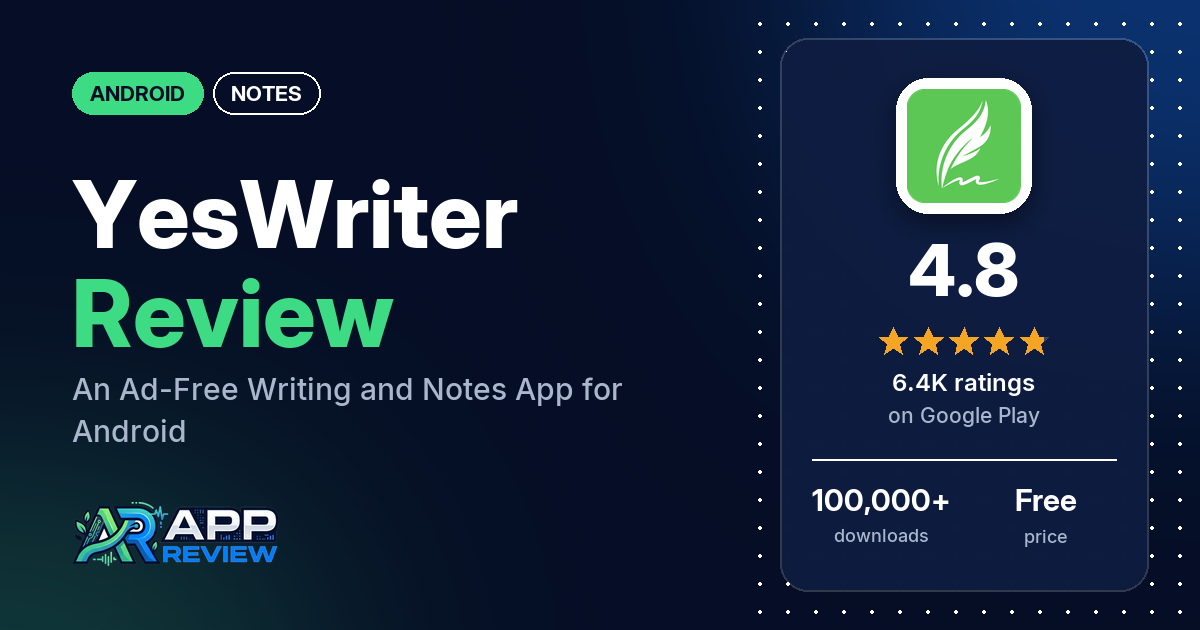
YesWriter – Writing, Notes is a free Android app for notes, to-do lists and long-form writing, with books, chapters, folders and Google Drive backup. It has no ads, 4.8 stars from 6,435 ratings, and in-app purchases from $1.49 to $19.99.
Quick verdict
If you write stories or keep a lot of notes on your phone, YesWriter gives you a lot without ads: several reviewers use it for novels, and several say the free version is generous. The risk is your writing. Several reviewers say they lost notes, chapters or backups, and several report crashes, including a broken update in June 2026 that the developer’s reply says was fixed. Turn on backup to Google Drive and check that it actually runs. Across all ratings, only 1.9% are 1 or 2 stars.
YesWriter at a glance
| Developer | DragonNest (no website listed) |
|---|---|
| Store listing | YesWriter on Google Play |
| Price | Free, with in-app purchases from $1.49 to $19.99 per item |
| Ads | None |
| Play Store rating | 4.8 stars from 6,435 ratings (85.3% of the ratings in the store’s rating breakdown are 5-star) |
| Downloads | 100,000+ |
| Version / last updated | 4.10.3 / October 12, 2026 |
| Requires | Not in our data |
| First released | October 24, 2024 |
| Data checked | October 20, 2026 |
What is YesWriter?
YesWriter is a writing app that doubles as a notebook and to-do list. You create books, organize them into categories and folders, and write chapters with rich text and images; the listing says it has chapter and story line tools for novels. It backs up to Google Drive and can lock individual books, notes and folders with a password. It has been on Google Play since October 2024, and the developer’s replies say it is Android only.
Key features
- Writing: rich text with color, style, size and spacing; text mixed with images; books, chapters and story line management.
- Organizing: unlimited folders, categories, and sorting by date, name or by hand.
- Sharing: export notes as images and share them.
- To-dos: tasks with priorities and deadlines that can be pinned to the notification bar.
- Backup and privacy: Google Drive backup, with an automatic option, and passwords for books, notes and folders.
- Look: dark mode, themes and no ads.
YesWriter vs. what a notes app should have
“Listed” means the Google Play listing names the feature, “Partial” means it covers part of it, and “Reviews only” or “Reviews and developer replies” means we found it outside the listing.
Must have
| Feature | Status | Notes |
|---|---|---|
| Fast note creation | Partial | The listing calls it fast; a few reviewers say typing lags |
| Organization (tags, folders or flags) | Listed | Books, categories and unlimited folders |
| Search or filtering | Reviews only | One reviewer mentions find and replace |
| Sync across the user’s devices | Partial | Google Drive backup and restore; Android only |
| Sharing or exporting text to other apps | Listed | Export as images; reviewers also mention PDF and printing |
| Home-screen widget | Reviews only | One reviewer uses a checklist widget; one finds the widgets cluttered |
| A way to back up or recover notes | Listed | Several reviewers say backups failed or notes were lost |
Should have
| Feature | Status | Notes |
|---|---|---|
| Markdown or plain-text formatting | Partial | Rich text; one reviewer says there is no Markdown |
| Dictation or voice capture | Not listed | Two reviewers ask for it |
| Themes and dark mode | Listed | |
| Font and layout customization | Listed | Several reviewers say some fonts and features need payment |
| Share-sheet capture | Not listed | |
| Google Assistant or app shortcuts | Not listed | |
| Smartwatch capture | Not listed |
Nice to have
| Feature | Status | Notes |
|---|---|---|
| Automation or scripting | Not listed | |
| AI/LLM integration | Not listed | Two reviewers ask for it |
| Images or attachments in notes | Listed | |
| Collaboration on a note | Not listed | |
| Web or Windows access | Not listed | Replies say it is Android only |
| Note lock or encryption | Listed | Passwords for books, notes and folders |
| Accessibility features called out by users | Reviews only | One reviewer says the free color options help with accessibility |
There’s no desktop or web version, so your writing lives on your phone and in its Google Drive backup.
Common problems and fixes
Many developer replies are a stock message asking you to email [email protected], and several name a different app, DrawNote. The specific fixes below are dated and may have changed since.
| Problem | What reviewers report | When | What the developer’s replies suggest |
|---|---|---|---|
| Lost notes or failed backup | Several reviewers lost notes, chapters or backups, or found nothing on a new phone | May 2025 to October 2026 | Use Cloud Backup to Google Drive; if backup is stuck, check your network and try again (October 2026). Backup and restore are free |
| App won’t open after an update | A few reviewers, all in mid-June 2026 | June 2026 | Google Play’s automatic protection changed part of the app’s code; the feature was disabled and the app fixed (June 2026) |
| Typing lags | Several reviewers; one says it starts above 3,000 words | September 2025 to August 2026 | Don’t store a large amount of data in one notebook (July 2026) |
| Can’t change one word’s size or indent text | A few reviewers | September 2025 to April 2026 | Select the word first, then change it (February 2026); use the indent shortcut in the toolbar (April 2026) |
Pros (from user reviews)
- Built for writers: several reviewers use it to write novels and stories, and a few compare it favorably with OneNote or Word. One web novelist says it replaced several tools.
- Easy to use: several reviewers call it easy, intuitive or simple, and several like how many features it has.
- No ads, generous free version: several reviewers point out it has no ads, and several say the free version gives a lot without pushing premium.
- Worth buying, for some: several reviewers bought Pro or the lifetime option, or plan to, and are happy; one likes that it’s a one-time purchase instead of a subscription.
- Backup that works, for some: a few reviewers praise the Google Drive backup, including one who restored everything after resetting their phone. Several others had the opposite experience (see Cons).
Cons (from user reviews)
- Lost work: several reviewers say notes, chapters or whole books disappeared, backups failed, or nothing appeared on a new device. One lost work when the app wouldn’t open after a June 2026 update, and two others say that update stopped the app working.
- Crashes and lag: crashes come up in several reviews, and several reviewers say typing slows down, especially in long documents.
- Paywalled fonts: several reviewers say fonts or extras like book covers need payment, and a few say they couldn’t switch back to the default font without paying.
- Missing features: several reviewers want tables, and several want a desktop, web or iPhone version. Two each ask for voice typing or recording, AI help and a divider line.
- No manual: several reviewers wish there were a guide; a 2025 reply says there isn’t one.
- Export and editing glitches: several reviewers report export problems, such as extra pages in PDFs, and several describe editing glitches, like a copy selection that drops or a cursor that jumps.
Across all ratings, 1.9% are 1 or 2 stars and 85.3% are 5-star.
Rating breakdown
| Stars | Ratings | Share |
|---|---|---|
| 5 | 5,464 | 85.3% |
| 4 | 766 | 12.0% |
| 3 | 59 | 0.9% |
| 2 | 0 | 0.0% |
| 1 | 119 | 1.9% |
Source: Google Play ratings histogram, checked October 20, 2026. The histogram adds up to 6,408 ratings, slightly fewer than the 6,435 total, and the shares are of the histogram total. It shows no 2-star ratings.
Pricing
YesWriter is free with no ads. The listing shows in-app purchases from $1.49 to $19.99 per item but doesn’t say what they unlock. Reviewers mention Pro and a lifetime membership, and say extra fonts and book covers are paid. A developer reply from October 2026 says backup and restore are free.
Privacy and permissions
We couldn’t read the Google Play data safety section, so we make no claim about what it declares. The permissions list is short: full network access, prevent device from sleeping, read the contents of your USB storage, view Wi-Fi connections and view network connections. A developer reply says the app can be used without logging into any account and doesn’t request sensitive permissions. You can lock individual books, notes and folders with a password.
Who it’s for
YesWriter suits you if you write fiction or long notes on an Android phone and want books, chapters and folders without ads. Back up often and check that the backup completes. Skip it if you need to write on a computer too, need tables or Markdown, or can’t risk losing a draft that exists only on your phone.
FAQ
Is YesWriter free?
Yes, and it has no ads. The listing shows in-app purchases from $1.49 to $19.99, and reviewers say extra fonts and book covers are paid. Several reviewers say the free version is generous.
How do I avoid losing my writing in YesWriter?
Turn on Cloud Backup to Google Drive, which a developer reply says is free, and check that it finishes. If backup is stuck, a reply from October 2026 suggests checking your network and trying again. Several reviewers say they lost notes or backups.
Is there a YesWriter app for Windows or iPhone?
No. Developer replies from September and October 2026 say the team only develops for Android for now. Several reviewers ask for a desktop, web or iPhone version.
How this review was put together
We haven’t tested YesWriter. This review is based on public information from official sources: the app’s Google Play or App Store listing and rating breakdown, the developer’s website when there is one, and recent user reviews on the store with the developer’s replies. Features and claims are the developer’s own descriptions; what users like and dislike comes from the store reviews. Everything was checked on October 20, 2026. Apps change with every update, so check the store listing before you install.