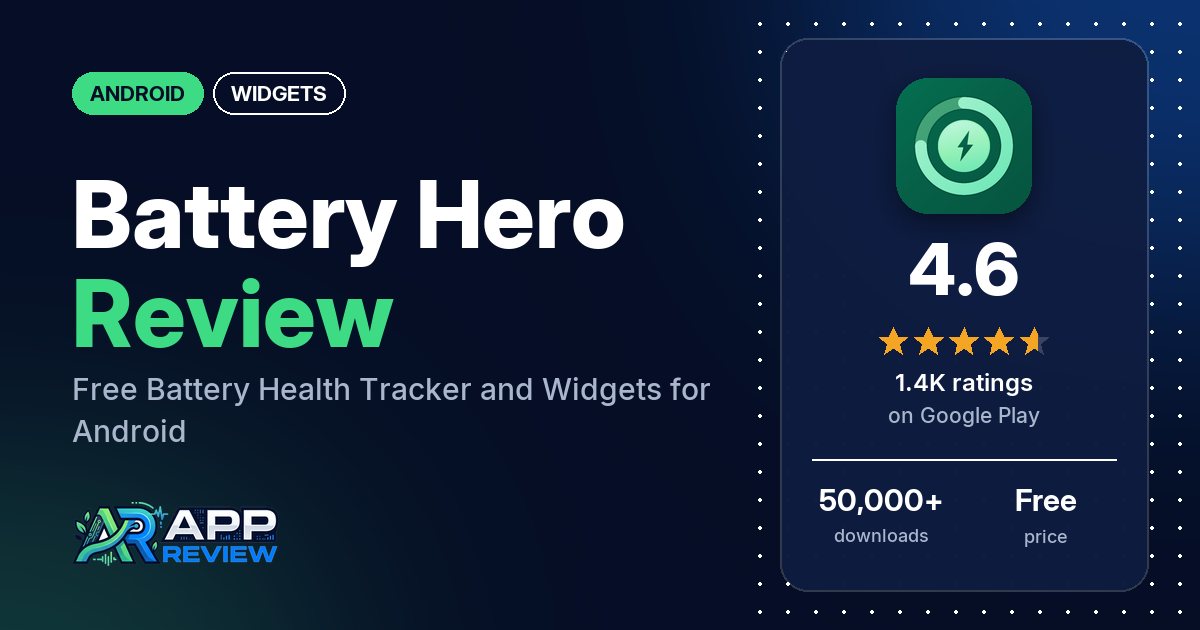
Battery Hero: Health & Widgets is a free Android battery tracker with home screen widgets, per-app battery use, screen time and a battery health score. Google Play lists no ads and no in-app purchases, and it has 4.6 stars from 1,365 ratings.
Quick verdict
If you want one free app that shows battery health, drain rate and which apps use the most power, plus a battery widget, Battery Hero is worth a look. Several reviewers call it useful and easy to use, and a few point out that it has no ads. Most reviews in our sample are 5-star. On the other side, a few reviewers want more from the widgets, such as resizing or a transparency setting, and one calls it a RAM hog. One 2-star reviewer said they would look elsewhere because it lacked a visual monitor and landscape mode; the developer says landscape mode arrived in version 2.8.1. The app is young. It first came out in April 2026, and every review in our sample is from May to October 2026.
Battery Hero: Health & Widgets at a glance
| Developer | RedPi Apps |
|---|---|
| Store listing | Battery Hero: Health & Widgets on Google Play |
| Price | Free, no in-app purchases |
| Ads | None |
| Play Store rating | 4.6 stars from 1,365 ratings (78% of the ratings in the store’s rating breakdown are 5-star) |
| Downloads | 50,000+ |
| Version / last updated | 2.8.1 / October 17, 2026 |
| Requires | Not in our data |
| First released | April 12, 2026 |
| Data checked | October 19, 2026 |
What is Battery Hero: Health & Widgets?
Battery Hero tracks how your battery is used and how it ages. The listing says it shows how much battery each app uses in the foreground, how fast the battery is draining, what you’ve used since the last charge, and a health score based on capacity loss, charge cycles and thermal history. It also adds battery widgets to the home screen. You can sign in with Google to see several Android devices in one place.
Key features
- Home screen widgets: five styles (classic, minimal, circular, screen time and battery temperature) showing battery percentage, charging status, time to full and time remaining.
- Per-app battery use: estimated from current draw and how long each app is in the foreground.
- Screen time: daily screen-on time for the past week, with an hour-by-hour breakdown of which apps kept the screen on.
- Drain rate and usage since last charge: real-time drain, an estimate of time left, and screen-on and screen-off time since you unplugged.
- Live monitor and charts: voltage, temperature, current and charge level in real time, with history charts for level, temperature and charging.
- Charge sessions, health and cycles: each charging session’s start and end level, duration and type, plus a health score and a cycle tracker.
- Alerts and tips: overheat alerts with custom sensitivity, alerts for battery level and charging thresholds, weekly reports and device-based battery tips.
- Multi-device sync: sign in with Google to monitor several Android devices.
Battery Hero: Health & Widgets vs. what a widgets app should have
The Status column shows where we found each feature. “Listed” means the Google Play listing names it, “Partial” means the listing covers part of it, and “Reviews and developer replies” means we found it outside the listing. “Not listed” means we found no sign of it. Battery Hero is a battery tracker that comes with widgets, and it has no purchases, so the rows about restoring purchases and one-time pricing don’t apply.
Must have
| Feature | Status | Notes |
|---|---|---|
| Home screen widgets in several sizes | Partial | Five styles are listed; sizes aren’t. One reviewer asks for resizable widgets. |
| Lock screen widgets | Not listed | |
| Design editor (text, images, layout) | Not listed | |
| Ready-made designs or templates | Listed | Classic, minimal, circular, screen time and battery temperature |
| Common data (time, date, weather, calendar, battery) | Partial | Battery data and screen time only |
| Stays up to date | Not listed | No reviewer in our sample says a widget stopped updating |
| Transparent or wallpaper-matching background | Not listed | One reviewer asks for a transparency slider |
Should have
| Feature | Status | Notes |
|---|---|---|
| Usable free tier | Listed | Free with no in-app purchases; one reviewer says nothing is locked |
| Help or a support contact | Reviews and developer replies | A developer reply gives [email protected] |
| Tap actions that open apps | Not listed | |
| Sharing or importing designs | Not listed | |
| Smartwatch faces | Not listed | |
| Music, health or fitness data | Not listed |
Nice to have
| Feature | Status | Notes |
|---|---|---|
| Charts and gauges | Listed | History charts and a circular widget |
| Multi-device sync | Listed | Sign in with Google |
| No ads | Listed | A few reviewers confirm it |
| Custom data sources or automation | Not listed | |
| Launcher compatibility or tablet support | Not listed |
The widgets show battery data in fixed styles. If you want to design your own widget, the listing describes no editor for that.
Pros (from user reviews)
- Useful: several reviewers call it useful. One says it showed them when they needed a new charger.
- Easy to use: several reviewers call it easy, intuitive or simple. No reviewer in our sample says it is hard to use.
- Works well: several reviewers say it works well or does exactly what it says. One 3-star review says it is “not working properly” without saying what.
- No ads, nothing locked: a few reviewers point out that it has no ads. One thanks the developer for keeping it free, another hopes it stays free, and one says there are no locked features.
- Accurate: a few reviewers call it accurate.
- Clean design: the look and the clear, concise layout of the information get praise from a few reviewers.
- Widgets and devices: one reviewer loves the widgets, and one likes seeing all their devices’ battery status.
Cons (from user reviews)
- Widget limits: a few reviewers want more from the widgets: resizing, a transparency slider to match the home screen, a 1×1 temperature widget, a widget for all the devices on their account, or widgets that show more than battery temperature.
- RAM use: one reviewer calls it a “total RAM hog” at 300MB, sometimes 600MB. Another says it uses almost no RAM or battery.
- Missing features, some since added: one reviewer wanted a visual monitor, such as a sine wave, and landscape mode, and another a custom alarm tone and a finer full-charge slider. October 2026 developer replies say live current monitoring, landscape mode and custom alarm tones arrived in version 2.8.1, and that the full-charge slider now moves in 1% steps. One reviewer asks for charging history with start and end times.
- Screen time reset: one reviewer with a Xiaomi 17 Ultra says screen time doesn’t reset after they unplug a full charge (September 2026).
- Health score timing: one reviewer asks why the health reading takes so long. The developer’s July 2026 reply says it needs one full charge, from 20% or lower up to 80%.
Our sample has no 1-star reviews and only two 2-star reviews. The store’s rating breakdown, though, shows 54 one-star ratings and no 2-star ratings. Across all ratings, about 4% are 1 or 2 stars and 78.1% are 5-star.
Rating breakdown
| Stars | Ratings | Share |
|---|---|---|
| 5 | 1,064 | 78.1% |
| 4 | 218 | 16.0% |
| 3 | 27 | 2.0% |
| 2 | 0 | 0.0% |
| 1 | 54 | 4.0% |
Source: Google Play ratings histogram, checked October 19, 2026. The histogram adds up to 1,363 ratings, slightly fewer than the 1,365 total, and the shares are of the histogram total. We report it as the store returned it.
Pricing
Battery Hero is free on Google Play, with no in-app purchases and no ads listed. The listing doesn’t mention a paid tier. One reviewer thanks the developer for keeping it free, another hopes it stays free, and one says they would pay for it.
Privacy and permissions
We couldn’t read the Google Play data safety section for Battery Hero, so we make no claim about what it declares there. The Play Store’s permissions list shows: Google Play license check, full network access, prevent device from sleeping, read Google service configuration, read battery statistics, run at startup, update component usage statistics, and view network connections. Multi-device sync, the listing says, works by signing in with Google.
Who it’s for
Battery Hero suits you if you want to see which apps drain your battery, how healthy the battery is and how much screen time you use, in a free app with no ads. The widgets give you battery status at a glance in five styles. It’s a weaker fit if you want to design your own widgets or resize them, or if you want a longer track record: the app has only been out since April 2026.
FAQ
Is Battery Hero free?
Yes. Google Play lists it as free with no in-app purchases and no ads. A few reviewers in our sample confirm there are no ads, and one says no features are locked.
What widgets does Battery Hero have?
The listing names five widget styles: classic, minimal, circular, screen time and battery temperature. They show battery percentage, charging status, time to full and time remaining. A few reviewers want more options, such as resizing or a transparency slider.
How long does Battery Hero take to measure battery health?
A July 2026 developer reply says it needs one full charge, from 20% or lower up to 80%. The reply says Android’s own estimate is inaccurate on many devices, so the app measures it during that charge.
How this review was put together
We haven’t tested Battery Hero: Health & Widgets. This review is based on public information from official sources: the app’s Google Play or App Store listing and rating breakdown, the developer’s website when there is one, and recent user reviews on the store with the developer’s replies. Features and claims are the developer’s own descriptions; what users like and dislike comes from the store reviews. Everything was checked on October 19, 2026. Apps change with every update, so check the store listing before you install.