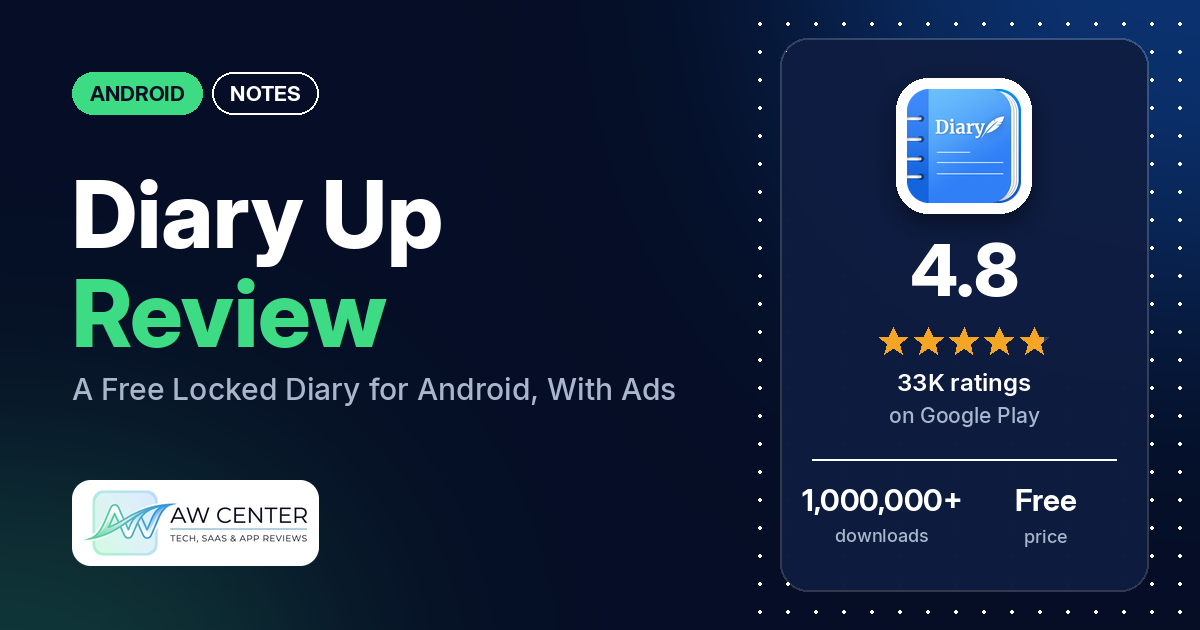
Diary Up is a free Android diary app with a password, pattern or fingerprint lock, and entries that can hold photos, videos and audio. It has 4.8 stars from 33,295 ratings, but the app shows ads, and they are the most common complaint in its reviews.
Quick verdict
If you want a private daily diary that is simple to pick up, Diary Up does the basics well: many reviewers call it easy to use, and several like the lock, the free price and adding photos and videos to entries. The ads are the problem. Many reviewers say there are too many, several say an ad plays when you open the app and again when you save or edit, and a few say they still saw ads after paying. Back up on purpose. Several reviewers lost entries after changing phones, uninstalling or a failed restore, several were locked out of their diaries, and the developer’s replies say there’s no way in without the password. Across all ratings, 3.6% are 1 or 2 stars.
Diary Up at a glance
| Developer | Dev Jeffrey (the listing links a privacy policy page) |
|---|---|
| Store listing | Diary Up: Locked Journal Notes on Google Play |
| Price | Free, with in-app purchases from $0.99 to $19.99 per item |
| Ads | Yes |
| Play Store rating | 4.8 stars from 33,295 ratings (93.8% of the ratings in the store’s rating breakdown are 5-star) |
| Downloads | 1,000,000+ |
| Version / last updated | 2.6.8 / September 30, 2026 |
| Requires | Not stated |
| First released | July 23, 2022 |
| Data checked | October 21, 2026 |
What is Diary Up?
Diary Up is a personal journal for Android. The listing pitches it for daily entries, secret thoughts, moods and special moments, with a lock so only you can read them. Entries can mix text with photos, videos, audio, stickers and checklists, and you can sort them into categories such as life, work or love. Backups go to your own Google Drive or Dropbox. It has been on Google Play since July 2022.
Key features
- Lock: password, pattern or fingerprint.
- Media in entries: photos, videos and audio, plus stickers and themes.
- Text formatting: alignment, font style, size, color and emphasis.
- Checklists: checklists and to-do lists inside the diary.
- Categories: sort entries by life, work, love and similar topics.
- Backup: the listing describes automatic sync with Google Drive and mentions Dropbox too.
- Export: PDF for printing, image summaries for sharing, and TXT or CSV files.
- Reminders: daily reminders you can customize.
Diary Up vs. what a notes app should have
“Listed” means the Google Play listing names the feature, “Partial” means it covers part of it, and “Reviews only” or “Reviews and developer replies” means we found it outside the listing.
Must have
| Feature | Status | Notes |
|---|---|---|
| Fast note creation | Reviews only | Many reviewers call it easy to use |
| Organization (tags, folders or flags) | Listed | Categories such as life, work and love |
| Search or filtering | Not listed | Two reviewers say there is no search inside a note |
| Sync across devices | Partial | Google Drive or Dropbox; two reviewers say entries don’t sync between their devices |
| Sharing or exporting text | Listed | PDF, image summaries, TXT and CSV |
| Home-screen widget | Not listed | |
| Backup or recovery | Listed | Several reviewers lost entries; see Common problems |
Should have
| Feature | Status | Notes |
|---|---|---|
| Markdown or plain-text formatting | Partial | Rich text formatting; Markdown isn’t mentioned |
| Dictation or voice capture | Partial | Audio in entries; dictation isn’t mentioned |
| Themes and dark mode | Partial | Themes listed; dark mode isn’t mentioned |
| Font and layout customization | Listed | |
| Share-sheet capture | Not listed | |
| Google Assistant or app shortcuts | Not listed | |
| Smartwatch capture | Not listed |
Nice to have
| Feature | Status | Notes |
|---|---|---|
| Automation or scripting | Not listed | |
| AI/LLM integration | Not listed | |
| Images or attachments in notes | Listed | Photos, videos and audio |
| Collaboration on a note | Not listed | |
| Web or Windows access | Not listed | Two reviewers ask for a computer version |
| Note lock or encryption | Listed | Password, pattern or fingerprint lock |
| Accessibility features | Not listed |
Common problems
These reports run from December 2024 to October 2026. Newer versions may behave differently, and the developer’s replies may be out of date.
| Problem | What reviewers report | When | What the developer’s replies say |
|---|---|---|---|
| Ads on opening, saving and editing | Many reviewers; several describe long, loud or full-screen ads, and several say ads got worse over time | 2025 to 2026 | Contact them with a screenshot to block inappropriate ads (April 2025); they are working to reduce ads (March 2026); ads that blocked half the screen are no longer shown (July 2026) |
| Paid, but still seeing ads | A few reviewers, one on a second device (a tablet) | August 2025 to August 2026 | Ad-free works on every device signed in to Google Play with the same account (August 2025) |
| Entries lost or backup won’t restore | Several reviewers, after a new phone, uninstalling or a backup error | December 2024 to October 2026 | Uninstalling deletes your data, and it reaches the cloud only if you back up yourself (December 2024); with a backup, data can be restored (March 2026) |
| Locked out of the diary | Several reviewers: a few say their password, pattern or fingerprint wasn’t accepted, and a few forgot their password | February 2025 to April 2026 | There is no way in without the password, for security (April 2025, April 2026); reinstall and restore from a backup (April 2026); try again a few times (January 2026) |
| Entries don’t sync between devices | Two reviewers | September 2025 and February 2026 | Back up on one phone and restore on the other (September 2025) |
| Mood picker seems to be gone | Two reviewers | September 2026 | Tap the mood emoji at the top while editing, or turn on Mood Selection Page in Settings (September 2026) |
Pros (from user reviews)
- Easy to use: many reviewers say it is simple to learn and to write in. One in August 2025 says they learned it all in about 3 minutes.
- Private: several reviewers like the lock. One in October 2025 says the app got them writing almost every day and the lock makes it feel safe.
- Free: several reviewers value that it’s free to use. One in June 2026 says it works well even if you don’t pay.
- Photos and videos: several reviewers like adding photos and videos to entries, and a few say there’s no limit on how many.
- Customization: several reviewers like how much of the look they can change. A few others want more fonts, themes or backgrounds.
- Offline and backup: a few reviewers say it works without an internet connection, and a few praise the backup and restore option.
Cons (from user reviews)
- Ads: many reviewers say ads are too frequent. Several describe an ad when opening the app and another after saving or editing, several mention long or loud video ads, and a few name Temu ads. Several others say they see few or no ads.
- Paid, still ads: a few reviewers paid and still saw ads.
- Lost entries: several reviewers lost entries after a new phone, an uninstall or a failed restore.
- Locked out: several reviewers were locked out, a few after forgetting their password.
- No sync: two reviewers say entries don’t sync between their devices.
- Crashes: a few reviewers say the app hangs, closes or won’t open.
- Editor gaps: two reviewers want undo and redo, two want search inside a note, and two say the page jumps while they type.
Across all ratings, 3.6% are 1 or 2 stars and 93.8% are 5-star. The review sample deliberately includes extra low-star reviews, so complaints show up more in it than in the ratings.
Rating breakdown
| Stars | Ratings | Share |
|---|---|---|
| 5 | 31,208 | 93.8% |
| 4 | 692 | 2.1% |
| 3 | 173 | 0.5% |
| 2 | 692 | 2.1% |
| 1 | 519 | 1.6% |
Source: Google Play ratings histogram, checked October 21, 2026. The histogram adds up to 33,284 ratings, slightly fewer than the 33,295 total, and the shares are of the histogram total.
Pricing
Diary Up is free with ads. In-app purchases run from $0.99 to $19.99 per item, and the listing doesn’t say what each one unlocks. Reviewers describe both a one-time payment and subscriptions to remove ads: one says 95 rupees is charged every 30 days, and two put the cost of removing ads at around $30 to $31. If you pay, a 2025 developer reply says the ad-free status covers every device signed in to the same Google Play account.
Privacy and permissions
We couldn’t read the Google Play data safety section, so we make no claim about what it declares. The listing says entries are protected by a password, pattern or fingerprint lock, and that backups go to Google Drive or Dropbox. The permissions list includes Google Play license check, control vibration, create accounts and set passwords, draw over other apps, full network access, modify or delete the contents of your USB storage, prevent device from sleeping, read Google service configuration, read sync settings, read the contents of your USB storage, receive data from Internet, record audio, run at startup, take pictures and videos, toggle sync on and off, view Wi-Fi connections and view network connections.
Who it’s for
Diary Up suits you if you want a simple, locked diary with photos, videos and audio, and you don’t mind ads or paying to remove them. Set up a Google Drive or Dropbox backup on day one and write your password down. Skip it if ads at every save would put you off writing, or if you need entries to sync live between a phone and a tablet.
FAQ
Does Diary Up have ads?
Yes. Google Play lists the app as containing ads, and several reviewers say an ad plays when you open the app and again after you save or edit an entry. A 2025 developer reply says paying removes ads on every device on the same Google Play account, though a few reviewers paid and still saw ads.
Can I recover Diary Up entries if I forget my password?
No. The developer’s replies from 2025 and 2026 say there is no way in without the password, for security reasons. A 2026 reply says you can reinstall and restore from a backup. Several reviewers were locked out of their diaries, so keep a backup.
Will I lose my diary if I uninstall Diary Up or change phones?
Yes, unless you made a backup. A December 2024 developer reply says uninstalling deletes your data and that it is only saved to the cloud if you back it up. Back up to Google Drive or Dropbox, then restore on the new phone.
Does Diary Up sync between devices?
Not live, going by reviewers and the developer. Two reviewers say entries don’t sync between their devices, and a 2025 developer reply says to back up on one phone and restore on the other.
How this review was put together
We haven’t tested Diary Up. This review is based on public information from official sources: the app’s Google Play or App Store listing and rating breakdown, the developer’s website when there is one, and recent user reviews on the store with the developer’s replies. Features and claims are the developer’s own descriptions; what users like and dislike comes from the store reviews. Everything was checked on October 21, 2026. Apps change with every update, so check the store listing before you install.