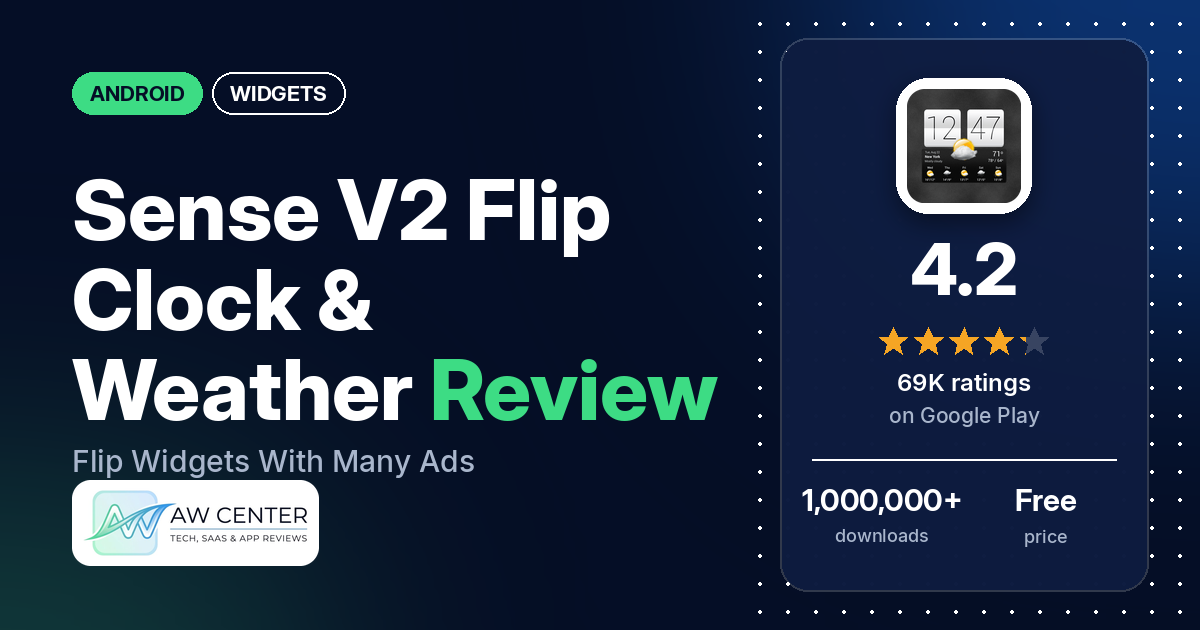
Sense V2 Flip Clock & Weather is a free Android app that pairs flip clock widgets with a full weather forecast app. It has 4.2 stars from 68,699 ratings on Google Play, and many reviewers complain about its ads.
Quick verdict
If you want a flip-style clock and weather widget for your home screen, the listing offers more than 20 skins and a long list of weather data. Several reviewers like how it looks, and several say the weather is accurate. Several say the opposite about accuracy. The weak spot is the ad load: many reviewers say it shows too many ads, and several say some ads can’t be closed. The developer’s replies say premium removes all ads. Several reviewers also say the clock or weather stops updating, and the developer’s replies point to battery optimization. Across all ratings, about 13% are 1 or 2 stars and 67% are 5 stars.
Sense V2 Flip Clock & Weather at a glance
| Developer | MACHAPP Software Ltd |
|---|---|
| Store listing | Sense V2 Flip Clock & Weather on Google Play |
| Price | Free, with in-app purchases from $4.99 to $16.99 per item; the listing describes an optional premium subscription |
| Ads | Yes (Google Play label) |
| Play Store rating | 4.2 stars from about 68,699 ratings (67% are 5-star) |
| Downloads | 1,000,000+ |
| Version / last updated | 9.19.0 / November 17, 2026 |
| Requires | Not in our data |
| First released | December 27, 2012 |
| Data checked | November 21, 2026 |
What is Sense V2 Flip Clock & Weather?
The listing calls it a set of flip clock widgets and a complete weather forecast app. It has been on Google Play since December 2012. Several reviewers compare the clock to the one on old HTC phones, and two say they came to it as a replacement for Beautiful Widgets.
Key features
- Widgets: the listing says there are 4 widgets (4×2 and 4×3), more than 20 skins, and options to change colors, font size, information shown and icons. Widgets can be full width or fixed width.
- Clock and shortcuts: time and date, with shortcuts that launch the alarm app, the calendar and other apps.
- Weather: the listing describes forecasts for your current location and up to 10 other places, current conditions, a 7-day forecast, hourly and wind forecasts for the coming 12 hours, humidity and comfort, and weather graphs.
- Alerts and astronomy: notifications for selected weather conditions, temperature ranges and strong winds, plus sun and moon information with moon phases.
- Radar: a weather radar that updates every 3 hours.
- Premium (optional): the listing says a premium subscription adds air quality information, animated radar, severe weather alerts, and animated backgrounds and premium weather icons.
Sense V2 Flip Clock & Weather vs. what a widgets app should have
“Listed” means the Google Play listing names the feature, “Partial” means it covers part of it, and “Reviews only” means we found it only in reviews. “Not listed” means we found no sign of it. Our widget checklist was written for full widget editors, so a clock and weather app isn’t meant to cover every row.
Must have
| Feature | Status | Notes |
|---|---|---|
| Home screen widgets in several sizes | Listed | 4 widgets (4×2 and 4×3), full width or fixed width |
| Lock screen widgets | Not listed | |
| Design editor (text, images, layout) | Partial | Colors, font size, displayed information and icons; several reviewers ask for more font control |
| Ready-made designs or templates | Listed | More than 20 skins |
| Common data (time, date, weather, calendar, battery) | Partial | The listing names time, date and weather, but not calendar or battery data. A reviewer from October 2023 says a battery indicator option was removed. |
| Stays up to date | Partial | The listing says the radar updates every 3 hours. Several reviewers say the clock or weather stops updating. |
| Transparent or wallpaper-matching background | Not listed | A few reviewers ask for more transparent options |
Should have
| Feature | Status | Notes |
|---|---|---|
| Tap actions that open apps | Listed | Shortcuts to the alarm app, the calendar and other apps. One reviewer from July 2026 says the alarm shortcut works only some of the time. |
| Help or a support contact | Listed | The listing gives a support email address and a website |
| Usable free tier | Partial | Premium is described as optional. Two reviewers say the free version has plenty of options. |
| Restoring purchases on a new device | Not listed | |
| Sharing or importing designs | Not listed | |
| Smartwatch faces | Not listed | |
| Music, health or fitness data | Not listed |
Nice to have
| Feature | Status | Notes |
|---|---|---|
| Charts and gauges | Listed | Weather graphs |
| No ads | Not listed | Google Play marks the app as containing ads. The developer’s replies say premium removes them. |
| One-time purchase | Not listed | The listing describes a premium subscription. A few reviewers ask for a one-time purchase. |
| Tablet support | Reviews only | A few reviewers say they use it on tablets; one says it looks distorted on a Lenovo tablet |
| Custom data sources or automation | Not listed | |
| Launcher integration | Not listed |
Clock widgets
| Feature | Status | Notes |
|---|---|---|
| 12/24-hour choice | Not listed | |
| Seconds display | Not listed | |
| Date formats (including custom ones) | Not listed | The listing says time and date, with no format options |
| Time zones or a world clock | Not listed | Weather works for up to 10 locations. Two reviewers want home and travel locations side by side on the widget. |
The widgets cover the clock and weather and nothing more. Several reviewers miss the flip animation, and the developer’s replies from 2023 and 2024 say it was removed a long time ago, while two later replies say it depends on your device settings or can be adjusted in the widget settings.
Common problems
These come mostly from 1- to 3-star reviews. The fixes come from the developer’s replies, dated below, and may have changed since. Weather apps can vary by phone and Android version, so newer releases may behave differently. Don’t rely on a single app for severe weather warnings; the listing places severe weather alerts in the optional premium tier.
| Problem | What reviewers report | When | What the developer’s replies say |
|---|---|---|---|
| Too many ads | Many reviewers say there are too many or too intrusive ads, such as ads before the weather, on every screen, or full-page ads. One reviewer names Candy Crush ads and another names Temu ads. | December 2022 to October 2026 | Ads keep the app free, premium removes them, and ads should always be dismissible (replies from December 2022 to 2026) |
| Ads that can’t be closed | Several reviewers say full-screen ads can’t be closed or dismissed, and one says an ad locked the screen | December 2022 to September 2026 | A reply from September 2026 says ads should always be dismissible, though some show the close button after a few seconds |
| Clock or weather stops updating | Several reviewers say the widget shows the wrong time or doesn’t refresh until they open the app. One says the time is always 4 or 5 minutes off. | April 2023 to April 2026 | Battery optimization is usually the cause; let the app run in the background (replies from July 2023 to June 2026) |
| Weather isn’t accurate | Several reviewers say temperatures or conditions are wrong, and one says temperatures are off by 5 to 6 degrees Celsius all the time | April 2023 to June 2026 | Temperatures come from nearby weather stations (March 2026), and an old or wrong reading is probably a failed automatic update (replies from December 2023 to June 2026) |
| Flip animation missing | Several reviewers say the clock doesn’t flip, and two of them say that is why they aren’t interested | March 2023 to September 2026 | Widget animation was removed a long time ago (replies from October 2023 to October 2024). Replies in May 2025 and September 2026 instead say the animation depends on your device settings or can be adjusted in the widget settings. |
| Widget size or layout | Several reviewers say the widget looks distorted, is the wrong size or leaves gaps, on devices including a Lenovo tablet, a RAZR, a Galaxy Z Fold 5 and a Samsung S6 Lite | April 2024 to October 2026 | Widget size is set by the launcher and device (April 2024) |
| Premium screen nags | A few reviewers say the app pushes a premium page at them | July 2024 to June 2026 | You can skip the premium screen to use the free version (June 2026) |
Pros (from user reviews)
- The look: several reviewers like the flip clock style, and several of them say it reminds them of old HTC phones. One says they are used to the HTC Sense widget and install this one on every phone.
- Weather accuracy: several reviewers say the weather is accurate. One says it picks up their village when other apps don’t, and another calls it very accurate in the Caribbean. Several others say it is wrong, as the problems table shows.
- Long-time users: several reviewers say they have used it for years or decades, and a few of them say they install it on every phone.
- Free version: two reviewers say the free version has plenty of options.
- Premium is worth it to some: two reviewers say paying was worth it, and one of them says the ads went away.
Cons (from user reviews)
- Ads: many reviewers say there are too many ads, and several say some can’t be closed. A few say they would pay once to remove them. Several reviewers say they uninstalled or are looking for another app because of the ads.
- Subscription: a few reviewers ask for a one-time purchase instead of a subscription, and a few say useful features are now behind premium, such as the animated radar.
- Prompts after paying: a few reviewers say ads or upgrade prompts came back after they paid.
- Updates and accuracy: several reviewers say the clock or weather stops updating, and several say the weather is wrong. A few report crashes or freezing.
- Customization: several reviewers want more font control, such as bolder or larger digits, and a few want more transparent options. A developer reply says font styles and sizes can be changed in the widget’s appearance settings.
- Missing flip animation: several reviewers say the clock doesn’t flip.
- Widget behavior: two reviewers say the widget disappears from the home screen, one after every restart on a Samsung S22+.
- Radar: a few reviewers say the radar stopped working or they miss the old one, including one paying user.
- Location: one reviewer says the app requires you to enter a location even if you only want the clock.
Rating breakdown
| Stars | Ratings | Share |
|---|---|---|
| 5 | 45,946 | 66.9% |
| 4 | 8,729 | 12.7% |
| 3 | 4,821 | 7.0% |
| 2 | 2,755 | 4.0% |
| 1 | 6,431 | 9.4% |
Source: Google Play ratings histogram, checked November 21, 2026. The histogram adds up to 68,682 ratings, slightly fewer than the 68,699 total, and the shares are of the histogram total.
Pricing
You can install it free from Google Play, with in-app purchases from $4.99 to $16.99 per item. The listing describes an optional premium subscription that adds air quality information, animated radar, severe weather alerts, and animated backgrounds and premium weather icons. The developer’s replies say premium also removes all ads. One reviewer in November 2025 names £12.50 a year, and the developer’s reply to that review calls it about £1 a month. Two reviewers say the upgrade was worth it, and a few ask for a one-time purchase instead.
Privacy and permissions
We couldn’t read the Google Play data safety section for this app, so we make no claim about what it declares there. The permissions list shows: Google Play license check, approximate and precise location, control vibration, full network access, modify or delete the contents of your USB storage, prevent device from sleeping, read calendar events plus confidential information, read the contents of your USB storage, receive data from Internet, run at startup, set wallpaper, take pictures and videos, and view network connections. A few reviewers raise worries about ads, trackers or call-home behavior, including one who called it malware. The developer replied to the malware review that the app is safe, and to the ad-malware review that it only works with ad partners that meet its standards.
Who it’s for
This fits you if you like the flip clock look, want clock and weather on one widget, and don’t mind ads or plan to pay to remove them. It’s a weaker fit if ads bother you, if you want the flip animation, or if your phone aggressively stops background apps, since the developer’s replies say that is a common reason the widget stops updating. If you only want a clock, note that one reviewer says the app asks for a location.
FAQ
Is Sense V2 Flip Clock & Weather free?
You can install it free from Google Play, with in-app purchases from $4.99 to $16.99 per item. The listing describes an optional premium subscription, and the developer’s replies say it removes all ads. Many reviewers say the free version has too many ads.
Does the clock flip?
Several reviewers say the clock doesn’t flip and that they miss the animation. The developer’s replies, from October 2023 to October 2024, say widget animation was removed a long time ago. Two later replies, in May 2025 and September 2026, say the animation depends on your device settings or can be adjusted in the widget settings. The listing doesn’t mention a flip animation.
Why does the widget stop updating?
Several reviewers say the clock or weather doesn’t refresh until they open the app. The developer’s replies from July 2023 to June 2026 say battery optimization is usually the cause and suggest letting the app run in the background.
Is the weather accurate?
Reviewers are split. Several say it is accurate, and several say it is wrong, including one who says temperatures are off by 5 to 6 degrees Celsius. Don’t rely on a single app for severe weather warnings.
How this review was put together
We haven’t tested Sense V2 Flip Clock & Weather. This review is based on public information from official sources: the app’s Google Play or App Store listing and rating breakdown, the developer’s website when there is one, and recent user reviews on the store with the developer’s replies. Features and claims are the developer’s own descriptions; what users like and dislike comes from the store reviews. Everything was checked on November 21, 2026. Apps change with every update, so check the store listing before you install.